How to transfer Ubisoft game files to another drive on your PC
Автор: Computerbytes
Загружено: 2023-06-06
Просмотров: 35728
Описание:
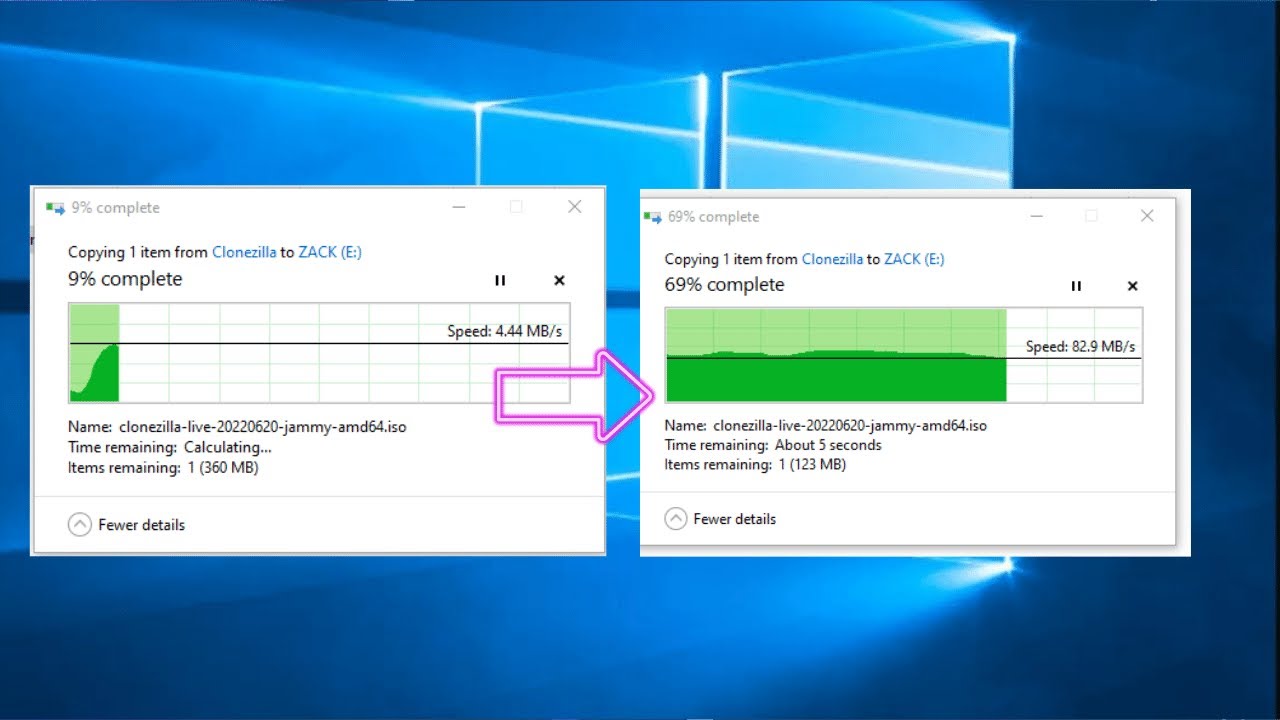
This video shows how to move a game to another folder in a few simple steps.
You can transfer Ubisoft games to another drive on another PC. Here are the steps you can follow:
On your old computer, go to the Ubisoft install location
Find the save games folder and copy it
Insert a USB/Portable drive or any other drive to your PC and put the folder there
After that, transfer the file to your new PC
This could save you a lot of download time, and generally takes about 15 to 20 minutes.
Ubisoft Entertainment SA is a French video game publisher headquartered in Saint-Mandé with development studios across the world. They are the creators of popular game series such as Assassin’s Creed, Just Dance, Tom Clancy’s video game series, Rayman, Far Cry, and Watch Dogs among others.
Повторяем попытку...

Доступные форматы для скачивания:
Скачать видео
-
Информация по загрузке: