Pi-Top Unboxing & Assembly [ARCHIVED]
Автор: Pi My Life Up
Загружено: 2015-12-06
Просмотров: 11002
Описание:
This pi-top unboxing and assembly video will show you the contents that get in the kit and then also take you through all the steps to assembling the laptop.
Full Guide: https://pimylifeup.com/pi-top-unboxin...
This device is a DIY laptop for anyone who hasn’t heard or seen this before. You get to assemble this laptop together hopefully along the way learning how laptops/computers work. It is a great educational tool for anyone over the age of 13.
The standard pi-top kit will give you everything you need to have this Raspberry Pi laptop up and going. If you already have a Pi lying around you’re willing to use, then you can opt for a cheaper version that doesn’t include the PI.
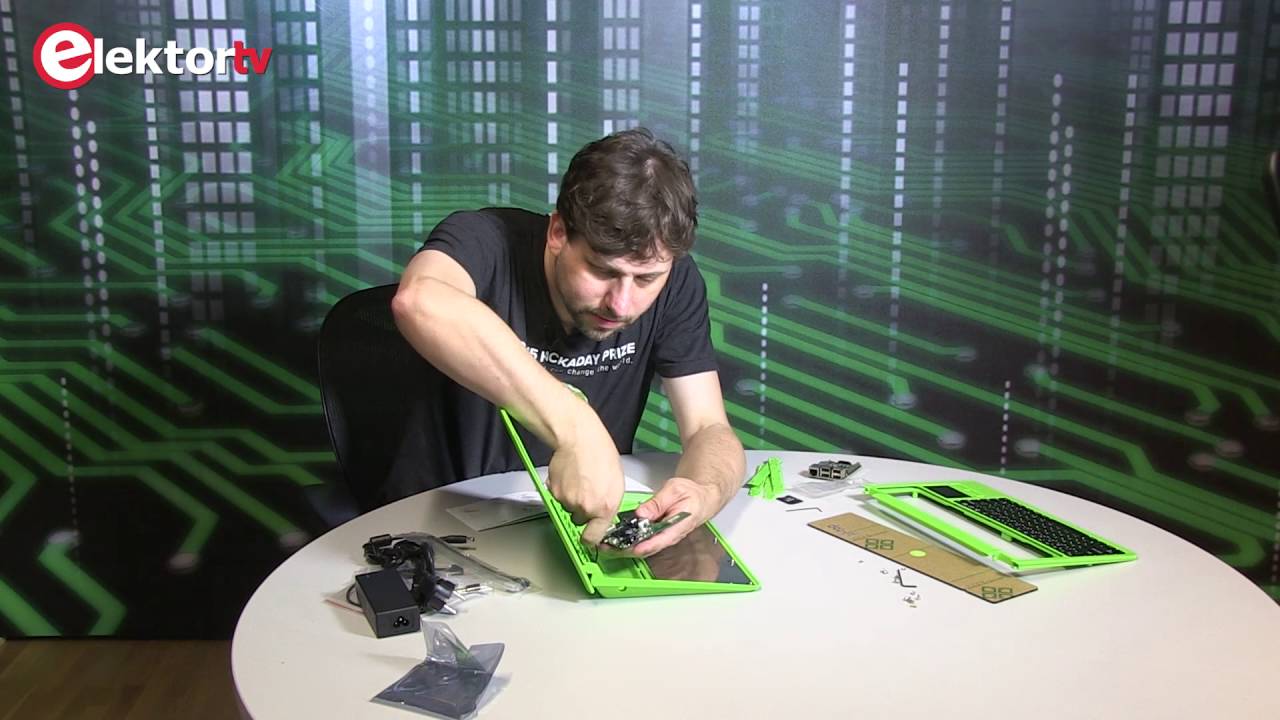
You will find in the kit the following items; a Raspberry Pi, PCB hub, base/battery, keyboard/touch pad, screen, micro SD card, Wi-Fi dongle, power adapter and instructions on how to put it together. The pi-top unboxing video shows you all these items if you would like to see the items visually.
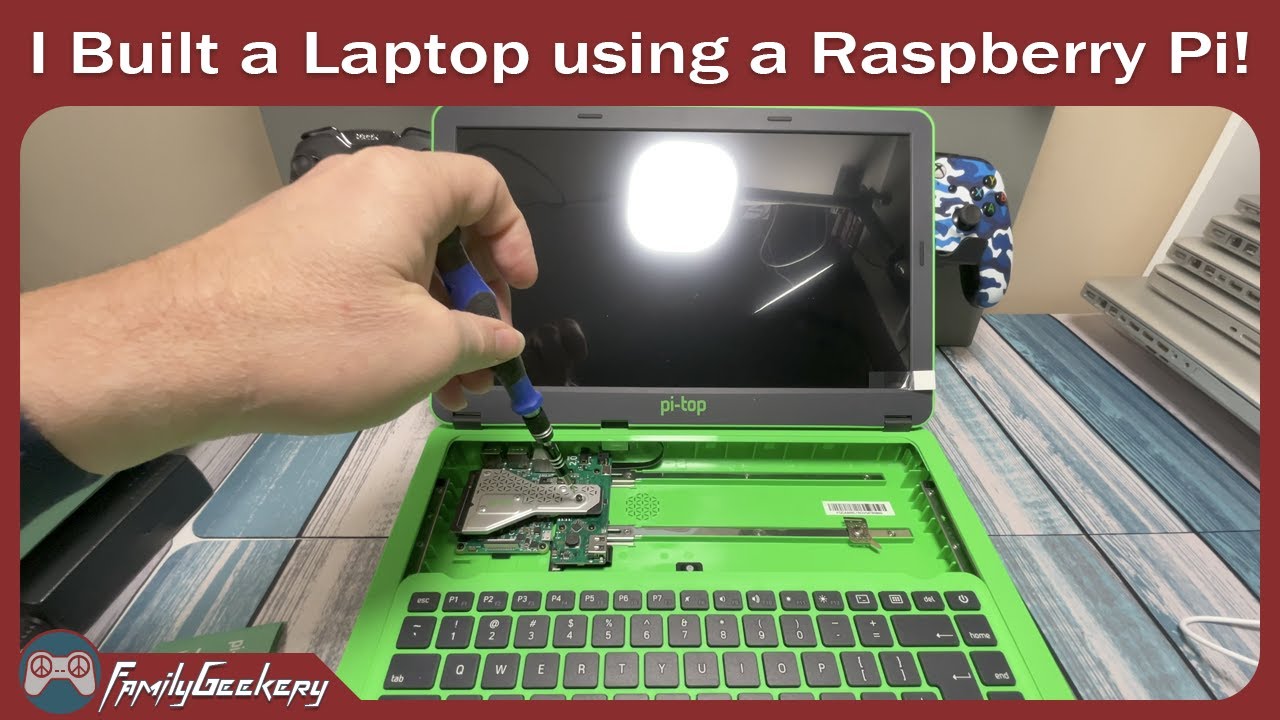
The assembly of the pi-top is actually a relatively easy process there are a few bits that may be a bit confusing but apart from that it’s pretty easy. You can expect to have this all done within about 30 minutes to an hour. If you’re young than you may need to get some help with some stages of setting this up.
If you haven’t bought this yet and would love to learn more about it, then be sure to check out my pi-top review. It goes through everything you need to know about the device.
I hope this video on the pi-top unboxing and assembly has been able to help guide you through what’s in the box and how to put it together. If I have missed anything, you want to leave feedback or anything else feel free to drop a comment below or over at pimylifeup.com.
Повторяем попытку...
![Pi-Top Unboxing & Assembly [ARCHIVED]](https://imager.clipsaver.ru/XKKCh19EpgI/max.jpg)
Доступные форматы для скачивания:
Скачать видео
-
Информация по загрузке:

![Installing the Raspberry Pi 4 into your pi-top [4] DIY Edition](https://imager.clipsaver.ru/38BCTsGrdiU/max.jpg)









![BEST Laptop for Raspberry Pi? - pi-top [3]](https://imager.clipsaver.ru/Ji_84Z70wm0/max.jpg)
