Create a Multiplane Scene & Camera | Toon Boom Harmony Tutorial
Автор: Harmony with Su-Lynn
Загружено: 2023-12-10
Просмотров: 1191
Описание:
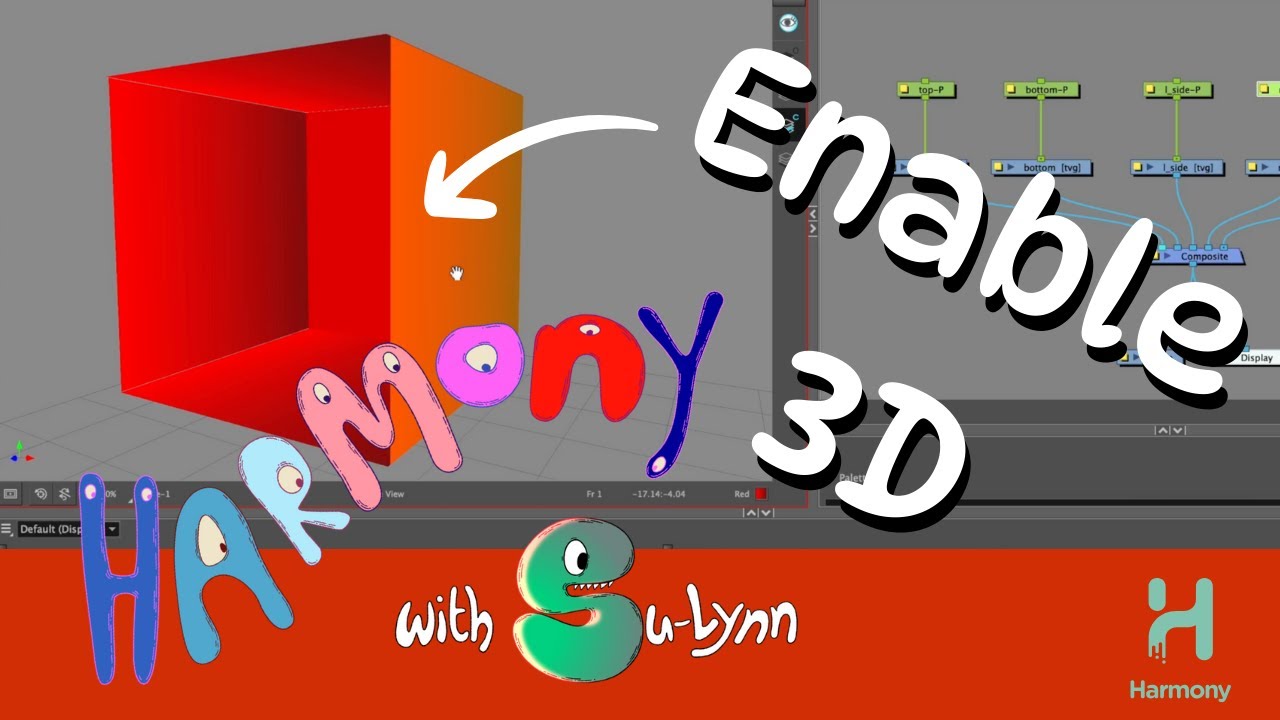
Unlock the world of 3D in Toon Boom Harmony with this comprehensive tutorial! Join me as we delve into enabling 3D on drawing nodes, maintaining size, perfecting positioning using Z-space, and adding a dynamic camera with a 3D path.
🎬 Timestamps:
0:00 Introduction
0:51 Creating a Multiplane Scene in Toon Boom Harmony
1:11 Node view backdrop in Toon Boom Harmony
2:42 How to Position Drawings in Z-Space
5:09 How to Add a Camera in Toon Boom Harmony
6:20 Camera Keyframes in Toon Boom Harmony
8:15 How to Adjust Keyframes (Path of Action)
🎥 Presented by: Su-Lynn Tan, 🎞️ Edited by: Sean Hensel-Coe
🛠️ Software: Toon Boom Harmony Premium
Subscribe for more insights into #toonboomharmony, #2danimation, #animation, #rigging, #digitaldrawing, #characterdesign, #illustration, #toonboom, #Characterrig, and #Cut-outanimation. Let's elevate your animation game! 🚀
Повторяем попытку...
Доступные форматы для скачивания:
Скачать видео
-
Информация по загрузке: