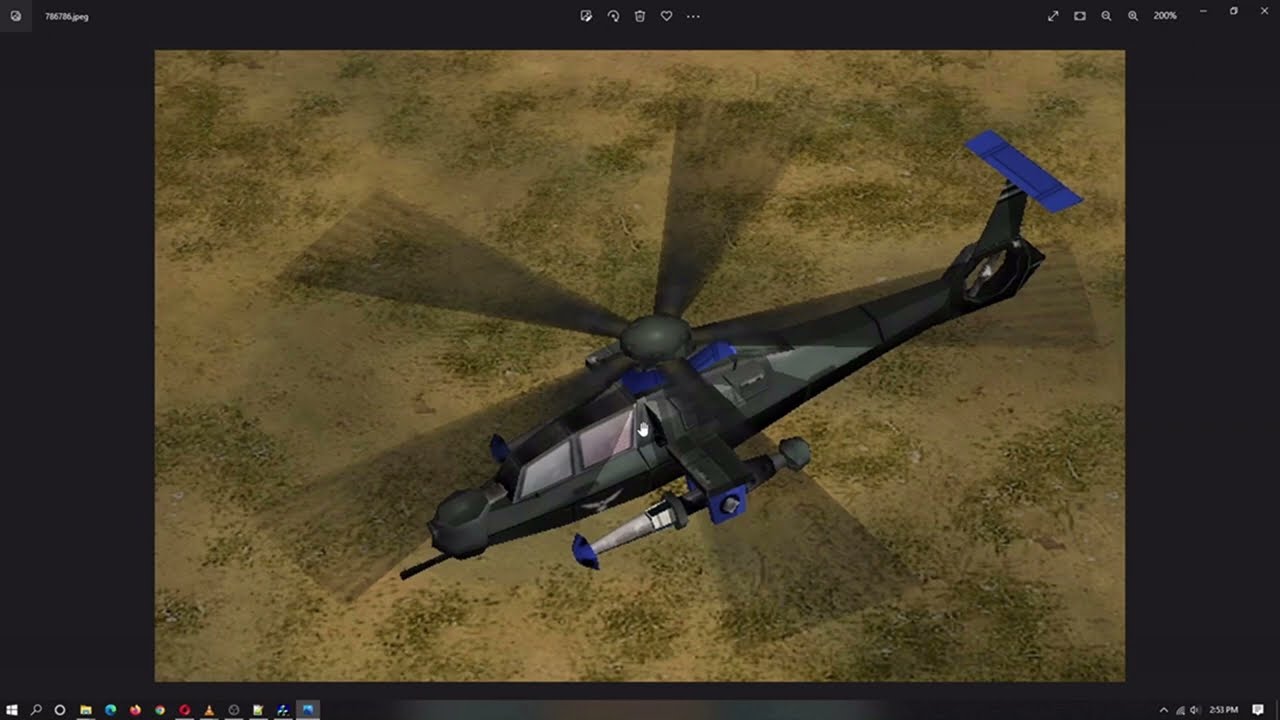
Generals Zero Hour Modding Tutorial - Borrowing Assets Pt1 (Top secret Tutorial)
Автор: Janus Jaguar
Загружено: 2022-09-27
Просмотров: 1285
Описание:
#gaming #modding #moddinggames #commandandconquer #generalszerohour #tutorial
Difficulty level 4/5 - I made a few assumptions in this video; you should have seen a few of my other videos or know what your doing - as I left a few things out.
**Note - the objects added may not be EXACTLY the same due to tweaking, and your game not supporting certain code** AND **some code not see here MAY be needed**
Join the Discord: / discord
Facebook Group: https://www.facebook.com/groups/40362...
*Janus Jaguar's Generals Zero Hour Modding Manual
https://docs.google.com/document/d/1e...
And as always - you got questions, I may have answers
*Steps*
1.Download the Mod, and find the .BIG Archive(s) - open with FinalBIG, extract if you want
-Some mods have a INI.BIG , others don't - check all the archives out.
-It'll show it as Data\INI and Data\INI\Object - just like the directory
2.Locate the INI folder; You'll be using the following INISs many of the time:
-But not always all INIs, nor will they always be labeled as such
Some modders will add new objects to their own data\ini\object such as namedobject.ini and not in a General's INI
«-GeneralName.ini
«-CommandButton .ini
«-CommandSet.ini
«-Weapon.ini
«-Armor.ini
«-Upgrades.ini (sometimes)
«-WeaponObjects.INI (sometimes)
NOTE - Some OBJECTs have more than 1 asset - Think like Overlord upgrades are different OBJECTs
3.Locate the ART folder - ART\W3D and ART\Textures
In YOUR directory, it's Data\english\art - the .big isnt
no need to extract ALL, u'll only need a few bits from here
4.Pick your unit, find it, copy it, tweak it - love it
i.Locate unit/building in OBJECTs, Commandbutton, commandset, and Weapon.ini (armor.ini)
ii.Copy From
iii.Paste to respective INI
iv.Locate unit's W3D in the .BIG
v.Copy/move to your english\art
a. May need to copy a .DDS from the .BIG's Art\Textures to English\Art\Textures
vi. Tweaks
a. Optimizing
5.Cameos
This can be seen in my CAMEOS video, also part 2 will go over this unit's cameos
Повторяем попытку...
Доступные форматы для скачивания:
Скачать видео
-
Информация по загрузке: