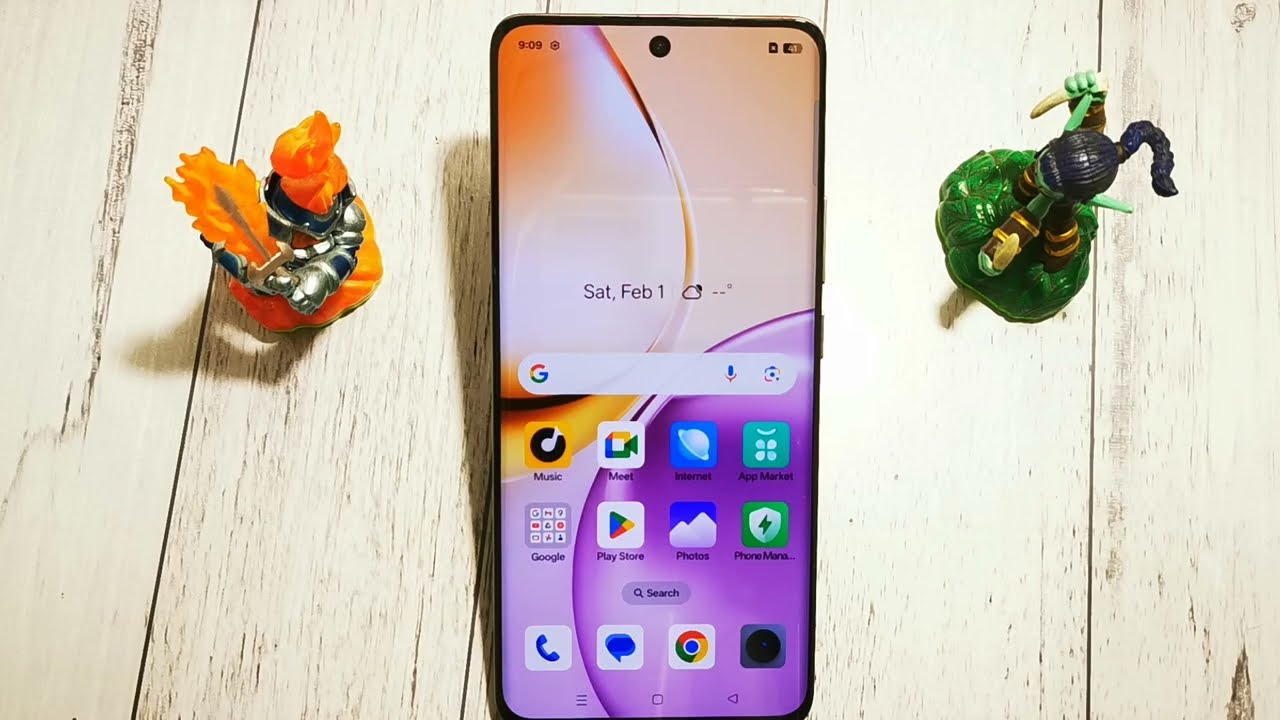
🔒 How to Turn Off Auto-Rotate Screen on Realme 14 Pro 🔒
Автор: GSM DIY
Загружено: 2026-01-22
Просмотров: 1
Описание:
🔑 Turning off Auto-Rotate Screen on your Realme 14 Pro keeps the display locked in portrait mode, which is useful when reading or using your phone while lying down.
Steps to Turn Off Auto-Rotate Screen on Realme 14 Pro:
Turn Off Auto-Rotate from Quick Settings:
Swipe down from the top of the screen to open Quick Settings.
Tap the Auto-rotate or Rotation icon.
When it changes to Portrait or Rotation locked, auto-rotate is disabled.
Turn Off Auto-Rotate from Settings:
Open Settings on your Realme 14 Pro.
Go to Display & Brightness.
Tap Auto-rotate screen.
Toggle OFF Auto-rotate screen.
Important Notes:
Portrait Lock: Your screen will stay fixed in portrait orientation.
Landscape Apps: Some apps (like videos or games) may still rotate automatically.
🔑 You’ve successfully turned off Auto-Rotate Screen on your Realme 14 Pro!
Повторяем попытку...
Доступные форматы для скачивания:
Скачать видео
-
Информация по загрузке: