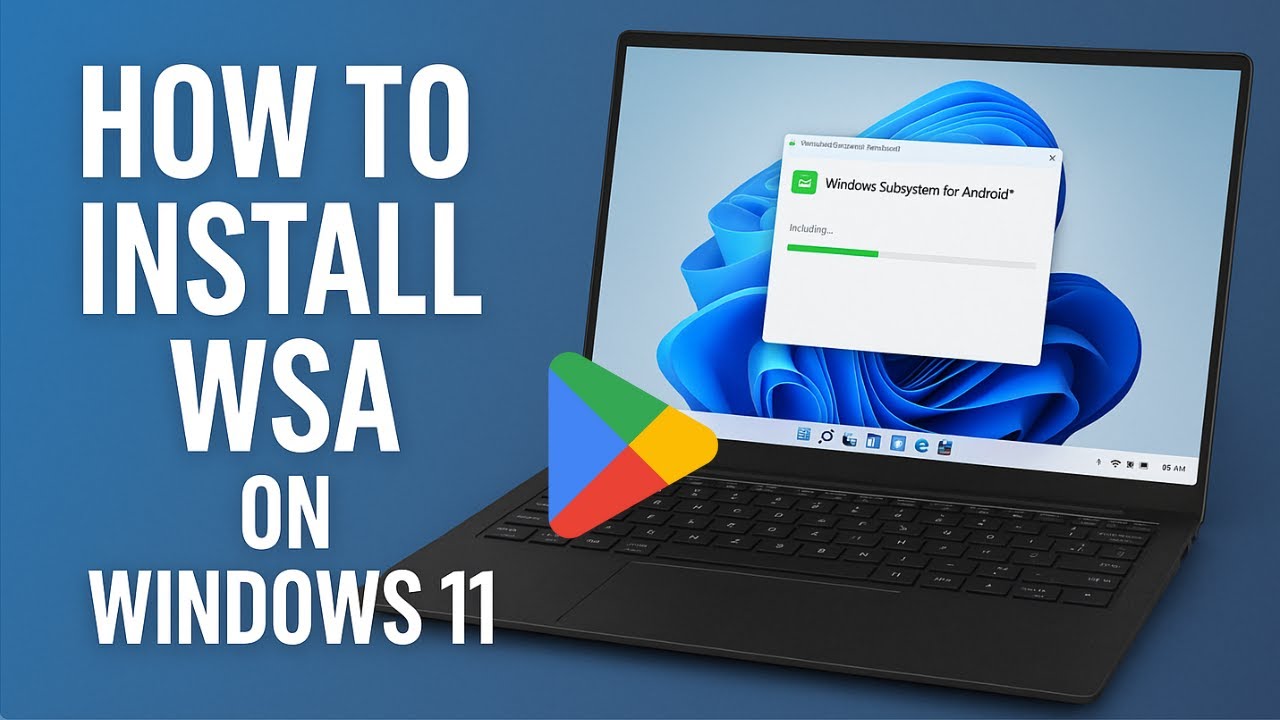
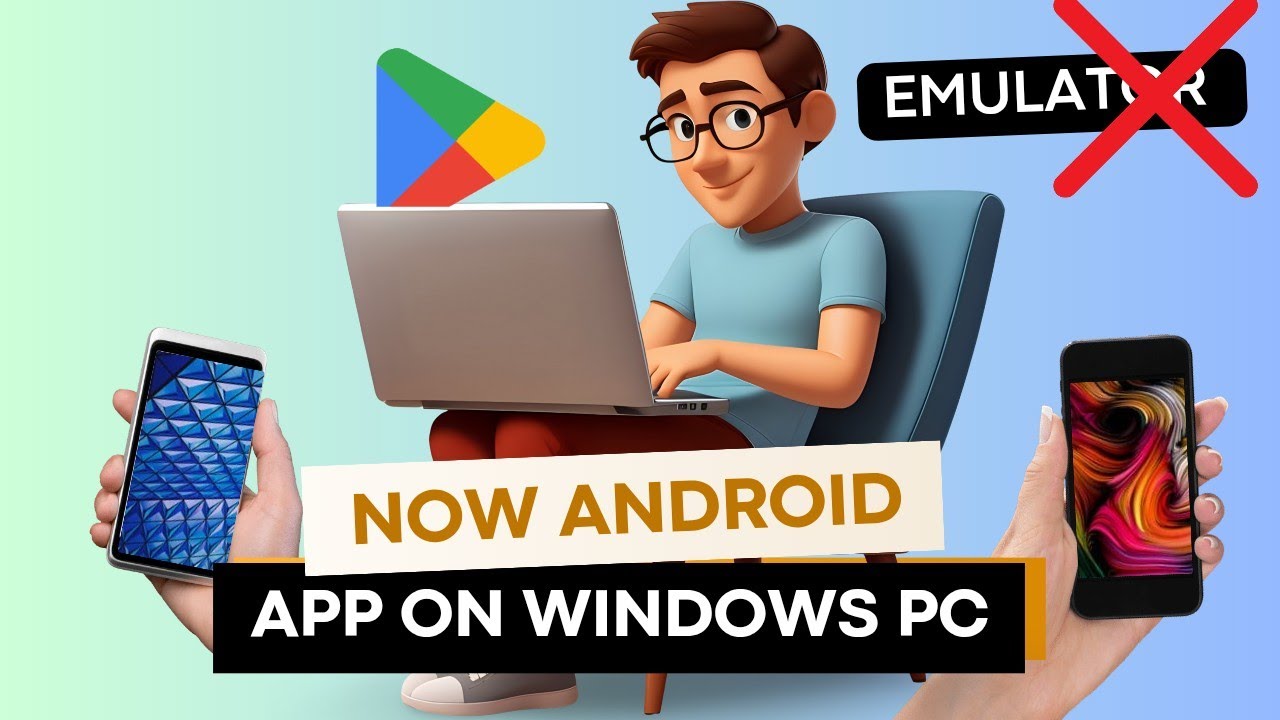
Install Android Apps on Windows 11 Without Emulator or WSA (Android 16 Full Setup Guide)
Автор: ALL PC GEEK
Загружено: 2026-02-11
Просмотров: 830
Описание:
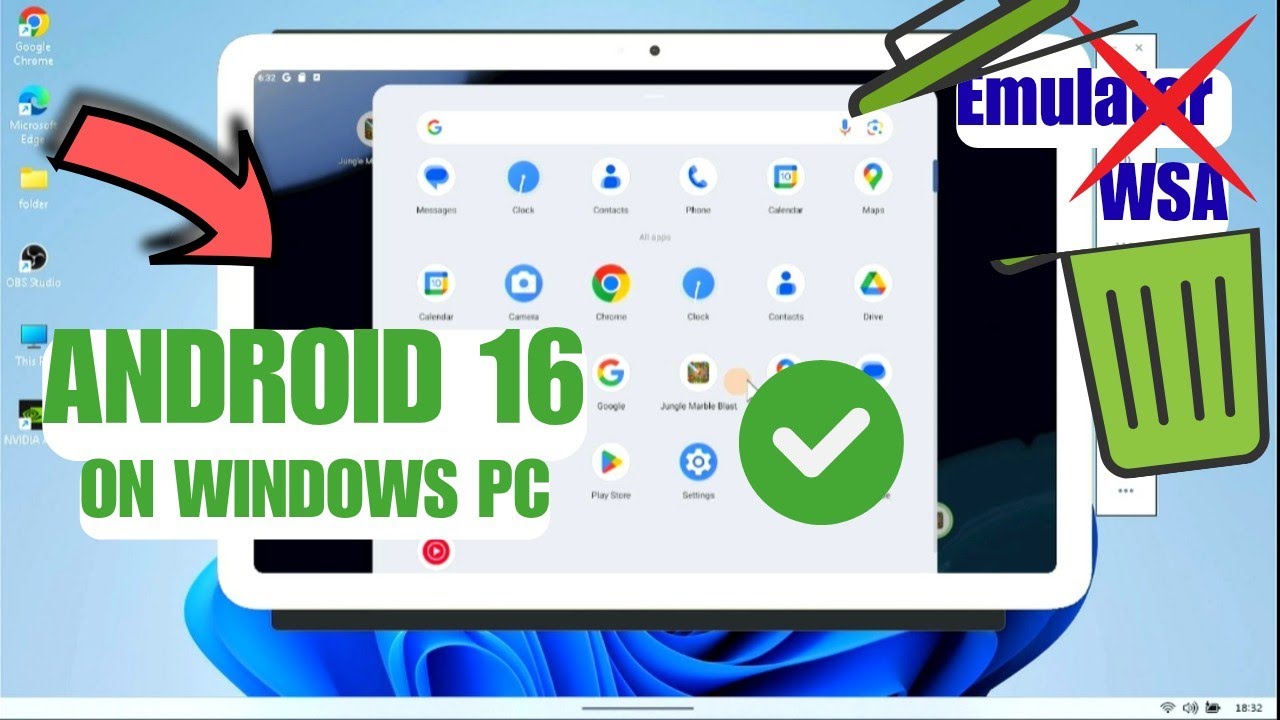
In this video, I show you step by step how to install and run Android 16 on your Windows PC using Android Studio.
This method uses the official Android Emulator inside Android Studio. You can create a virtual Android device and run Android apps or games directly on your PC.
In this tutorial you will learn:
How to install Android Studio
How to download Android 16 SDK from SDK Manager
How to install required SDK Tools and Emulator
How to create a new Virtual Device
How to choose system image (Google Play x86_64)
Recommended settings for low end and high end PCs
How to run and set up the Android emulator
How to sign in to Play Store inside the emulator
If you are using a low end PC, you can select Android 10 or Android 11 for better performance. For better performance, you can adjust RAM and CPU cores in the virtual device settings.
This method works on Windows 11 and Windows 10 with virtualization enabled in BIOS.
If this video helped you, please like the video, subscribe to All PC Geek, and share it with others who may find it useful.
Thanks for watching.
#AndroidOnWindows #WSA #android16
#Android14 #androidappdevelopment #windows11 #smartphone #android16onwindows
#WindowsSubsystemForAndroid #Windows11 #AndroidApps #NoEmulator #APKInstall #TechTutorial #AllPCGeek
Повторяем попытку...
Доступные форматы для скачивания:
Скачать видео
-
Информация по загрузке: