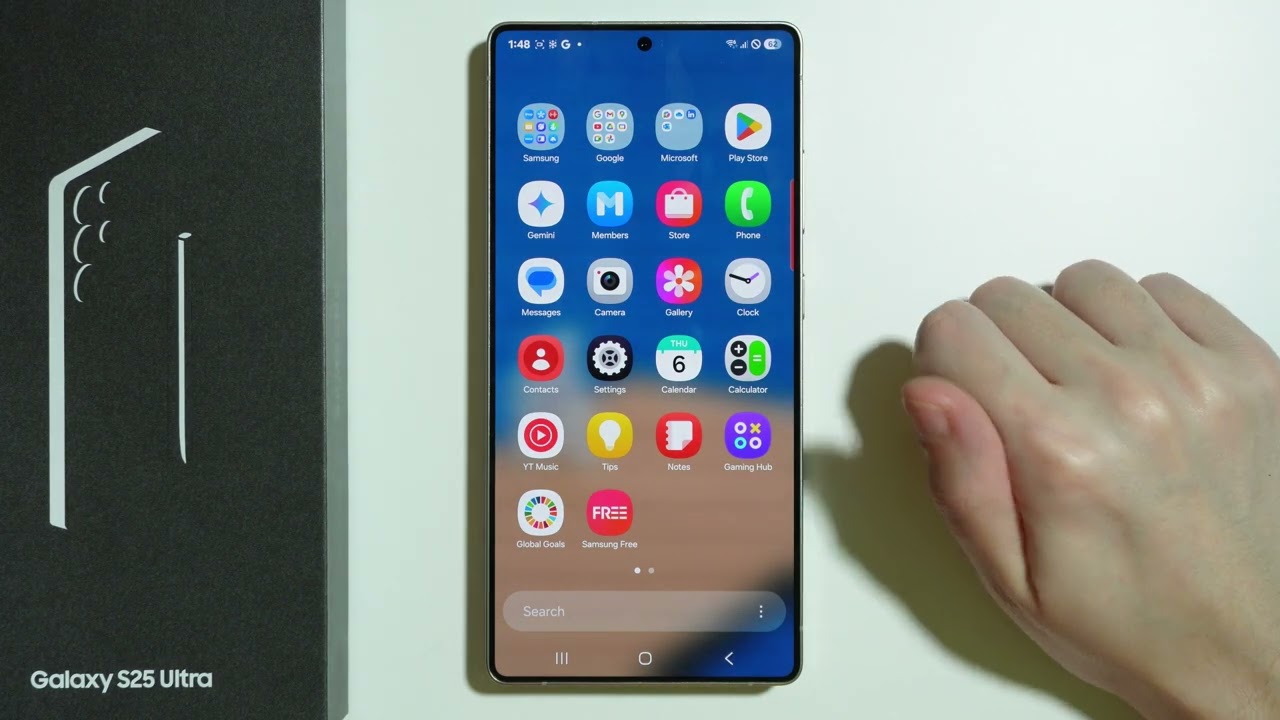
Samsung Galaxy S25 Ultra: How to Restore Phone Icon (Phone App at the Bottom)
Автор: Games & Apps Tutorials
Загружено: 2025-02-06
Просмотров: 241
Описание:
Accidentally removed the Phone app from the bottom of your Samsung Galaxy S25 Ultra’s home screen? Restoring it is quick and easy so you can access your calls instantly. In this guide, we’ll show you how to add the Phone icon back to the dock in just a few steps. Watch now to learn how to restore the Phone app on your Galaxy S25 Ultra!
#Samsung #SamsungGalaxyS25Ultra #SamsungGalaxyS25
By subscribing to my channel you will help me to grow it faster, if this tutorial was helpful please, like it and comment, and if you haven't subscribed yet, please do it now buddy!
Subscribe here: / @gamesappstutorials
If you haven't found all the information you need on my channel, I recommend you visit friendly channels where you will find similar topics in guides to games, applications, programs, electronic devices and operating systems.
I also encourage you to ask questions in the comments, if a specific topic is still not entirely clear to you, I will try to answer you as soon as possible or record a video about it.
Channels that I also recommend watching:
/ @step-by-stepvideos
/ @howtofixer
/ @lepszegranieporadniki
/ @proszezostawsuba
/ @throughthenightvideos
Home Screen Wallpaper by:
/ thelifeofshutter
Повторяем попытку...
Доступные форматы для скачивания:
Скачать видео
-
Информация по загрузке: