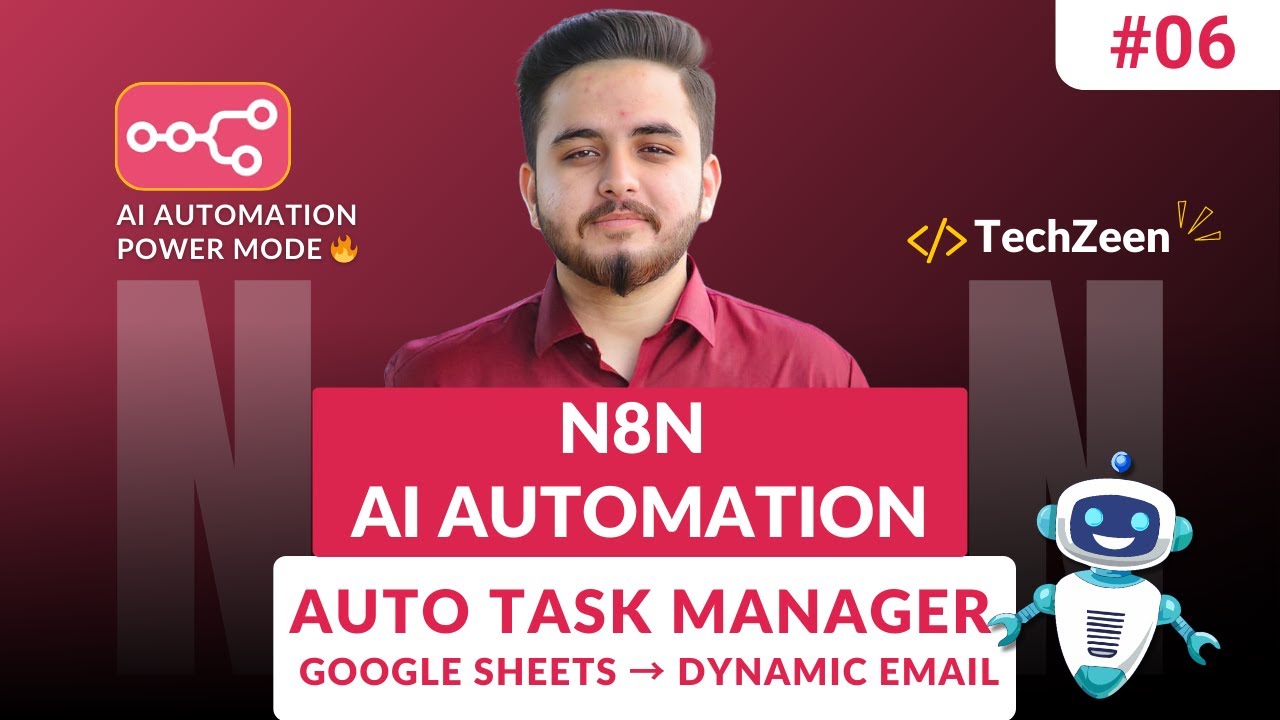
n8n Automation: Google Sheets → Dynamic Email Task Manager 🚀 (Full Project) 2026
Автор: The Techzeen
Загружено: 2026-01-14
Просмотров: 86
Описание:
Stop manually assigning tasks! ⚡ Add a row in Google Sheets… and watch an employee instantly get a personalized email. Zero clicks, zero manual work.
In this n8n masterclass, we go beyond tutorials and build a real-world business automation. You’ll learn how HR teams, Project Managers, and Operations departments save hours daily and eliminate human error by combining n8n, Google Sheets, and Gmail.
⏳ TIMESTAMPS (The Automation Architect)
0:00 - Building a Google Sheets to Dynamic Email Task Manager 🚀
1:53 - Mastering Data Flow: How Automations Think
3:08 - Why Data Flow is the Backbone of Professional Workflows
3:35 - What is Dynamic Content Injection? (Personalization at Scale)
4:32 - The Power of Dynamic vs. Static Automations
5:06 - Data Flow + Dynamic Content: Creating Intelligent Systems
5:56 - Launching your Self-Hosted n8n Instance
6:15 - GCP Setup: Enabling Google Drive & Gmail APIs 🛠️
7:00 - Setting Up the Google Sheets "On Row Added" Trigger
7:30 - Architecting your Task Spreadsheet & Columns
8:28 - Generating OAuth 2.0 Credentials for Google Sheets
9:50 - Authenticating & Establishing a Secure Handshake
10:49 - Data Fetch Test: Verifying the Row Capture
11:06 - Integrating the Gmail Send Message Node 📧
11:25 - Generating OAuth Credentials for Gmail (GCP)
12:39 - Successful Connection: n8n to Google Workspace
13:04 - Data Mapping: Injecting Dynamic Content into Email Templates 🔗
14:40 - Live Workflow Execution: Testing the Logic
15:11 - Production Ready: Saving & Publishing your Workflow
15:25 - THE BOOM MOMENT! Automatic Email Sent Successfully 💥
🧠 PHASE 1 – CONCEPTS & ARCHITECTURE (Build Smart, Not Hard)
Data Flow Mastery: Understand how information moves between nodes — the backbone of every professional and scalable automation.
Dynamic Content Injection: Learn how to inject live data (Employee Name, Task, Deadline) instead of sending boring static emails.
The Power Combo: Data Flow + Dynamic Content creates enterprise-grade automations that feel human but work automatically.
🛠️ PHASE 2 – STEP-BY-STEP HANDS-ON LAB
GCP OAuth Integration: Create secure, password-less credentials for Google Sheets & Gmail.
Sheet & Columns Setup: Build a Google Sheet with Employee, Task, Email, and Deadline columns.
Trigger Logic: Use the “On Row Added” trigger to monitor your sheet 24/7.
Gmail Node Mastery: Design a dynamic email template that auto-fills using sheet data.
Workflow Deployment: Save, activate, and make your automation production-ready.
Live Test: Add a new row → n8n captures the data → employee receives a personalized task email 💥
💥 PHASE 3 – THE “BOOM” MOMENT
Efficiency: 100% Automated
Manual Work: 0%
Business Value: High Impact
Portfolio Ready: Absolutely ✅
This is exactly how modern enterprises automate task assignment in 2026 — and now you can build the same system yourself.
🎯 WHO SHOULD WATCH THIS
✔ Beginners creating portfolio-ready automations
✔ Freelancers delivering automation solutions to clients
✔ Future AI Automation Engineers (2026+)
✔ HR, Operations & Project Managers
✔ Anyone tired of repetitive manual emails
🚀 SKILLS YOU’LL GAIN FROM THIS VIDEO
✅ Data Flow mastery in n8n
✅ Dynamic content injection
✅ OAuth-based Google Sheets & Gmail automation
✅ Real-world, business-grade automation project
✅ Production-ready workflow mindset
👉 Subscribe to The Techzeen — where automation meets real industry thinking, not just tutorials.
AI Automation Concepts:
https://github.com/farzeen-ali/AI-Aut...
n8n AI Automation Full Course (2026):
• n8n AI Automation Mastery: Zero to Job-Rea...
#n8n #Automation #WorkflowAutomation #GoogleSheets #EmailAutomation #AIAutomation #NoCode #FutureSkills #Tech2026 #TheTechzeen
Повторяем попытку...
Доступные форматы для скачивания:
Скачать видео
-
Информация по загрузке:








![ПОЛНЫЙ ГАЙД на n8n. ИИ агенты и автоматизации (5+ часовой курс) [Без кода]](https://image.4k-video.ru/id-video/tUufFo-JTZQ)

