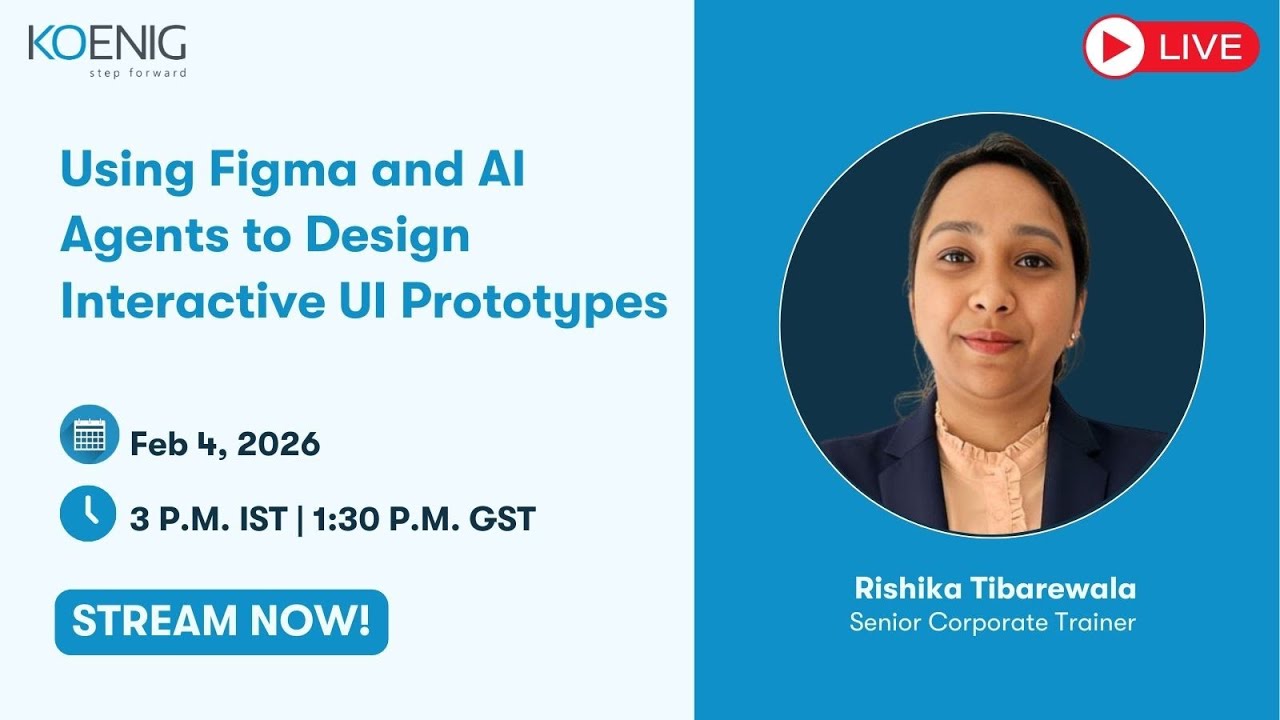
Using Figma and AI Agents to Design Interactive UI Prototypes
Автор: Koenig Solutions
Загружено: 2026-02-04
Просмотров: 55
Описание:
🔴 Using Figma and AI Agents to Design Interactive UI Prototypes
(Unlock Faster, Smarter, AI-Enhanced Design Workflows)
📅 February 4 · 3 PM IST – Set Reminder ▶️
Design teams today move faster than ever—and AI is reshaping how prototypes are imagined, created, and refined. With vibe coding, Figma integrations, and AI-powered agents, designers can now turn ideas into interactive UI prototypes in minutes instead of hours.
This session provides a practical, design-focused introduction to AI-assisted UI prototyping, helping participants understand how to combine Figma with intelligent agents to accelerate creativity and improve workflow quality.
Led by Rishika Tibarewala, Senior Corporate Trainer, the session includes demonstrations, best practices, and hands-on insights tailored for modern product and UI designers.
🔍 What you’ll learn:
1. Benefits of Vibe Coding
What vibe coding is and why it's transforming digital design.
How AI can instantly translate moods, themes, and design intents into UI layouts.
Faster iteration cycles—getting from concept to prototype with minimal manual work.
Enhanced creativity through AI-generated variations and design suggestions.
2. Best Practices for Prompts
How to write clear, structured prompts for UI design outputs.
Adding constraints, styles, components, and interaction details to improve accuracy.
Examples of high-quality prompts for dashboards, mobile screens, landing pages, and more.
Iterative prompting—refining results step-by-step to get the perfect prototype.
3. AI Agents Integrated with Figma
How AI agents plug into Figma to automate design tasks.
Generating wireframes, components, color palettes, and screens with intelligent suggestions.
Using AI-driven documentation, annotations, and UI logic generation.
Streamlining collaboration between designers, developers, and product teams.
4. Live Demo: Vibe Coding in Action
Real-time demonstration of generating UI concepts from prompts.
Tweaking layouts, components, and styles using AI inside Figma.
Turning text descriptions into fully interactive prototype flows.
Exporting, sharing, and iterating with built-in AI design assistants.
5. Real-World Use Cases
Rapid MVP prototyping
Client pitch decks
Design brainstorms and ideation
Developer handoff with cleaner specs
How AI enhances both creativity and workflow productivity.
6. Live Q&A and Applied Guidance
Answering questions on tools, prompts, workflows, and integration setups.
Practical design advice for teams starting their AI-enabled design journey.
🎯 Who should attend?
UI/UX designers & product designers
Figma users at all levels
Design technologists and prototypers
Teams exploring AI-powered design workflows
Anyone who wants to accelerate design without sacrificing quality
Speaker:
Rishika Tibarewala
Senior Corporate Trainer | Koenig Solutions Pvt. Ltd.
📢 Follow & Learn More:
🔗 Koenig Solutions: https://www.koenig-solutions.com
🔗 LinkedIn: / koenig-solutions
🔗 Facebook: / koenigsolutions
🔗 Instagram: / koenigsolutions
🔗 Twitter (X): https://x.com/KoenigSolutions
🔗 Upcoming Webinars: https://www.koenig-solutions.com/upco...
🧠 If you want to design UI prototypes faster—with clarity, creativity, and AI-powered efficiency—this session will show you exactly how Figma and AI agents bring your ideas to life.
👍 Like | 💬 Comment | 🔔 Subscribe for more expert-led UI/UX and AI design sessions.
#KoenigWebinars #KoenigSolutions #StepForward #Figma #AIDesign #VibeCoding #UIUX #InteractivePrototypes
Повторяем попытку...
Доступные форматы для скачивания:
Скачать видео
-
Информация по загрузке: