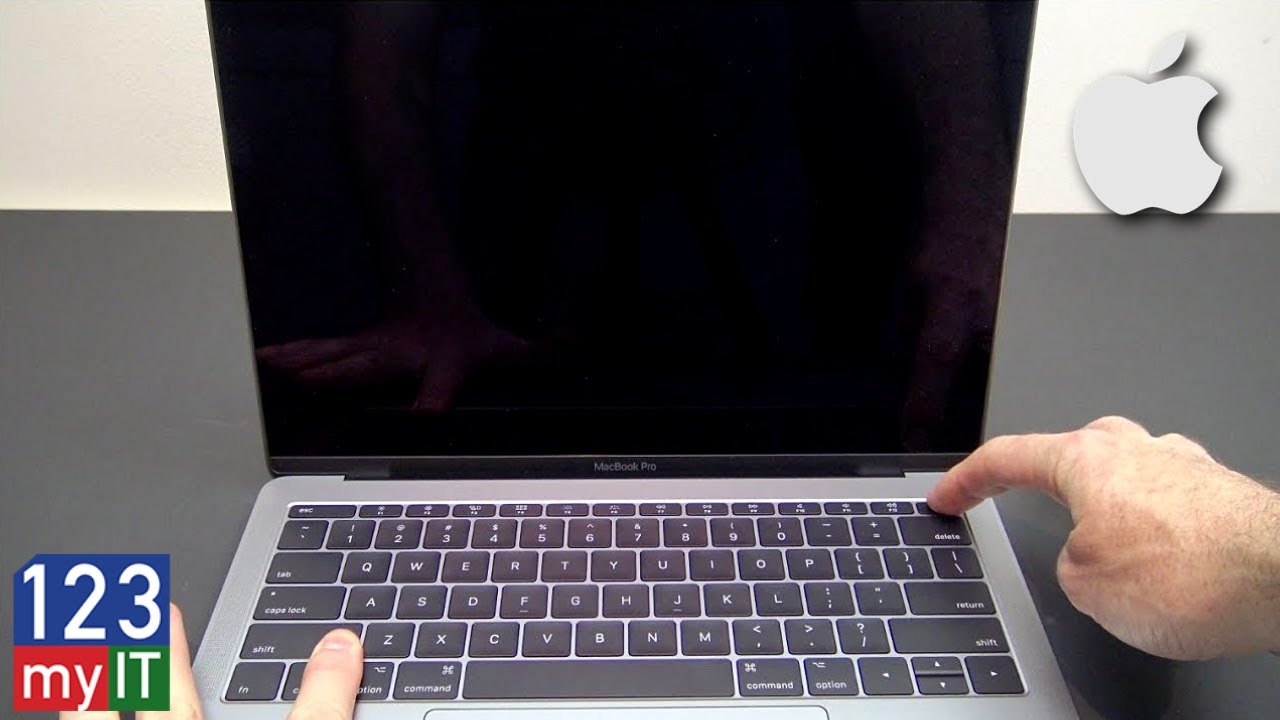
MacBook Pro M1 Cursor Stuck After Wake? Try These Fixes!!
Автор: Bracket Reviews
Загружено: 2025-07-26
Просмотров: 4050
Описание:
Does it feel like your trackpad is clicking and holding on its own, making it hard to open apps or move around? Perhaps, your MacBook cursor is stuck after waking up from sleep? #MacBookCursorFreeze #MacTrackpadIssue #MacbookClickBug
In this video, I’ll show you 4 step-by-step fixes for the MacBook cursor freeze issue — especially on M1 MacBooks. You’ll learn how to stop the ghost click or click-and-drag problem
You can Boot into Safe Mode. Check and remove background apps causing the issue. Reset your Mac's system settings (SMC/NVRAM). Prevent this from happening again.
If your MacBook keeps clicking on its own, freezes after wake, or drags items without control — this guide is for you.
📌 Works for:
MacBook Pro M1 / M2
MacBook Air M1 / M2
macOS Ventura, Sonoma, Monterey, and more
💬 Drop your experience in the comments — and let me know if this fixed it for you!
#M1MacFix #MacOSTips #CursorStuck #ClickAndHoldProblem
Join this channel to get access to perks:
/ @bracketreviews
Повторяем попытку...

Доступные форматы для скачивания:
Скачать видео
-
Информация по загрузке: