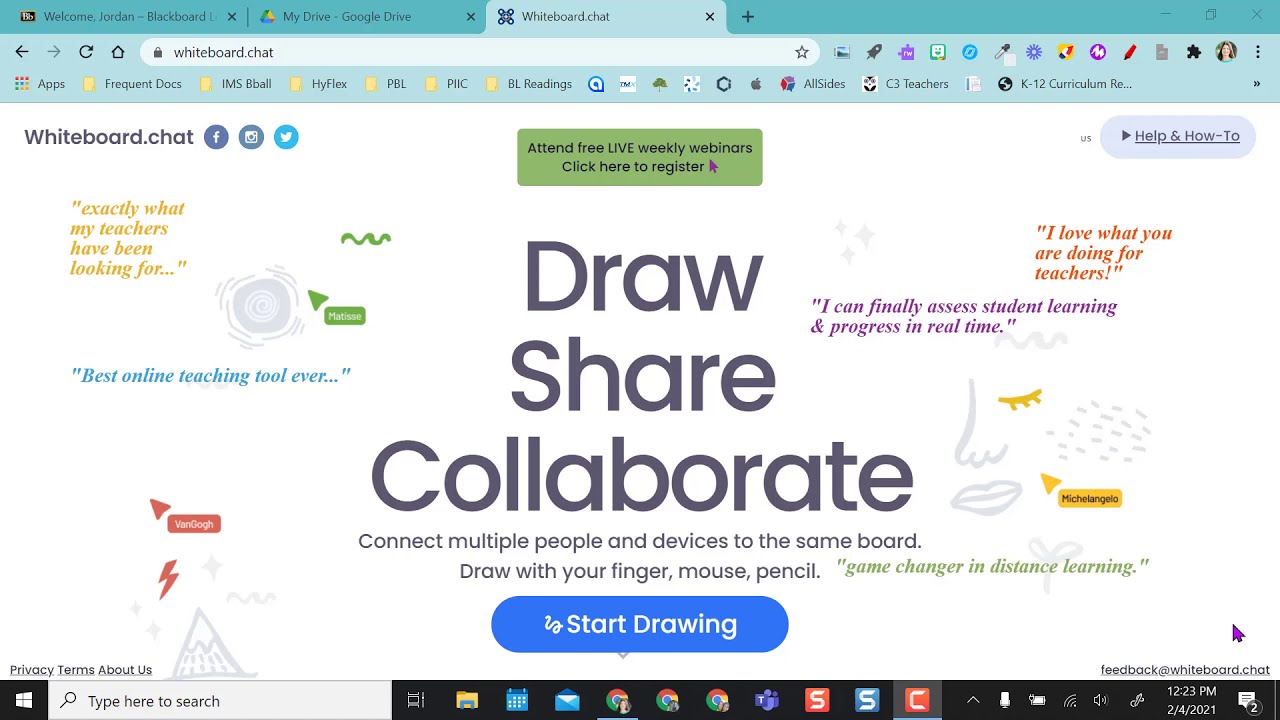
Whiteboard.chat Tutorial
Автор: The SpEd Tech Teacher
Загружено: 2020-12-02
Просмотров: 18437
Описание:
In this video, you will learn how to create a whiteboard space for you and your students to use and collaborate on using several of the free engagement tools.
------⏰ TIMESTAMPS ⏰ -----
[0:57] #1) Inviting students
[1:43] #2) Manage boards
[2:21] #3) Grids/backgrounds
[2:43] #4) Toggle replication
[3:12] #5) Setting student permissions
[3:42] #6) Clear page
[3:50] #7) Text tool
[4:12] #8) Students can move function
[4:55] #9) Download options
[5:07] #10) Manage board
[5:28] #11) Add media (pictures/audio notes)
[6:50] #12) Move and resize
[7:15] #13) Refresh option
[8:06] #14) Select tool
[8:28] #15) Animate
[9:53] #16) Wrench tool menu
[10:09] #17) Change colors
[10:34] #18) Stickers/manipulatives
[11:21] #19) Rich text feature
[11:37] #20) Infinite cloner
[12:09] #21) Compass tool
[12:30] #22) Add link
[13:32] #23) Insert YouTube video
[14:24] #24) Math functions
[14:56] #25) Dice
[16:13] #26) Polls
[17:25] #27) Raise hand tool
[17:54] #28) Chat feature
[18:30] #29) Creating group boards
[18:55] #30) Timer
[19:23] #31) Send a link
[20:05] #32) Upload a file (picture/PDF)
[21:00] #33) Showcase student boards
https://whiteboard.chat
_____________________________________________________________________________________________
🍏 MY TEACHERSPAYTEACHERS STORE: 🍏
https://www.teacherspayteachers.com/S...
Follow me on social media!
INSTAGRAM: / thespedtechteacher
FACEBOOK: / thespedtechteacher
E-MAIL: [email protected]
Повторяем попытку...

Доступные форматы для скачивания:
Скачать видео
-
Информация по загрузке: