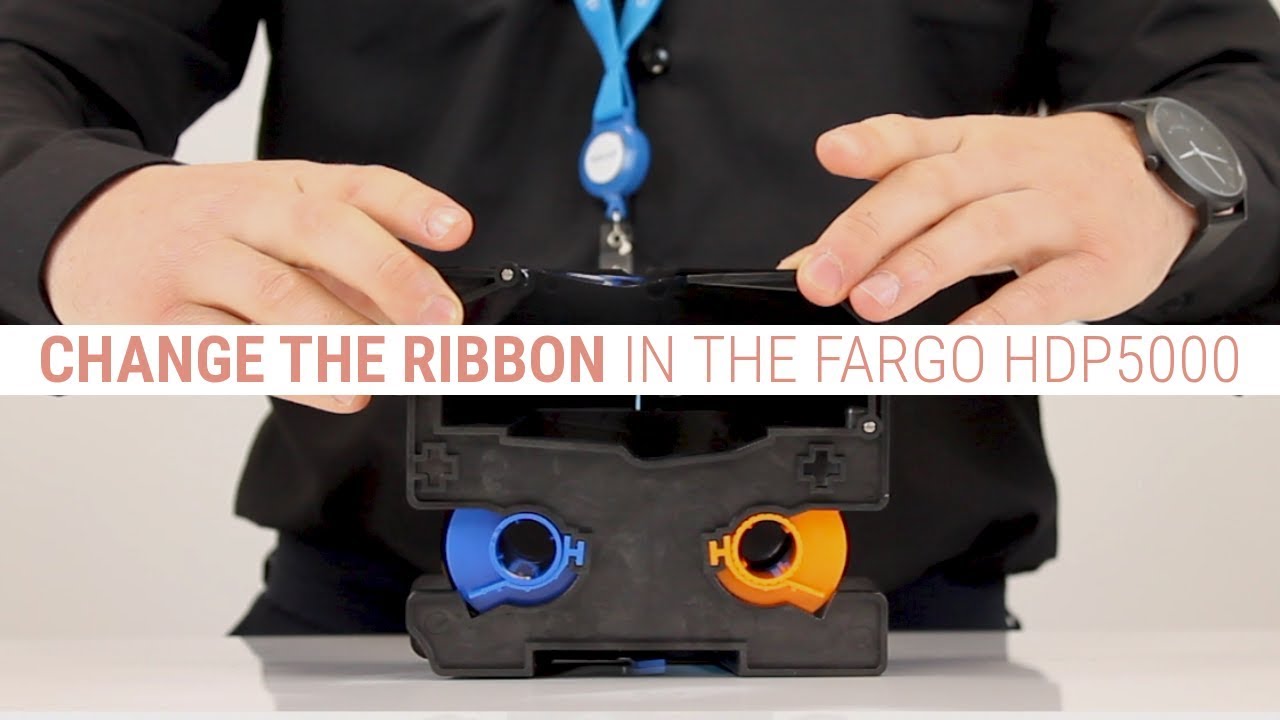
How to Change the Ribbon & Film in the Fargo HDP5000 ID Card Printer
Автор: Digital ID | Experts in ID Card Printing & Access Control
Загружено: 2017-10-31
Просмотров: 33725
Описание:
Learn how to change a colour ribbon and a transfer film in the HDP5000 ID card printer from Fargo.
Adam, one of our in-house Fargo experts, will show you how to;
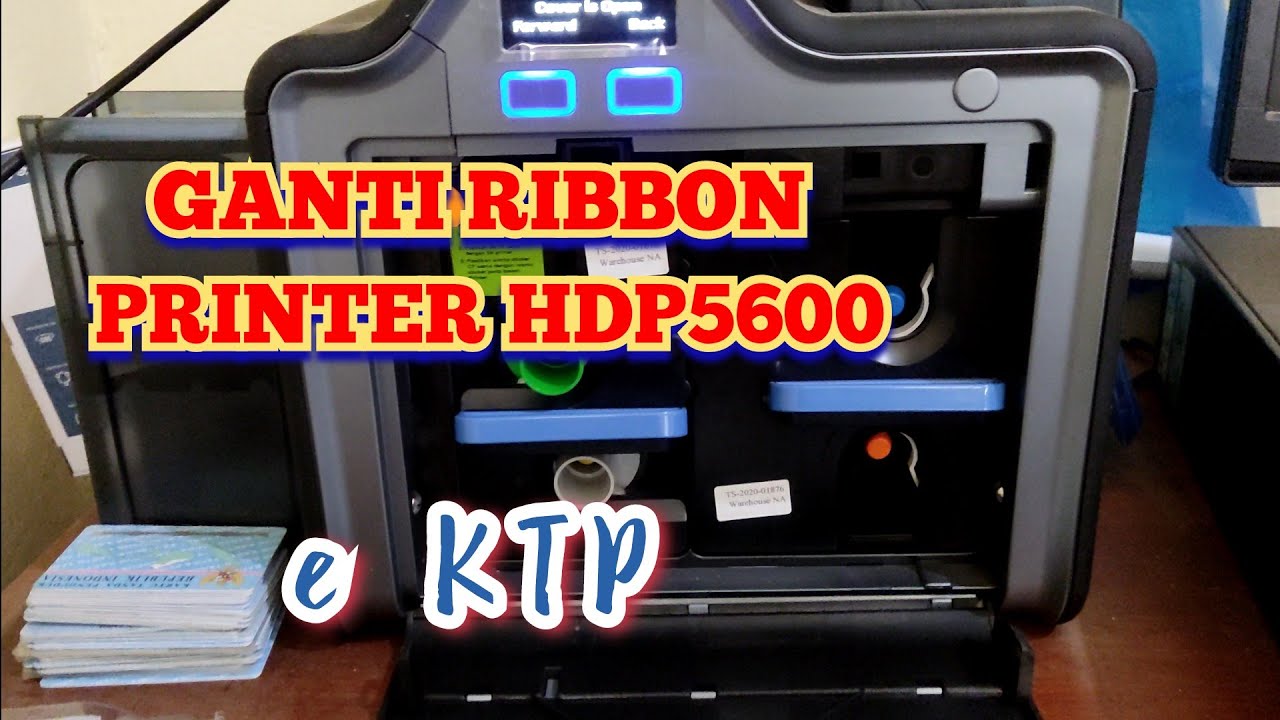
Remove the cartridges
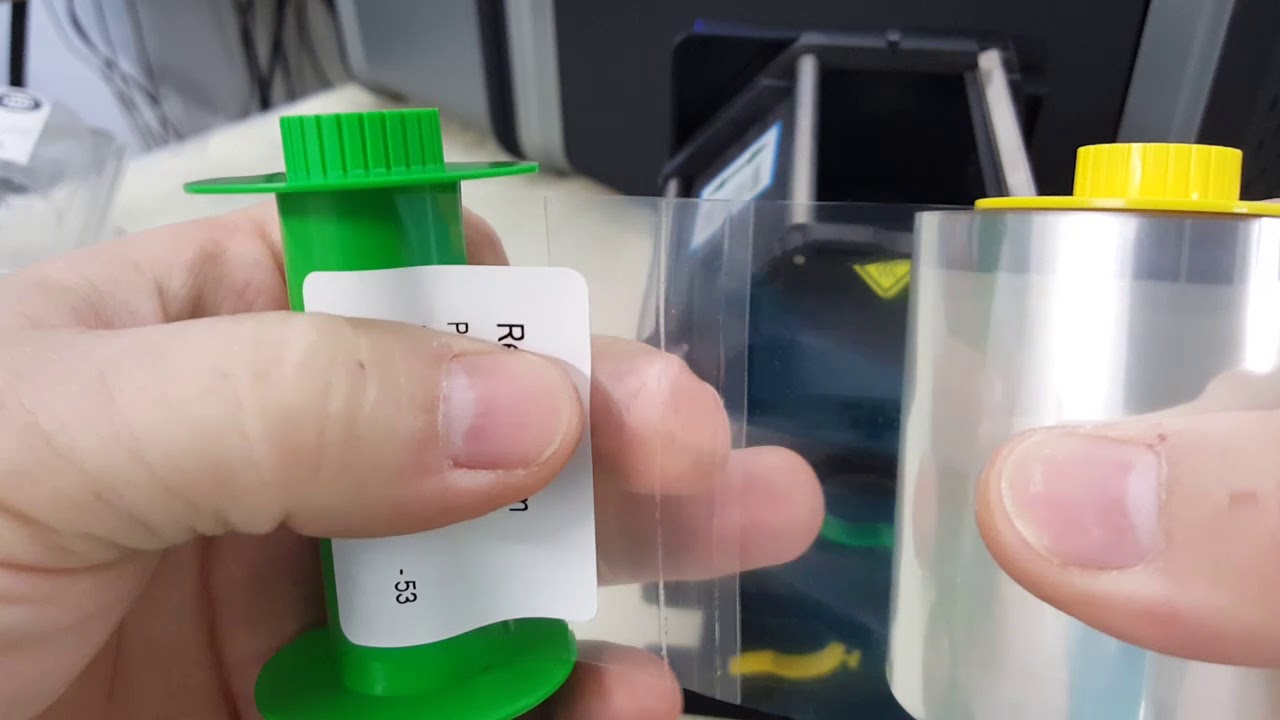
Correctly remove the used ribbon and film
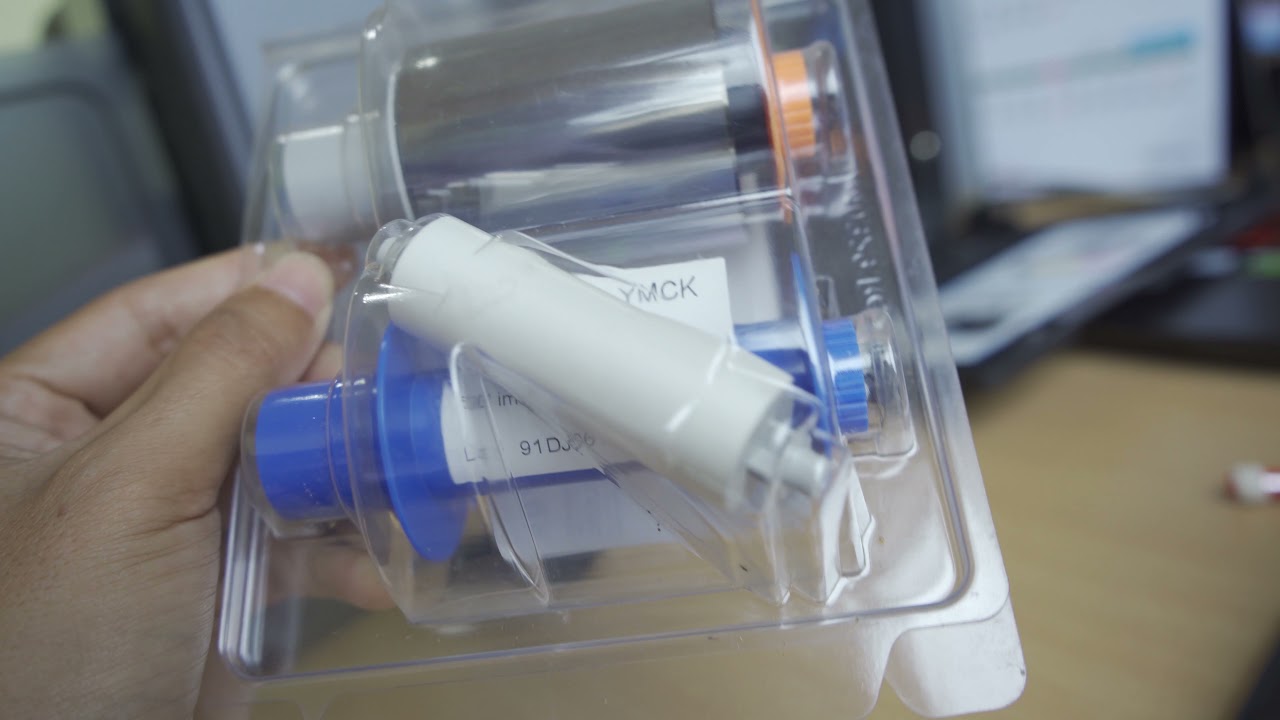
Insert a new ribbon and film
Insert the new cartridges into the HDP5000
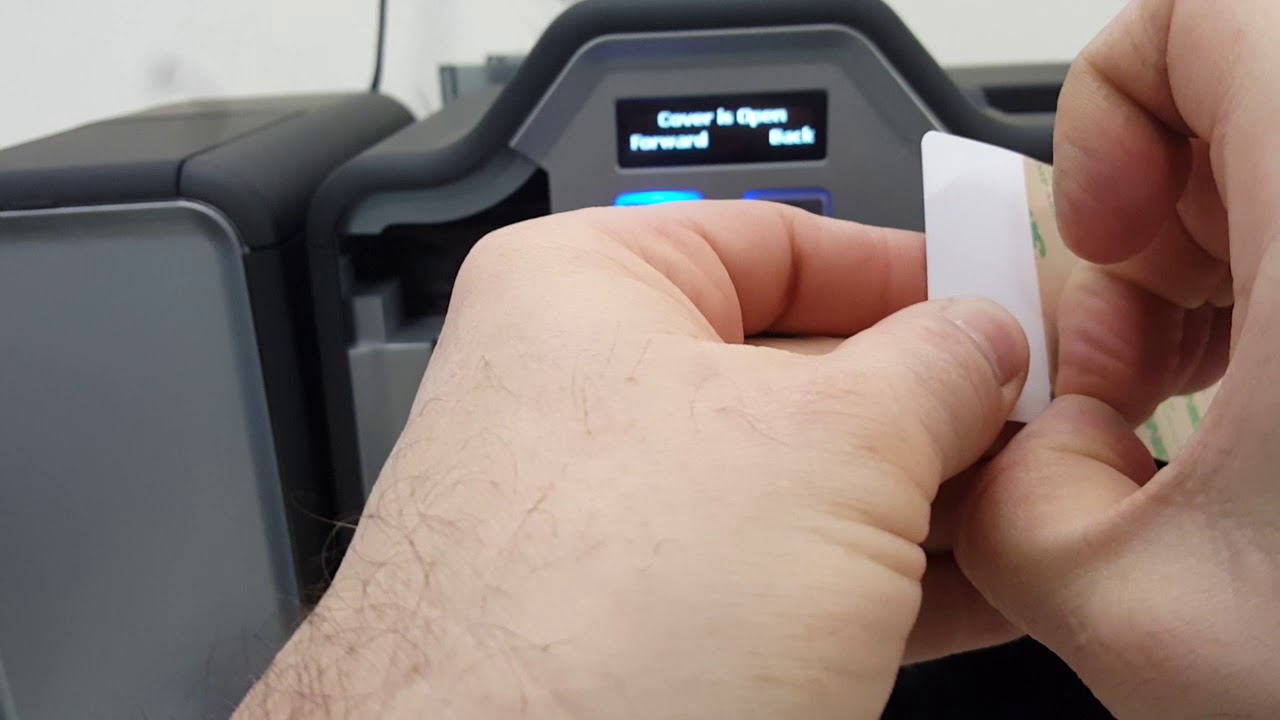
And replace the cleaning roller
For more information on the Fargo ribbon and film, that is used in the video, take a look here: https://www.digitalid.co.uk/id-card-p...
Music:
Music by Joakim Karud / joakimkarud
Music promoted by Audio Library • Vibe With Me – Joakim Karud (No Copyright ...
Повторяем попытку...
Доступные форматы для скачивания:
Скачать видео
-
Информация по загрузке: