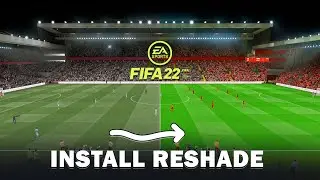
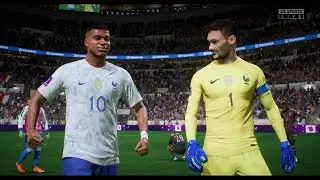
FIFA 22 Next Gen PC Realistic Graphics Mods Showcase 2022
Автор: Ultra High Graphics
Загружено: 2022-01-06
Просмотров: 9568
Описание:
SUBSCRIBE - / @ultrahighgraphicschannel2026
CHECK UHG RESHADE 1.3 FOR RESHADE 5.4.0.:
• FIFA 22 Modded Graphics | UHG Reshade Mod ...
CHECK UHG RESHADE 1.2 FOR RESHADE 5.1.0.:
• FIFA 22 | UHG Reshade Mod 1.2 | Next Gen R...
CHECK THE NEWEST VERSION OF THE MOD 1.1:
• FIFA 22 *NEW* UHG Reshade 1.1 | eSIM 2.1 |...
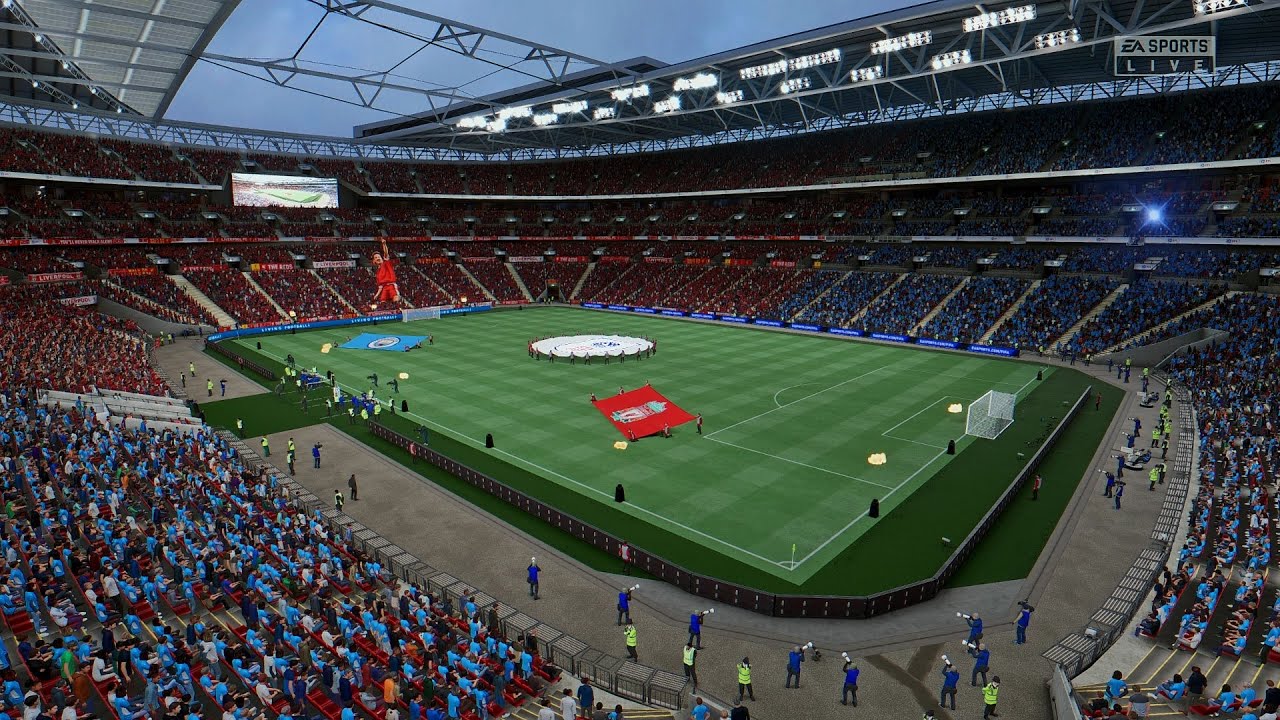
00:01 - Liverpool vs Manchester City
15:23 - Inter Milan vs A.C. Milan
You can support the channel here buying the staff a coffee:
https://ko-fi.com/ultrahighgraphics
/ ultrahighgraphics
Thanks for watching! Feel free to share, like, comment and subscribe!
________________________________________________________________________
Mods:
eSIM 2.0_BETA2_TU3_6ons1
/ beta-1-esim-aio-58104006
FIFA MOD MANAGER
https://www.fifaeditortool.com/download
UHG Reshade FIFA 22
https://drive.google.com/file/d/1lAmP...
VIDEO TUTORIAL ABOUT HOW TO INSTALL THE RESHADE:
• FIFA 22 UHG Reshade Installation Tutorial ...
Reshade Installation:
1. Delete any previous reshade files you have, if you have any (reshade-shaders(the folder), dxgi.dll, dxgi.txt, ReShade.ini and all other preset files). Download and install Reshade 4.9.1, small window will appear, click on the big bar in the middle with a text on it which says "Click here to selects a game and...etc", click "Browse", find your FIFA 22 main/installation folder and choose FIFA22.exe file, choose to install for Direct3D 10/11/12, click the option, now choose to install only "Legacy standard effects" pack with all effects. Link to ReShade Setup 4.9.1 - https://reshade.me/downloads/ReShade_... or https://www.mediafire.com/folder/8ar1....
2. Download my reshade archive, open the file with Winrar or similar tool, then extract the preset files from the archive to your FIFA 22 main/installation folder, where the FIFA22.exe file is located.
3. Start the game, open the Reshade menu by clicking 'Home' button on your keyboard, Finish the Tutorial by clicking Continue, then click on the long bar on the top of the Reshade menu and there Select the file of my presets to activate it.
4. Hope you'll like. Enjoy!
Uninstallation:
Delete reshade-shaders(the folder), dxgi.dll, dxgi.txt, ReShade.ini and UHG*****.ini. You can find these files in your FIFA 22 main/installation folder, where the FIFA22.exe file is located.
Video tutorials about how to install the Reshade, it's for the older versions of the Reshade and it's for different games, but the steps are pretty similar:
• FIFA 20 UHG Reshade Installation Tutorial ...
• The Witcher 3 UHG Reshade Installation Tut...
________________________________________________________________________
Big Thanks to the all developers and to the whole modding community and authors which created their beautiful games and mods, with even more insane and Photorealistic graphics and just bring to us that amazing realistic gaming NextGen experience in year 2021! Best wishes to all!
________________________________________________________________________
PC System:
AMD Ryzen 7 2700
RTX 2060 6GB
16 GB RAM DDR 4 2400 mhz
HDD 7200 rpm
Gameplay Resolution: 2560×1440p WQHD
Max Ultra High Settings
Graphics Improvements FIFA next gen GFX mod
Modded Showcase
Review Comparison
4K Textures
Better greener turf/pitch
Ray Tracing Global Illumination
Повторяем попытку...
Доступные форматы для скачивания:
Скачать видео
-
Информация по загрузке:


![FIFA 22 [PC] || eSIM Mod 3.0 (ALPHA) + eSIM GAMEPLAY Mod 1.0 (ALPHA) || eSIM Members](https://image.4k-video.ru/id-video/flf0FVuFoEA)


![FIFA 22 [PC] || BETA 2 - eSIM AIO Mod 2.0 || EA Gamecam Next-gen - Gameplay Mod - New goalnets v2](https://image.4k-video.ru/id-video/TRrsJKUOk6w)

![FIFA 22 - Man United vs Liverpool Full Match | Premier League 22/23 [PC]](https://image.4k-video.ru/id-video/hHZqlznMRcI)