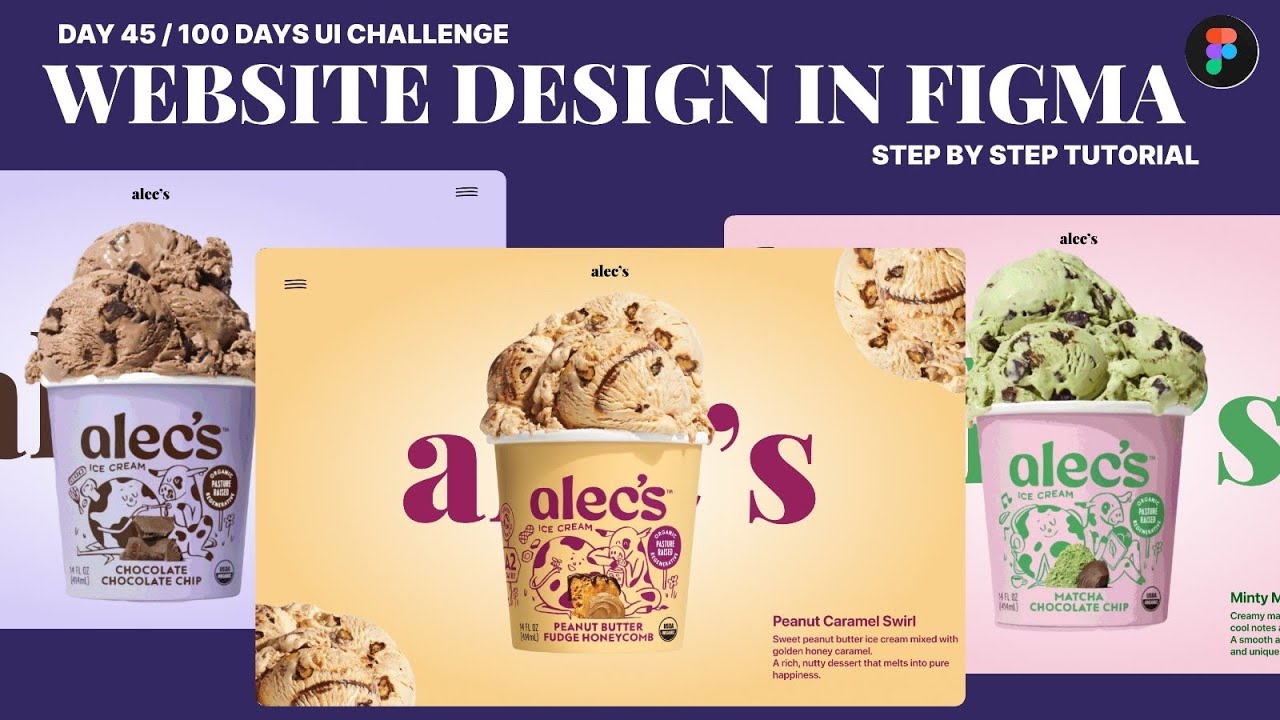
Ice Cream Website UI Design in Figma 🍦 | Step-by-Step Tutorial (Day 45/100)
Автор: Uix_Vaishnavi
Загружено: 2026-02-14
Просмотров: 12
Описание:
Welcome to Day 45 of my 100 Days UI/UX Challenge!
In this tutorial, we design a complete Ice-Cream Brand Website UI in Figma from scratch. This video is perfect for beginners and anyone who wants to practice real website layout design and improve their portfolio.
In this step-by-step video you will learn:
• How to set up a proper website frame and grid system
• Choosing the right color palette for a food brand
• Clean typography pairing and hierarchy
• Creating a modern hero section layout
• Product card design and image placement
• Using spacing, alignment & visual balance
• Simple design tips to make your UI look professional
I also explain small details that designers usually miss — margins, padding, scale, and composition — which make a huge difference in UI quality.
You can follow along and design the same screen with me. This project is great for practice, portfolio case study, and building confidence in Figma.
📁 Figma File : https://www.figma.com/design/psc4LBh5...
If you enjoyed the video, don’t forget to Like 👍, Comment 💬 and Subscribe 🔔 — it really supports my channel and motivates me to upload daily UI tutorials.
Tell me in the comments: Which flavor screen did you like the most? 🍫🍯🍵
#UIDesign #UIUXDesign #FigmaTutorial #WebDesign #WebsiteDesign #100DaysUI #FigmaForBeginners #DesignChallenge #PortfolioProject #LearnUIUX
Повторяем попытку...
Доступные форматы для скачивания:
Скачать видео
-
Информация по загрузке:
![[41] 🔥 Автолейаут в Фигме (2025). Fill, Fix, Hug как настраивать? Игнор АЛ. Фигма с нуля](https://imager.clipsaver.ru/ytmHHEVZlyo/max.jpg)