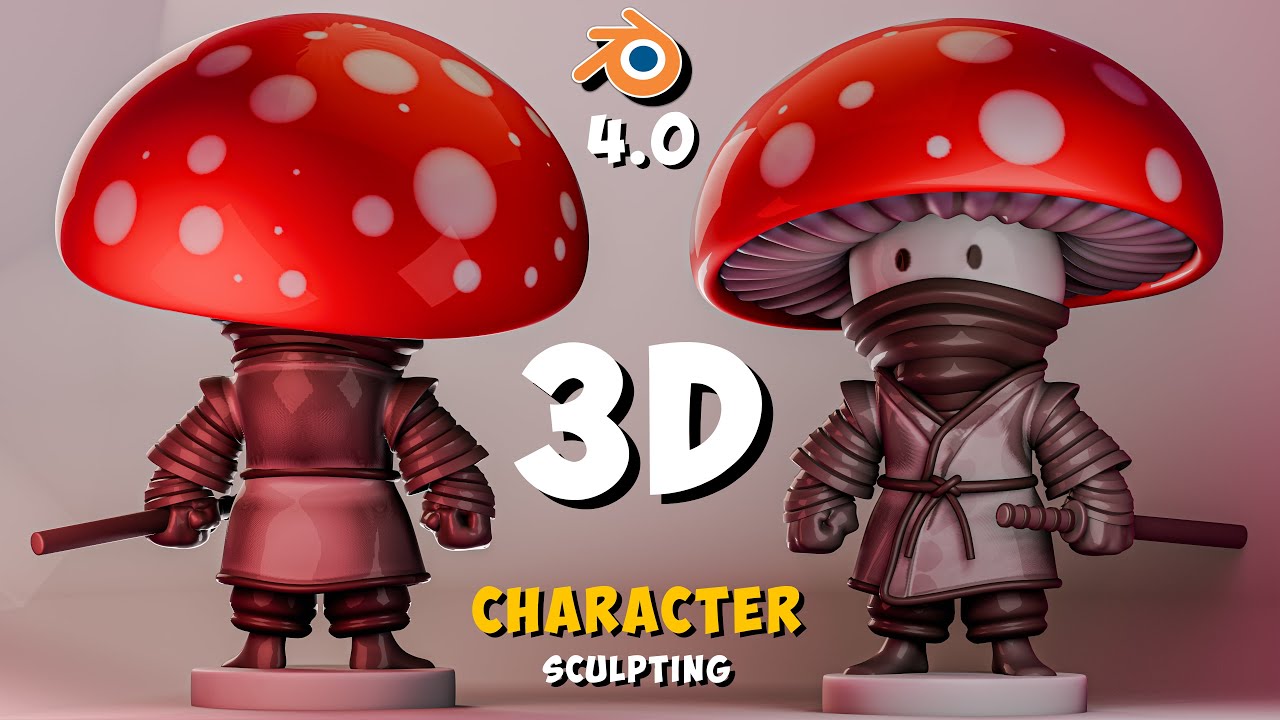
Master 3d Sculpting In Blender: A Step-by-step Character Creation Tutorial!
Автор: BobzyDuck
Загружено: 2024-08-25
Просмотров: 3985
Описание:
welcome to BobzyDuck channel New Blender Course : https://mhze.gumroad.com/l/CowCourse 🦎 Lizard Course Link 🔗 : https://mhze.gumroad.com/l/sculpting-... Discord server : / discord
, Hi there,
Welcome to my channel! It's all about sculpting in Blender. I usually upload tutorials and time lapses. Please subscribe and hit that thumbs up button; it only takes two clicks, but it means a lot to me. Your support encourages me to continue creating and sharing more of my work. Be sure to check out the description for additional information and don't forget to explore my other projects on Fiverr and Instagram.
Thank you for joining me on this journey!
https://pin.it/jwahibKFQ
Thanks to the reference maker as well.
I use Pen Huion 1060p
If you like the videos and would like me to upload a video of character making and sculpture every week, please like, comment and finally subscribe and turn on the notification bell to get the latest news from my channel.
I made this character using Blender 4.0 software.
instagram : / saeed_3dart
Telegram channel : https://t.me/art_3dcore
If you are also interested in making 3D characters, you can use the tutorials posted by others on YouTube, but if you want to do the tutorial professionally, you can buy the courses from the udemy website. do.
(Be sure to use a digital pen)
Music from #Uppbeat (free for Creators!):
https://uppbeat.io/t/brock-hewitt-sto...
License code: TC8EJFERLB0ZX7QB
Music from #Uppbeat (free for Creators!):
https://uppbeat.io/t/ilya-kuznetsov/c...
License code: TPXM4YKU3RHWSMMA
Click to see more content:
/ @bobzyduck
my shortcut in blender :
(drow sharp) is (D)
(clay strips) is (V)
(symmetrize is) (1)
pivot to mask border (F10) (you can set this one from sculpt menu \ set pivot)
Shortcuts I use :
(drow) is (X)
(clay) is (C)
(pinch) is (P)
(grab) is (G)
(mask) is (M)
(radius brush) is (F)
(box mask) is (B)
(remove mask) is (Alt + M)
(voxel size) is (R)
(remesh) is (Control + R)
(apply modifiers) is (Control +A) (mouse in modifiers menu)
(focus in model) is (.)
(reverse selection) is (Control + i)
(Focus on the selected model) is (/)
move selection in the sculpt mode section (Alt + Q)
brush reverse (control)
chapters :
00:00 Finish work (intro)
00:00:14 mushroom head
00:15:40 Mushroom clothes and hands sculpt
00:46:32 Mushroom pants and socks sculpt
00:56:15 details
01:05:35 Sword
01:11:31 paint
01:17:20 shading
01:23:30 Lighting and rendering
01:38:30 Finish work (outro)
#blender
#character
#sculptin
Повторяем попытку...
Доступные форматы для скачивания:
Скачать видео
-
Информация по загрузке: