Скачать
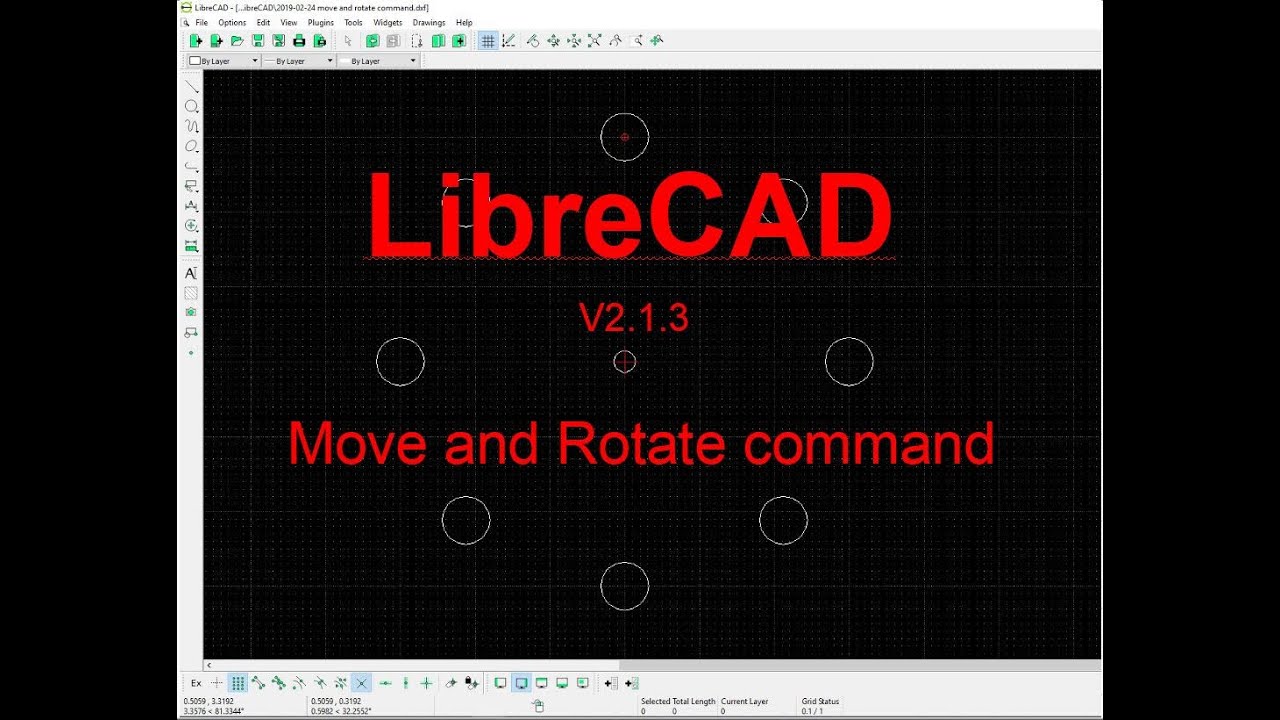
How to rotate an object - LIBRECAD Tutorial
Автор: Librecad Tutorial
Загружено: 2021-03-10
Просмотров: 5722
Описание:
How to rotate an object :
1. Select the object.
2. Click rotate tool.
3. Click at the first reference point
4. Click at second reference point
5. Click at the specify point where you want to place the object
6. Choose "Delete Original" to rotate without copy the original object
7. Corret the angel you want to rotate the object
8. Click ok
Не удается загрузить Youtube-плеер. Проверьте блокировку Youtube в вашей сети.
Повторяем попытку...
Повторяем попытку...
Доступные форматы для скачивания:
Скачать видео
-
Информация по загрузке: