Adding Images to Affinity Publisher 2 and Using the Pinning Panel
Автор: Binding Bytes
Загружено: 2025-09-14
Просмотров: 1249
Описание:
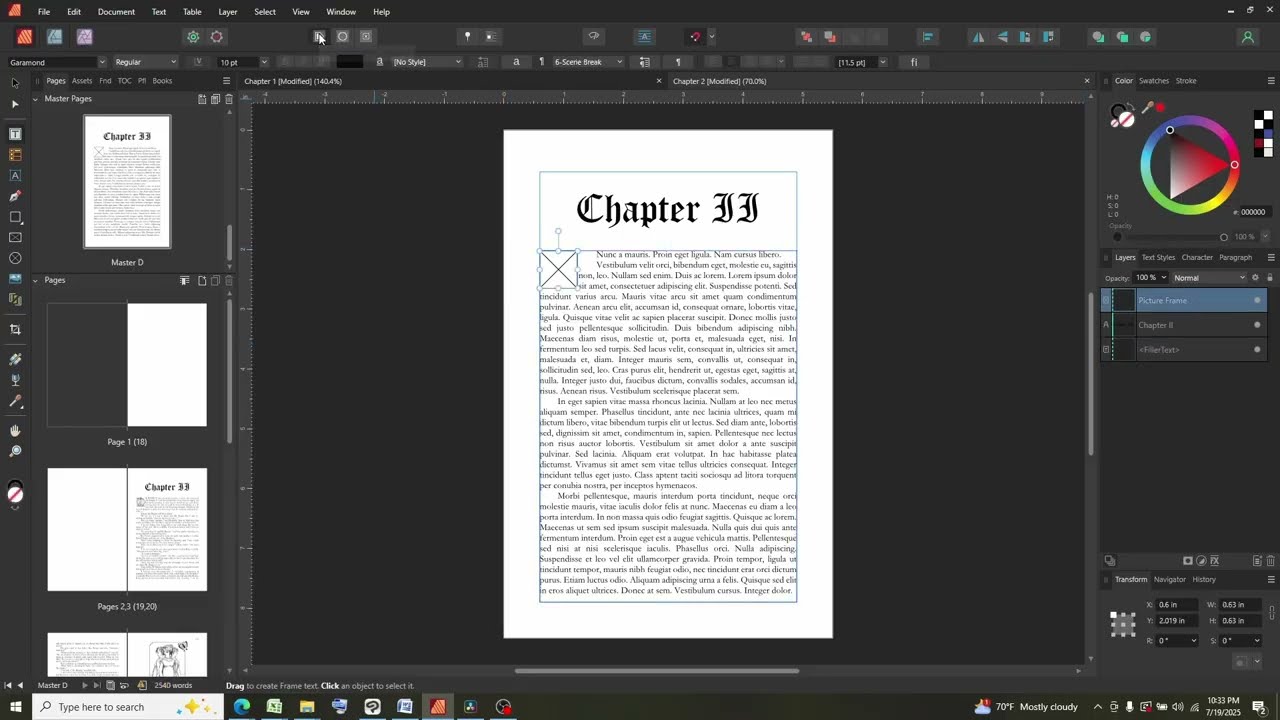
This video will cover how to draw in a picture frame, insert an image in the frame, insert an image within a text frame, insert scene break images, and how to use the pinning menu to switch the image from a separate layer to one that is grouped within a text frame.
*Note: In this video I misuse the term ‘embed’, these photos are all linked to their file, not embedded within the document. I should be using ‘inline, float, and pinned’ instead, indicating when an image is placed within a text frame.
Timestamps
00:00 Introduction
00:17 Inserting a Picture Frame
01:08 Inserting An Inline Image
02:06 Inserting Screen Breaks that Move with Text
02:56 Pinning Panel - Switching image layers to be within a text frame
Повторяем попытку...

Доступные форматы для скачивания:
Скачать видео
-
Информация по загрузке: