How To Adjust Backlight (Screen Brightness) In Nokia Phones - Nokia 105, 106, 225, 3310, 110, 8110
Автор: WebPro Education
Загружено: 2023-07-20
Просмотров: 8232
Описание:
Learn How To Adjust Backlight In Nokia Phones. This is the same as adjusting the screen brightness in your Nokia phone.
In this tutorial, we'll guide you through the simple steps to adjust the screen brightness on Nokia phones. Whether you want to conserve battery life or enhance your viewing experience in different lighting conditions, adjusting the screen brightness can make a significant difference.
How To Change Backlight (Screen Brightness) In Nokia Phones
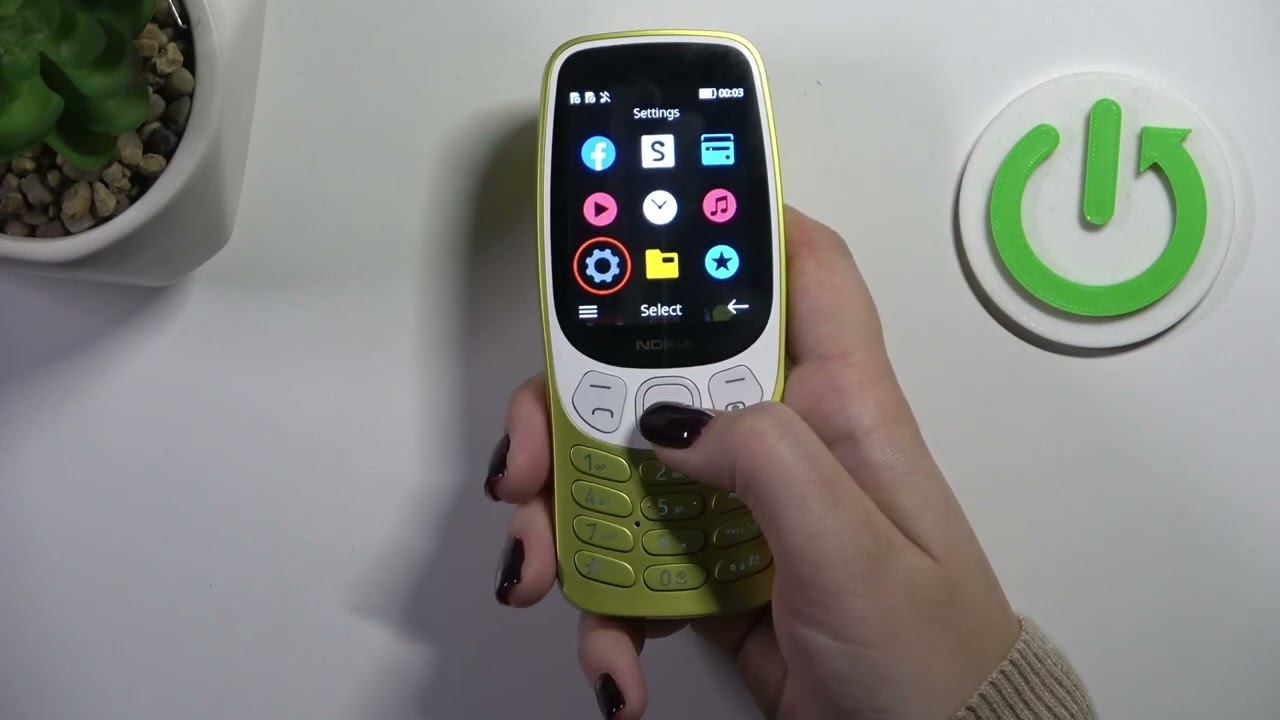
1. Go to the main menu and select settings.
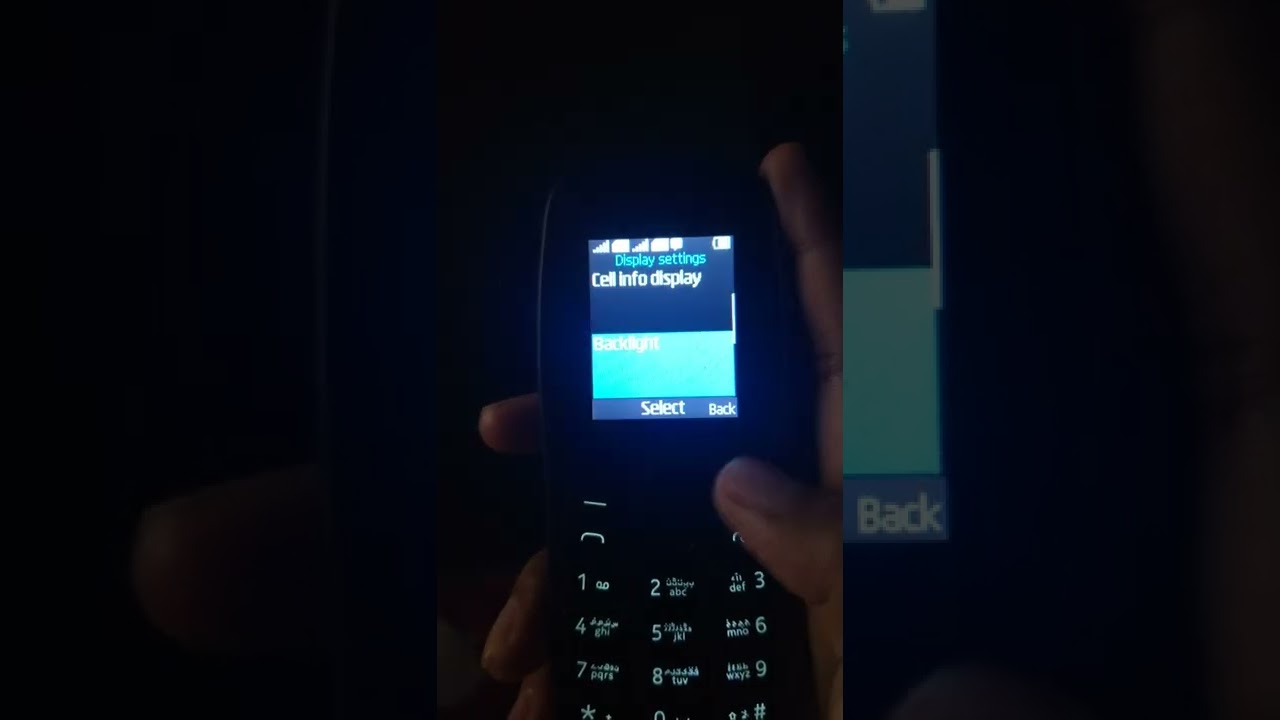
2. Under settings go down until you see Display Settings. Select that.
3. Then look for Backlight. Backlight is the same as screen brightness.
4.You'll see an adjustment bar labelled Intensity. Pressing on the left means that you reduce the screen brightness and pressing on the right means you are increasing the screen brightness.
These instructions also works for Nokia 105, 105 4G, 106, 225, 3310, 110, 8110
Nokia Phones On Amazon
Nokia 105 : https://amzn.to/3rCzuU1
Nokia 105 4G : https://amzn.to/3rFU9Gt
Nokia 225 : https://amzn.to/3NXJwq5
Nokia 106 : https://amzn.to/45aJylJ
Nokia 3310 :https://amzn.to/44DV49m
Nokia 110: https://amzn.to/43yqeNN
Nokia 8110 : https://amzn.to/3YeXJ73
----My Gear for Youtube videos----
Main Camera (iPhone 13 pro): https://amzn.to/3GZztve
Tripod: https://amzn.to/35acqRa
Cell Phone Tripod Adapter: https://amzn.to/3v3wFuI
Lights: https://amzn.to/3vkoGK7
As full disclosure, I use affiliate links on this channel and purchasing through these links earns me a small commission. The price you pay will be the same!
Website: https://www.webproeducation.org
Facebook: / webproeducation.org
Twitter: / webpro_e
Instagram: / webproeducation
Повторяем попытку...

Доступные форматы для скачивания:
Скачать видео
-
Информация по загрузке:










![Как сжимаются изображения? [46 МБ ↘↘ 4,07 МБ] JPEG в деталях](https://imager.clipsaver.ru/Kv1Hiv3ox8I/max.jpg)
