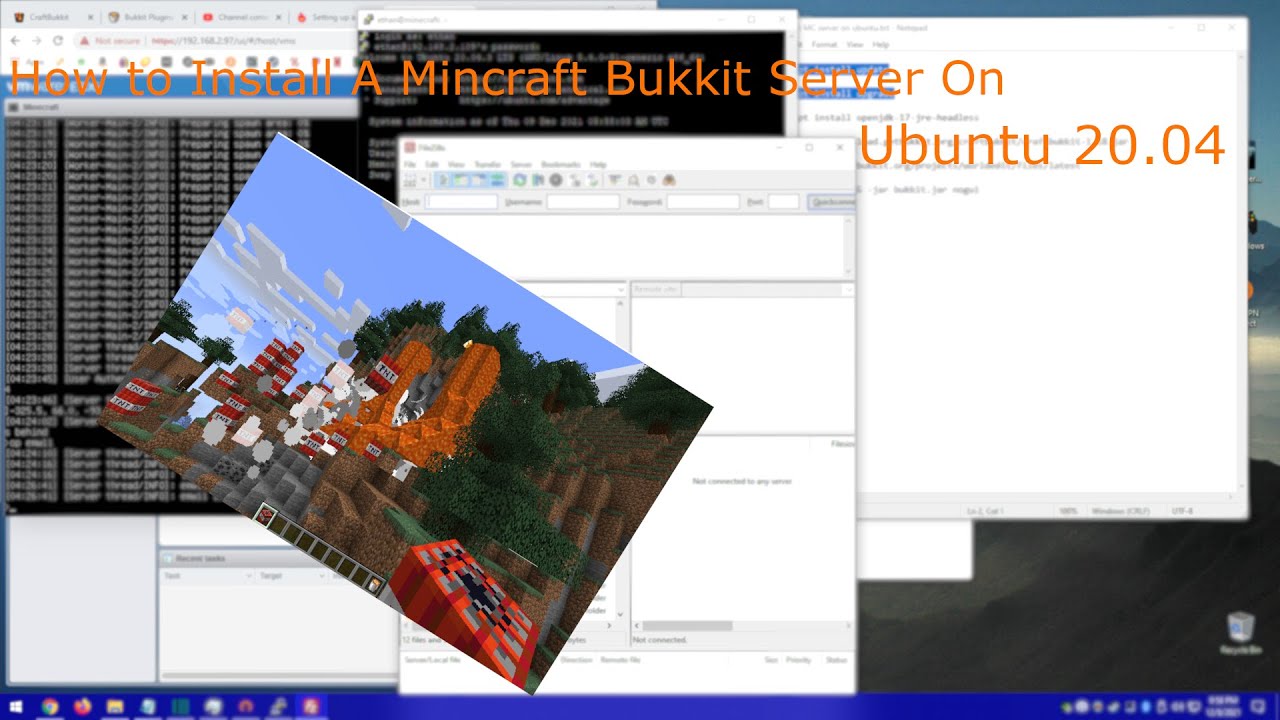
How to make a Minecraft Bukkit Server In Ubuntu Server 20.04
Автор: Emw11Gaming
Загружено: 2021-12-08
Просмотров: 484
Описание:
This video will show you step by step after installing Ubuntu Server how to configure Ubuntu to run a Minecraft Bukkit server.
Links
Bukkit Server Downloads
https://getbukkit.org/download/craftb...
Bukkit Server Plugins
https://dev.bukkit.org/bukkit-plugins
Ubuntu Server Download
https://ubuntu.com/download/server
Craftbukkit Wiki Port forwarding
https://bukkit.fandom.com/wiki/Port_f...
Craftbukkit Wiki Server Setup
https://bukkit.fandom.com/wiki/Settin...
Commands
ls - List Directory Contents
cd - Change Directory
mkdir - Make Directory
wget - download URL
sudo apt install update - Downloads updates packages
sudo apt install upgrade - Installs upgraded packages
java -Xms1G -Xmx4G -jar bukkit.jar nogui - Run Server
sudo ufw allow 25565/tcp - Allow external connections to computer
Notes
-Xmx4G can be changed to what ever amount of memory you'd like to allocate to the server it is limited by maximum memory.
To access your server outside of your home you need to port forward. Minecraft servers use port 25565 on UDP and TDP and the IPv4 address will be the internal roughing number used. you may also have to run the command sudo ufw allow 25565/tcp to allow external conections.
Повторяем попытку...
Доступные форматы для скачивания:
Скачать видео
-
Информация по загрузке: