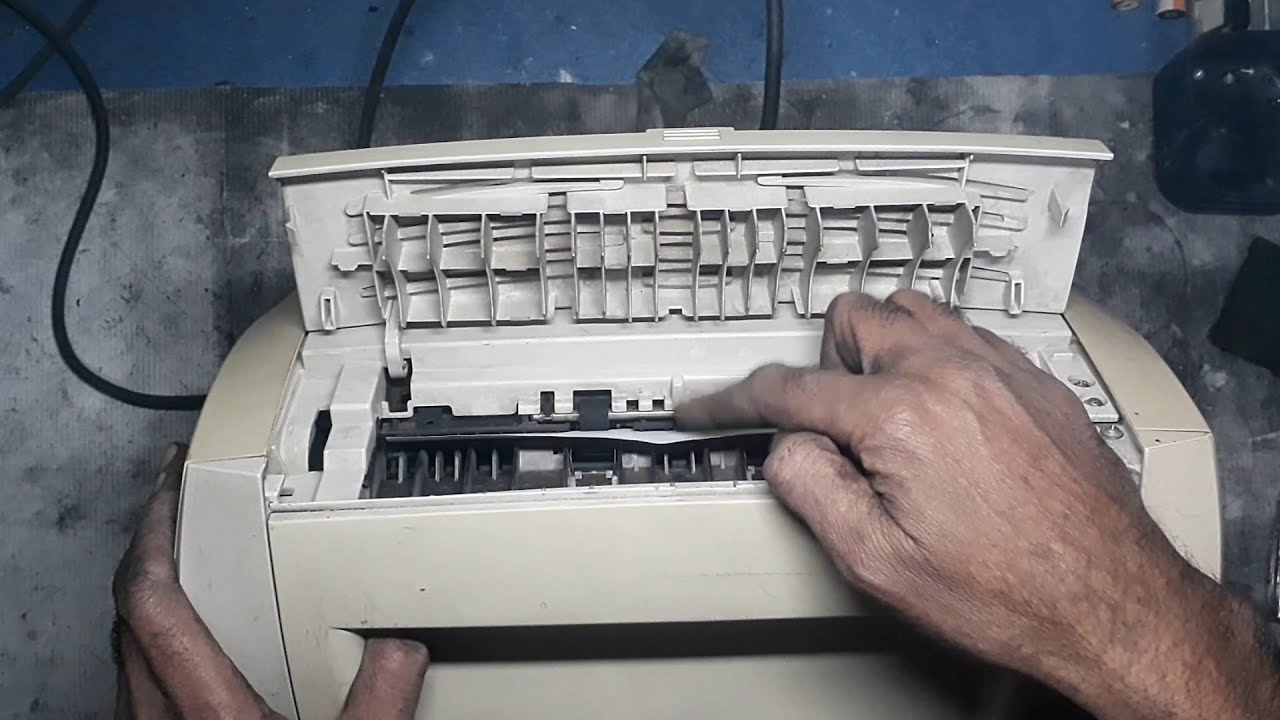
HP LaserJet 1200 Paper jam in Fuser || Paper Stuck at Fuser
Автор: Printer Surgeon
Загружено: 2024-12-21
Просмотров: 970
Описание:
The video provides a comprehensive and detailed guide to resolving paper jams in the fuser section of the HP LaserJet 1200 printer, a common issue that can disrupt workflow. It begins with an explanation of the fuser’s role in the printing process. The fuser is responsible for bonding toner to paper using heat and pressure, making it a critical component. Paper jams in this section often result from misaligned paper, worn-out rollers, improper paper handling, or debris buildup. Addressing these issues promptly is essential to ensure the printer’s longevity and reliable performance.
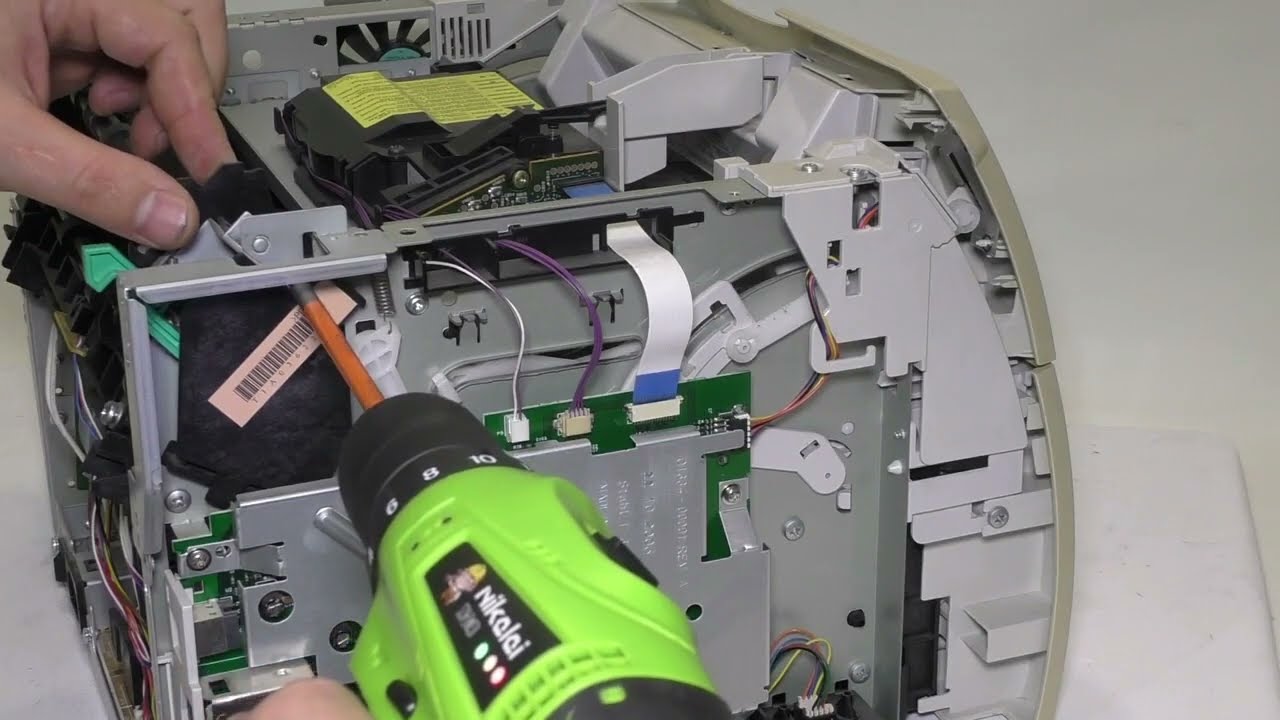
The process starts with safety precautions, including turning off the printer and unplugging it from the power source. Once the printer is safely powered down, the video demonstrates how to carefully access the fuser section by opening the rear panel or the designated access point, depending on the printer’s model. Viewers are shown how to visually inspect the fuser area to identify jammed paper. Clear instructions emphasize the importance of removing the paper gently and evenly to avoid tearing or causing further damage. Attention is given to checking for any leftover debris or small pieces of torn paper that might obstruct the printer’s functionality.
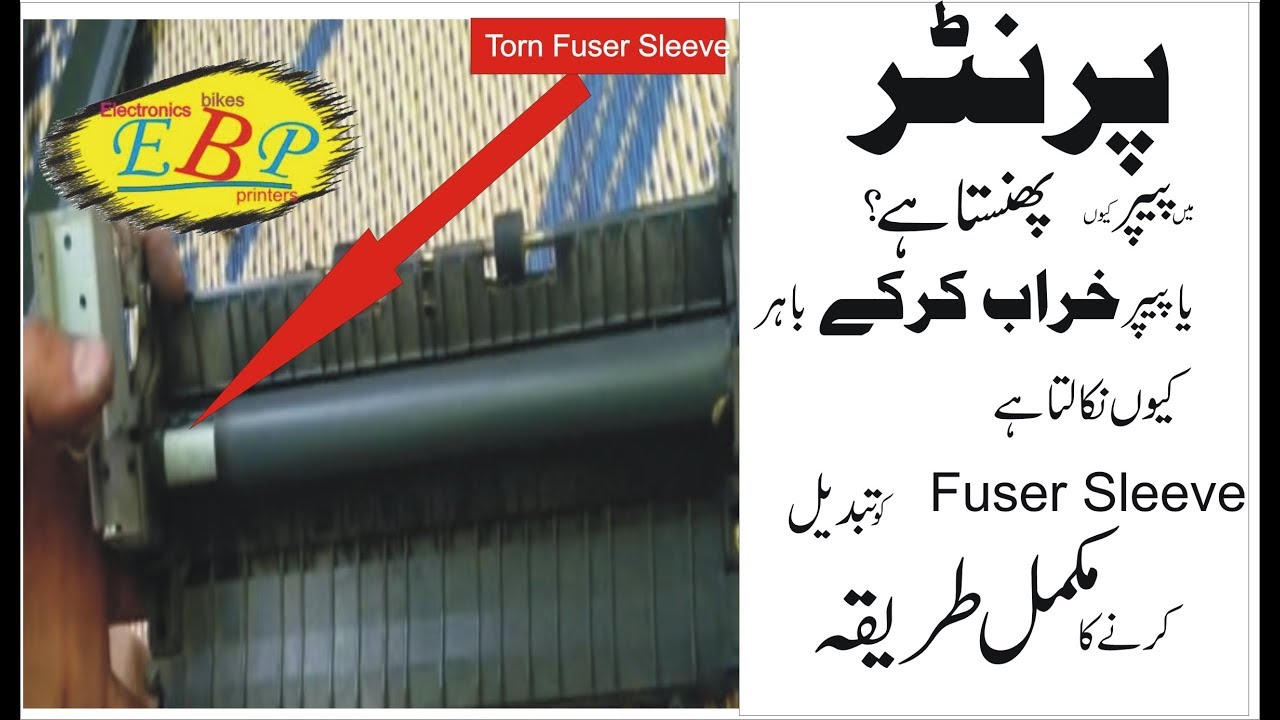
The video provides step-by-step guidance on examining the fuser rollers for signs of wear, such as grooves, cracks, or toner buildup, which can contribute to recurrent jams. It includes practical cleaning tips, such as using a lint-free cloth and approved cleaning solutions to remove toner residue. The importance of using high-quality, compatible paper that meets the printer’s specifications is also highlighted, as subpar paper is often a primary cause of jams.
Preventive measures are discussed to help viewers avoid future issues. These include maintaining a dust-free environment around the printer, avoiding overloading the paper tray, and ensuring that paper is loaded correctly, flat, and dry. Regular maintenance tips, like cleaning the fuser rollers and inspecting internal components, are also shared to help extend the printer’s lifespan.
In addition to resolving the current jam, the video offers troubleshooting tips for recurring problems, such as calibrating the printer settings and replacing worn-out parts when necessary. The final step involves performing a test print to confirm that the printer is functioning correctly after the jam is cleared.
This practical and user-friendly guide is designed to assist individuals in diagnosing and fixing HP LaserJet 1200 fuser section paper jams effectively. By combining detailed instructions, maintenance tips, and preventative advice, the video serves as a valuable resource for anyone looking for reliable solutions to printer issues. Optimized for online searches, it provides actionable steps and helpful insights, making it an excellent reference for those seeking to maintain their printers in top condition.
#hp
#hplaserjet
#hplaserjetpro
#hpprinter
#hpprinterservice
#hpprinters
#hprepair
#hplaserjetrepair
#howto
#howtofix
#howtofixprinter
#howtorepair
#howtorepairprinter
#diyrepair
#diy
#diyprinterrepair
#PrinterSurgeon
@followers
#trendingreelsvideo
#trendingvideo
#trendingpost
#Technology
#fypシ
#foryoupageシforyou
#foryouシ
#foryoupageシ
#tiktok
#tiktokviral
#Youtube
#youtubechannel
#youtubevideo
#ViralFacebook
#viralfacebookvideo
#viralfacebookreels
Повторяем попытку...
Доступные форматы для скачивания:
Скачать видео
-
Информация по загрузке: