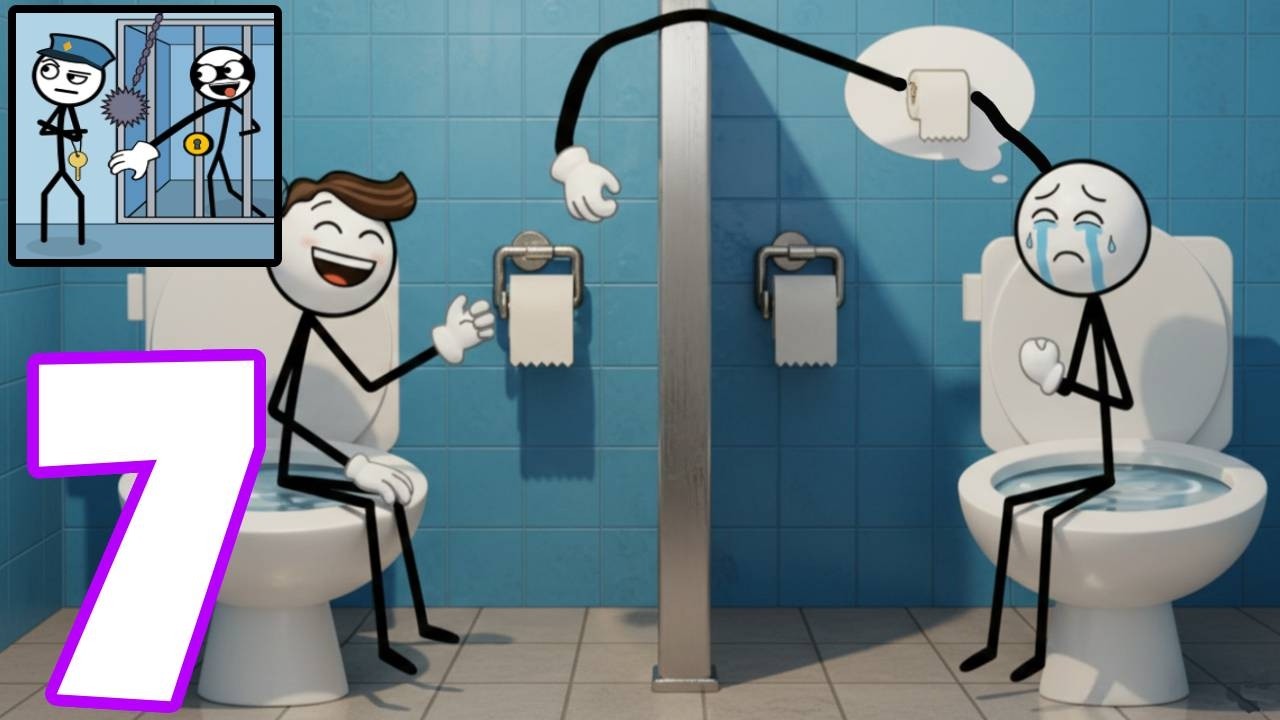
It's Pee Time Home Screen - Gameplay Walkthrough Part 2 - SpeedRun Game (ANdroid/ios)
Автор: BEST android GAMES
Загружено: 2026-03-03
Просмотров: 295
Описание:
It's Pee Time Home Screen - Gameplay Walkthrough Part 2 - SpeedRun Game (ANdroid/ios)
Hi, support my channel with your like, leave a comment, and subscribe so you don't miss new videos. 😉👍
Download It's Pee Time Home Screen ⬇️⬇️⬇️
https://play.google.com/store/apps/de...
The It's Pee Time home screen is a launcher that offers an innovative way to personalize and interact with your Android device.
It combines advanced customization, unique gameplay, intuitive gestures, and features in a simple and visually consistent interface.
Set the It's Pee Time home screen as your default launcher from your default home screen and start using it.
🎨 Explore the It's Pee Time home screen
🕹️ Built-in Game: "It's Pee Time"
It's Pee Time is a fast-paced racing game where every second counts!
Play as a desperate man racing to the bathroom as quickly as possible.
Dodge people, cars, and countless obstacles in multiple scenarios and environments. Improve your skills, increase your speed, and become the fastest runner before it's too late!
📎 Pop-up Menu on the Home Screen
This feature provides quick shortcuts directly from the home screen. By pressing and holding an empty area of the home screen, a pop-up menu appears with shortcuts to key Launcher features, such as "Home Screen Layout."
You can customize the shortcuts that appear in this menu: add, remove, or rearrange them to suit your workflow.
⚙️ To customize: Press and hold an empty area of the home screen → Tap "Edit Pop-up Menu Items."
🖼️ Home Screen Layout - Wallpaper Feature:
Choose from a wide collection of wallpapers inspired by the game's universe, featuring vibrant scenes, illustrations, and colorful backgrounds.
⚙️ To access the feature: Press and hold an empty area of the home screen and select "Home Screen Layout." You can choose from 8 game-inspired wallpapers.
🎯 Icon Style Feature
: Change the icon of each app to match your mood or theme. Adjust shapes, resize icons, and hide labels for a clean, minimalist design. ⚙️ To customize: Touch and hold an empty area of the Home screen → Settings → General → Icon style.
📂 App drawer customization:
Take full control of your app drawer. Adjust the background color and opacity, choose how many app columns to display, and adjust row height and padding. You can even resize icons, hide apps, or customize the search bar to your liking.
⚙️ To customize: Touch and hold an empty area of the Home screen → Settings → App drawer.
🔤 Font and layout control
Adjust the text size, grid spacing, and font style to create the perfect layout for your home. From modern, tight grids to minimalist, open designs, every detail is in your hands.
⚙️ To customize: Touch and hold an empty area of the Home screen → Settings → General.
#gameplay #bestandroidgames #games
Повторяем попытку...

Доступные форматы для скачивания:
Скачать видео
-
Информация по загрузке: