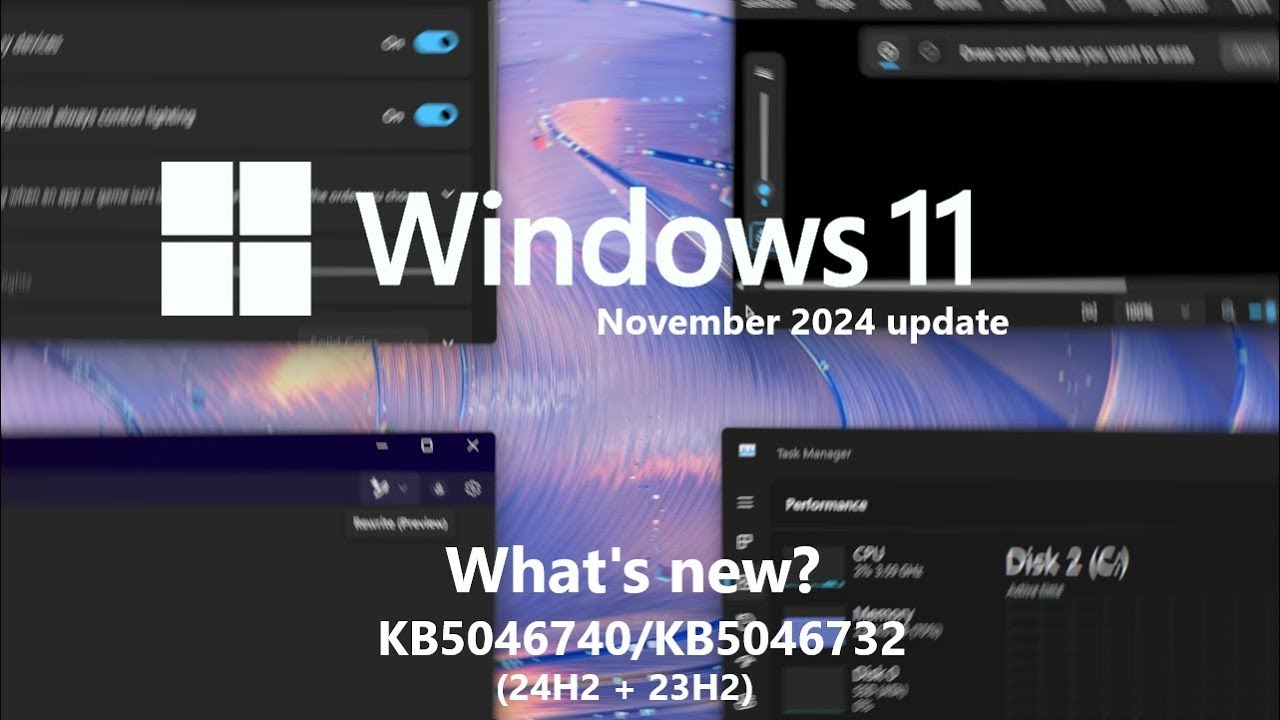
Windows 11 November 2024 update (KB5046740/KB5046732) - what's new?
Автор: phantomofearth
Загружено: 2024-11-15
Просмотров: 2375
Описание:
The last feature bundle of 2024, for the month of November, is now available for users on Windows 11 version 24H2 (KB5046740 - OS build 26100.2454 - features also part of Patch Tuesday KB5048667, OS build 26100.2605) and 23H2 (KB5046732 - OS build 22631.4541 and 22621.4541 - features also part of Patch Tuesday KB5048685, OS build 22631.4602 and 22621.4602), and it is feature packed.
(It is worth mentioning that this feature bundle remained current for the January 2025 Patch Tuesday updates, 24H2 - KB5050009, OS build 26100.2894, and 23H2 - KB5050021, OS build 22631.4751 and 22621.4751)
There are new AI features: Notepad has a new Rewrite feature, Paint gets generative erase and generative fill* and Photos gets super resolution*. These inbox apps have some other nice additions, such as improved Notepad launch performance.
The notification bell icon is now hidden by default on the taskbar (but can be turned back on), as well as improvements to jump lists with them finally appearing in the Start menu's pinned section. File Explorer gets a new "source control integration" feature, Dynamic Lighting gets new effect directions, context menus have new options, Task Manager now shows disk type and much, much more.
*Exclusive to Copilot+ PCs with Snapdragon X processors (Arm) and therefore Windows 11 version 24H2.
Velocity ID for this feature bundle: 50565209
Official release notes:
24H2: https://support.microsoft.com/help/50...
23H2: https://support.microsoft.com/help/50...
(Thanks to techosarusrex for the touch settings image.)
Timestamps:
0:00 Intro
0:09 Rewrite in Notepad
2:11 Notepad launch performance improvements
2:25 Generative erase in Paint
3:20 Generative fill in Paint (Copilot+ PC exclusive)
4:23 Improvements to Paint Cocreator and Image Creator
5:29 Super resolution in Photos (Copilot+ PC exclusive)
6:05 Taskbar changes (notification bell hidden, Ctrl+Shift on jump lists to launch as admin)
6:46 Jump lists for pinned Start menu apps
7:15 New context menu options (Send to My Phone, Edit with Paint)
7:49 File Explorer Source Code/Control Integration
9:04 Chinese/Japanese IME toolbar now hidden when an app is fullscreen
9:23 Dynamic Lighting improvements ("no supported devices" banner, new effect directions)
10:13 Updated logic for the "Press the lower right corner of the touchpad to right-click" touchpad setting
10:33 New options to turn off left and right edge swipe gestures on touchscreens + 23H2 gets new mouse options
10:45 "Tailored experiences" replaced by "Personalized offers" + updated Recommendations & offers privacy page
11:20 Task Manager improvements (disks labeled by type, updated disconnect dialog)
11:53 Updated text to speech and speech to text experiences
12:02 Narrator improvements (new dialog on launch, scan mode additions)
12:24 How to get the new features as soon as possible
12:58 Outro
Subscribe for more videos about Windows 11 like this one: / @phantomofearth1
You can find me on:
Twitter: / phantomofearth
Reddit: / phantomocean3
Mastodon: https://techhub.social/@PhantomOcean3
#Windows11 #Version24H2 #Version23H2 #Version22H2 #KB5046740 #KB5046732 #KB5050009 #KB5050021 #KB5048667 #KB5048685 #windowsupdate #build26100 #build22631 #build22621 #KB5027397 #Copilot #CopilotPlus #AI #24H2 #23H2 #22H2
Повторяем попытку...
Доступные форматы для скачивания:
Скачать видео
-
Информация по загрузке: