How to Create a Countdown Timer in Premiere Pro
Автор: EduTecPro
Загружено: 2026-01-31
Просмотров: 4
Описание:
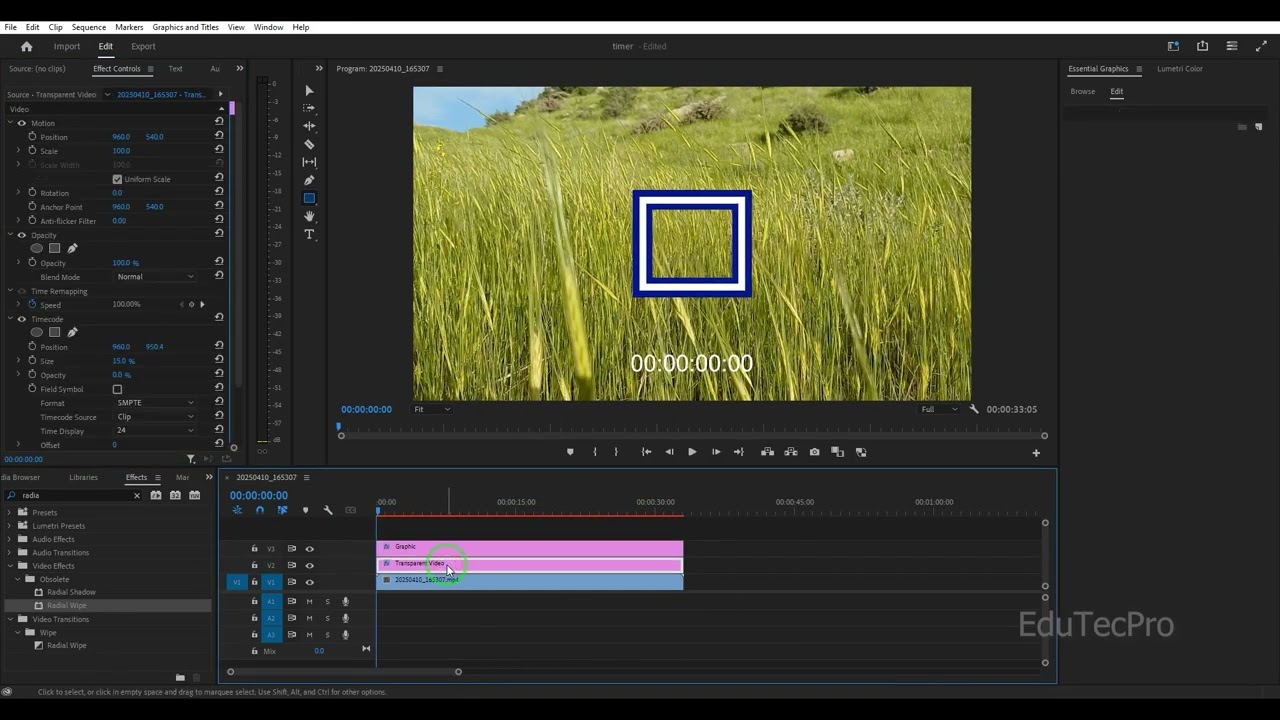
Need a countdown timer for your fitness video, gaming challenge, or YouTube intro? In this tutorial, I’ll show you exactly how to create a professional countdown timer in Premiere Pro without needing any third-party plugins!
We cover multiple methods, from the lightning-fast "Timecode" effect to using the "Essential Graphics" panel for a more stylish, custom look. By the end of this video, you’ll be able to create, customize, and overlay a timer on any footage.
What we cover in this guide:
Method 1: The Timecode Effect – The fastest way to generate a running clock or countdown using a Transparent Video layer.
Method 2: Manual Text Animation – For those who want 100% control over the font, color, and style.
Customization: How to change colors, fonts, and background opacity to match your brand.
The "Crop" Trick: How to remove unwanted hours/frames from your timer to show only minutes and seconds.
If this tutorial helps you save time on your next edit, please hit the Like button and Subscribe for more Premiere Pro masterclasses!
Subscribe for more tutorials: / @edutecpro
Premiere Pro Graphics Playlist: • Premiere Pro
#edutecpro #PremierePro #CountdownTimer #VideoEditing #PremiereProTutorial #WorkoutTimer #AdobePremiere #MotionGraphics #VideoEditingTips #Countdown #YouTubeTutorial #PostProduction #TimerEffect
Повторяем попытку...
Доступные форматы для скачивания:
Скачать видео
-
Информация по загрузке:










![Введение в интерфейс Adobe After Effects. Эпизод 2/48 [Adobe After Effects для начинающих]](https://imager.clipsaver.ru/O6KRRQm6meY/max.jpg)