How to Replace Any Screen in After Effects (Step-by-Step Tutorial)
Автор: LiamTuts
Загружено: 2025-07-25
Просмотров: 488
Описание:
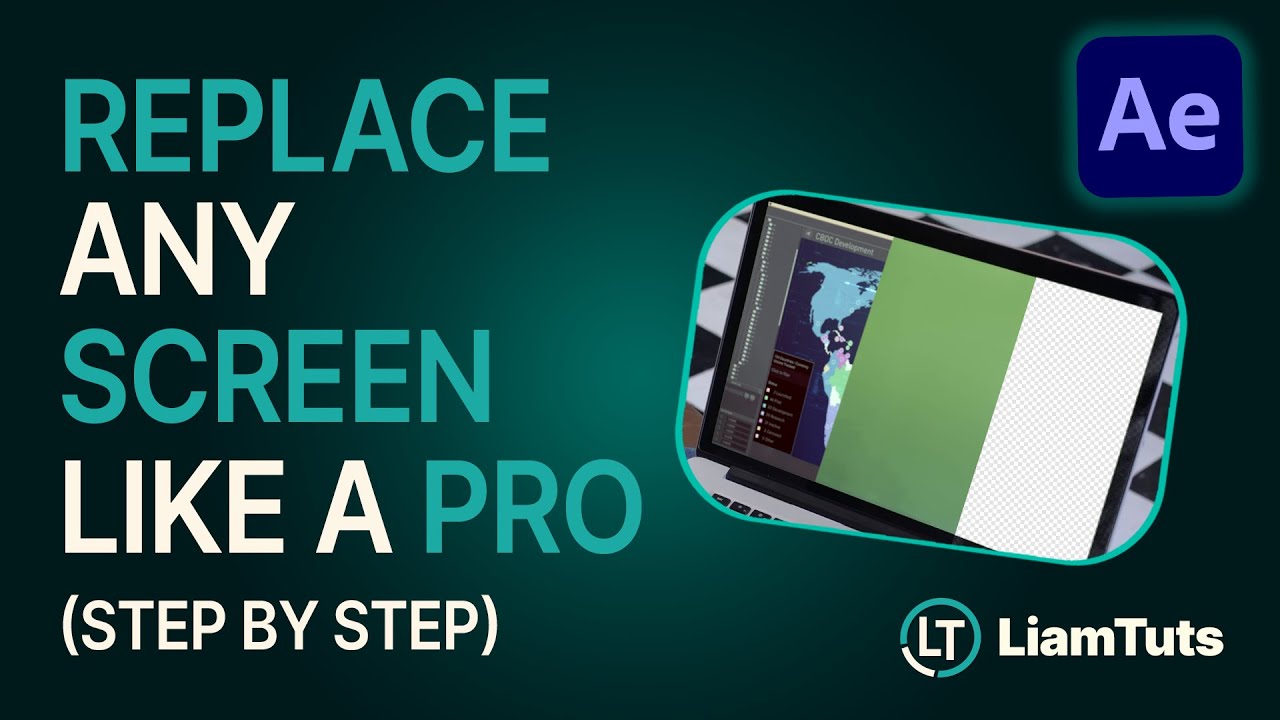
Want to know how to do professional-looking screen replacements in After Effects?
In this real-world, step-by-step tutorial, I walk you through how to track, insert, colour match, and polish a screen replacement shot using built-in tools and some tricks I use on client projects.
This method works for TVs, phones, laptops, and tablets and can be adapted to almost any screen.
I’m also trying something new in this episode, longer form start-to-finish tutorials separated by chapters. Let me know if it’s helpful!
Here’s what I’ll show you:
🔹 Setting up your project for a clean colour workflow
🔹 Using Mocha AE for accurate corner pin tracking
🔹 Matching colour and blur to the scene
🔹 Creating a custom Luma Matte to clean up edge artefacts
🔹 Preserving real-world screen texture
🔹 Extracting and applying grain with Neat Video
🔹 BONUS: Simple ways to fix curved or rounded screen edges
This is a longer, follow-along tutorial, ideal for VFX beginners or intermediates looking to level up their After Effects workflow.
Subscribe for more motion & VFX tips: / @liam_tuts
Made by Liam Bauckham • https://www.liambauckham.com
#AfterEffects #ScreenReplacement #MochaAE #VFXTutorial #MotionTracking #CornerPin #GrainMatte #LumaMatte #AfterEffectsTips #ScreenComping #VisualEffects #AdobeAfterEffects #CompositingTutorial #VFXWorkflow -------------------------
For more tutorials check out https://liambauckham.com/tutorials/
Повторяем попытку...
Доступные форматы для скачивания:
Скачать видео
-
Информация по загрузке: