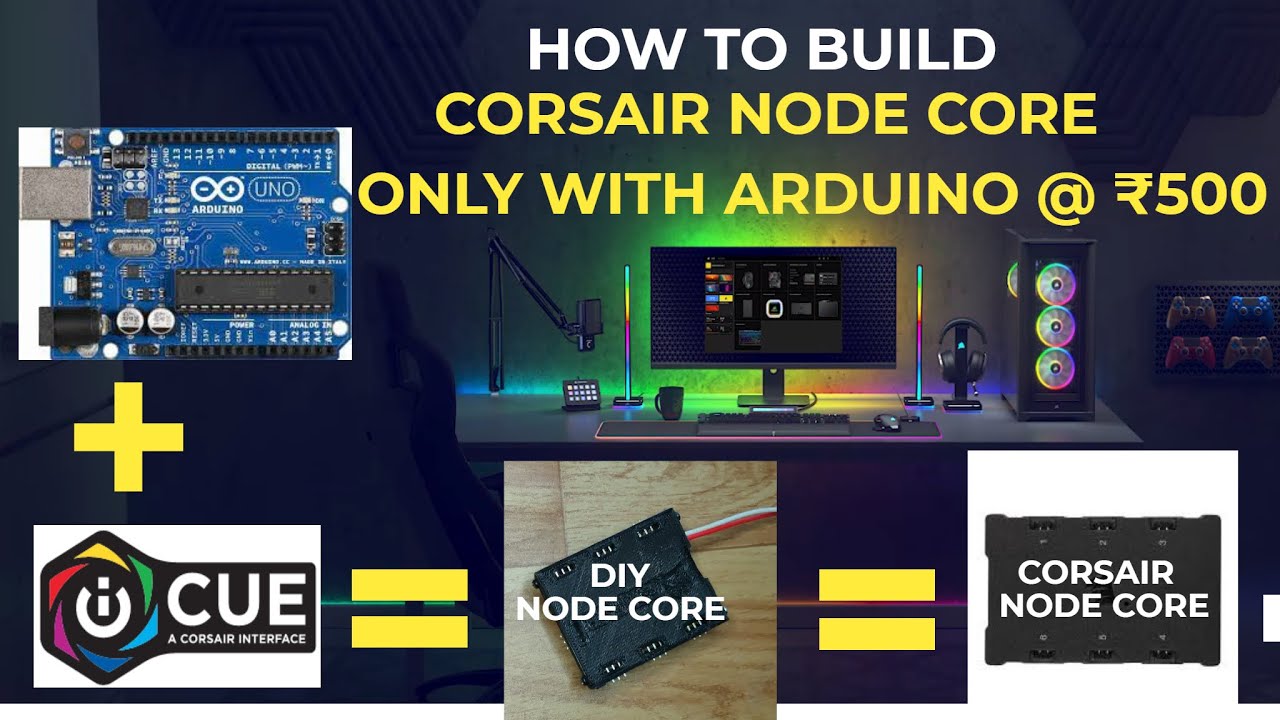
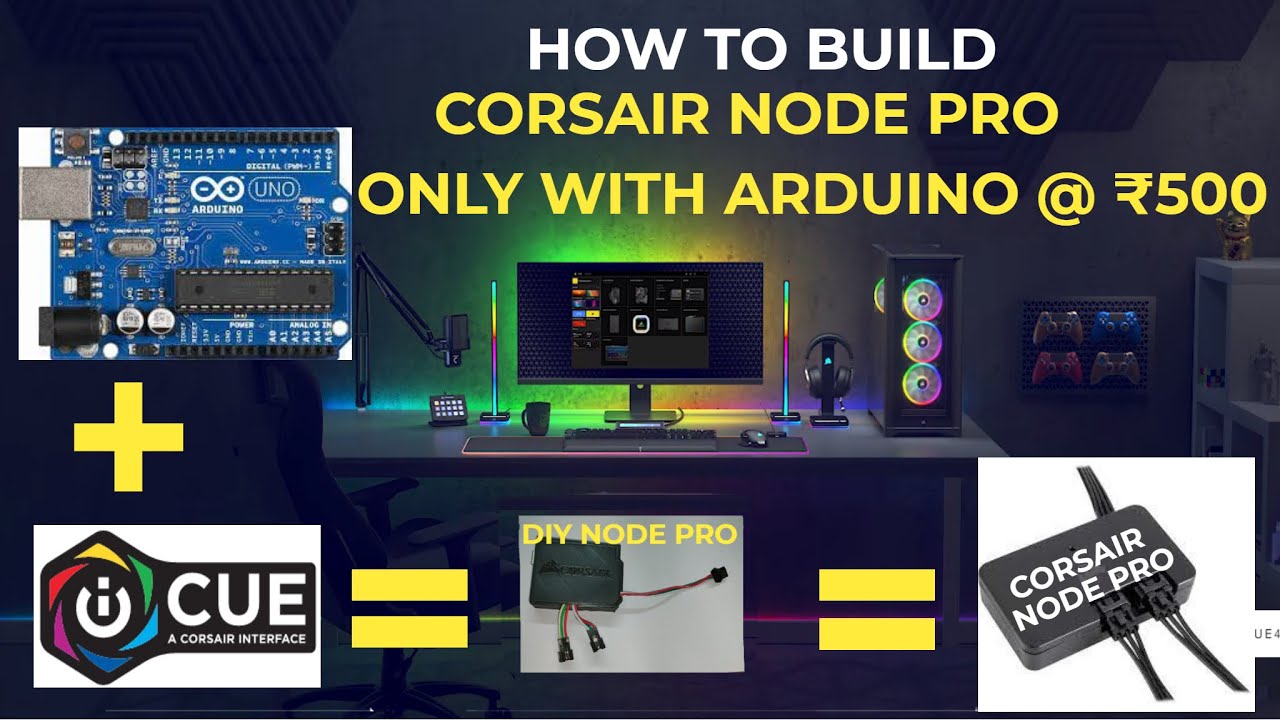
HOW TO BUILD CORSAIR NODE PRO WITH ARDUINO
Автор: Electronautic
Загружено: 2021-07-25
Просмотров: 9352
Описание:
In this video, I will show how to build CORSAIR NODE PRO with ARDUINO. It can control multiple RGB devices with this single controller through USB .it has 2 channels each channel support a 6 RGB strip. Total 12 strips with 12 multiple effects.
NEXT PART- • HOW TO BUILD CORSAIR NODE CORE WITH ARDUINO
purchase link-https://www.amazon.in/dp/B0D47SB5J4?r...
00:00 what is ICUE.
00:35 original corsair node pro price and Arduino(DIY node pro) price.
00:53 5 main steps to build corsair node pro with Arduino.
01:01 corsair lighting protocol.
01:20 Arduino uno setup.
01:37 step- 1 uploading the installation sketch.
05:00 step- 2 install the library.
05:24 step-3 install clp board and hoodloader2 board.
07:49 step- 4 uploading hoodloader2 uno mega controller sketch.
08:36 step- 5 select node pro upload the hoodloader2 clp bridge sketch.
09:25 download and install corsair ICUE.
09:43 testing.
10:12 Arduino wiring.
11:54 final result.
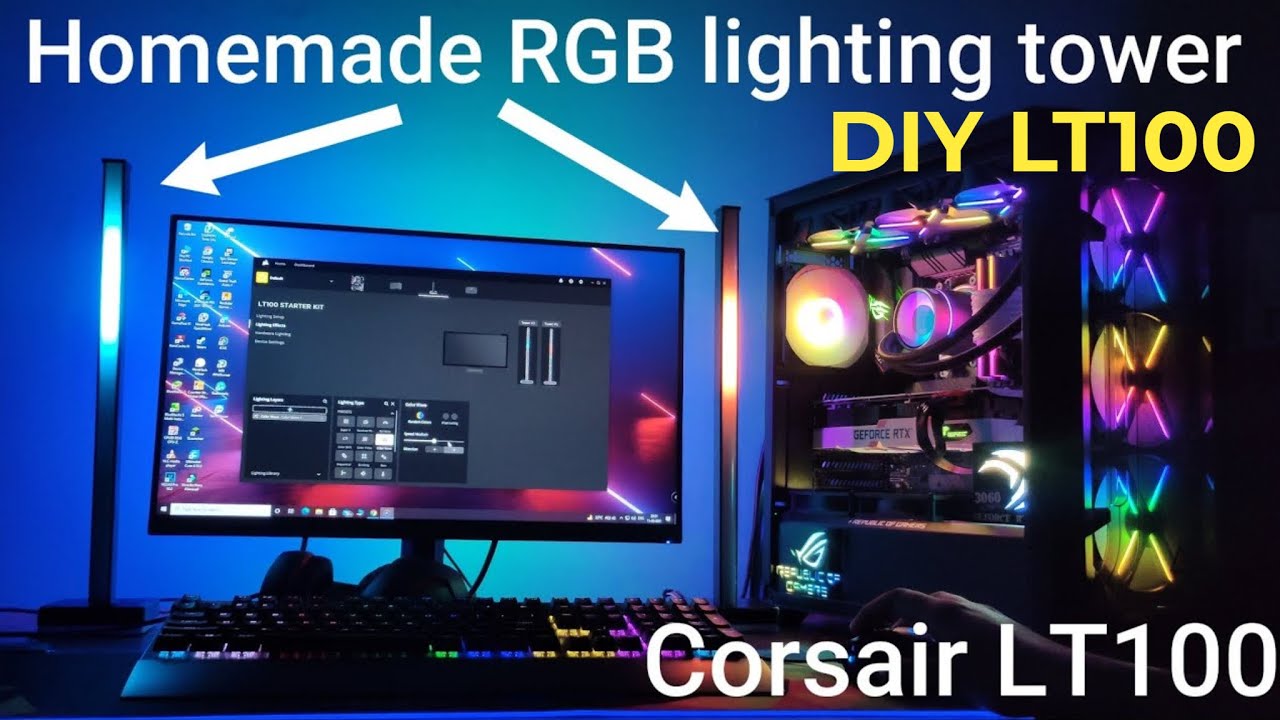
12:05 controlling DIY Lian li strimmer plus with ICUE.
12:23 ICUE brightness setting.
13:55 why I am not satisfied with this node pro.
I AM NOT SATISFIED WITH THIS NODE PRO.So in my next video, I will build node PRO V2 and also add some more features and more customization effects. I will build that node pro V2 with Arduino pro micro for compact size like the original node CORE.
LIKE, SHARE, AND SUBSCRIBE TO THE CHANNEL.
Повторяем попытку...
Доступные форматы для скачивания:
Скачать видео
-
Информация по загрузке: