Astrometa DVB-T2 USB stick and Linux
Автор: debiangamer
Загружено: 2018-10-31
Просмотров: 2396
Описание:
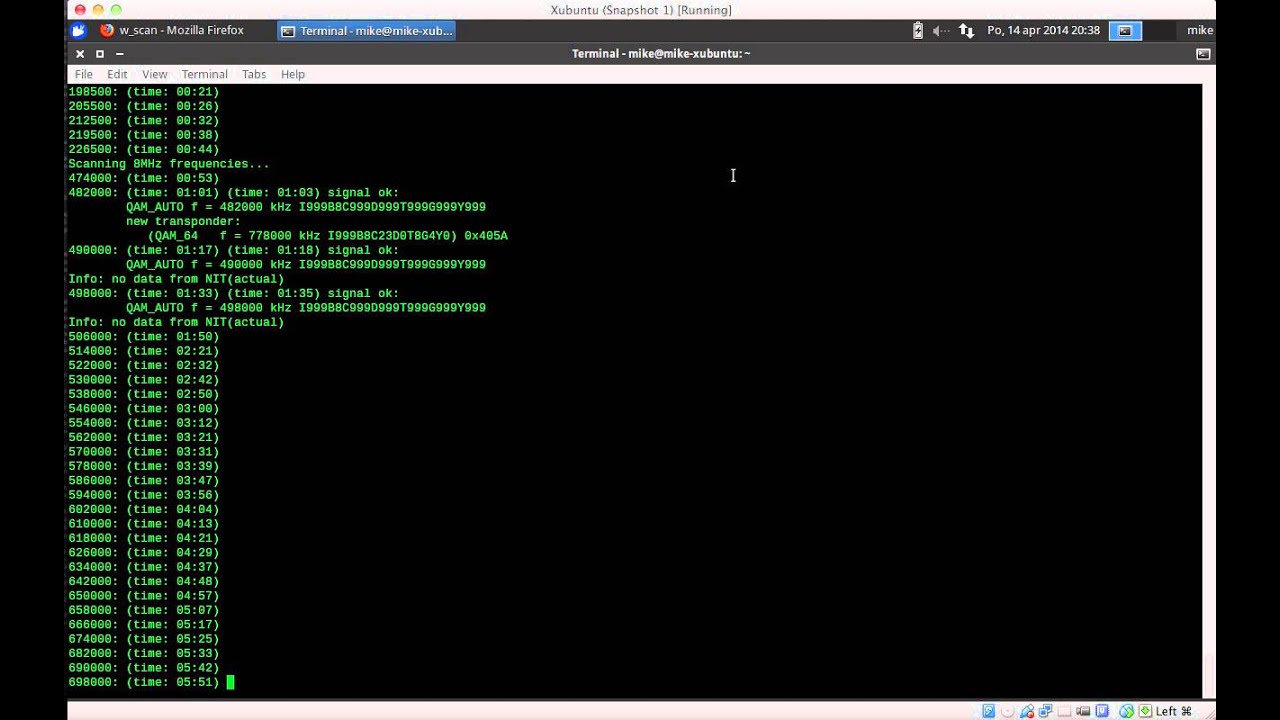
See linuxtv.org for more information. I have the 2017 version with the Sony cxd2837er demodulator. The kernel 5.0-rc1 has support for the Astrometa stick. Install dvb-tools and dtv-scan-tables packages. Scan TV channels (cc=country code, City=your city):
dvbv5-scan -O ZAP -o channels.conf /usr/share/dvb/dvb-t/cc-City
You need to use the frontend1, but DVB-T software assumes frontend0. Here are the udev rule for the /lib/udev/rules.d/60-astrometa.rules file , the /etc/systemd/system/astrometa.service file and astrometa.sh file that you must make executable with chmod a+x. Run sudo systemctl daemon-reload to enable the new service. Run sudo udevadm control --reload to reload rules without rebooting.
ACTION=="add", KERNEL=="swradio*", IMPORT{parent}="DEVPATH", ATTRS{name}=="Realtek RTL2832 SDR",TAG+="systemd", ENV{SYSTEMD_WANTS}+="astrometa.service"
[Unit]
Description=Swaps the Astrometa DVB frontends to Sony at 0.
[Service]
Type=oneshot
ExecStart=/bin/bash /home/xfce/Documents/astrometa.sh
#!/bin/bash
if [ ! -e /dev/dvb/adapter0/frontend99 ]
then
mv /dev/dvb/adapter0/frontend0 /dev/dvb/adapter0/frontend99
mv /dev/dvb/adapter0/frontend1 /dev/dvb/adapter0/frontend0
fi
Remote Controller
For controlling VLC, install lirc and ir-keytable and configure it for the event of the remote (use ir-keytable to find it): sudo leafpad /etc/lirc/lirc_options.conf
driver = devinput
device = /dev/input/event20
Copy /lib/udev/rc_keymaps/astrometa_t2hybrid.toml to /etc/rc_keymaps. Comment out the old rule and create a new rule to the /lib/udev/rules.d/60-ir-keytable.rules file:
ACTION=="add", SUBSYSTEM=="rc", RUN+="/usr/bin/ir-keytable -c -w /etc/rc_keymaps/astrometa_t2hybrid.toml"
Make channel up (n) and down (p) buttons to work: sudo leafpad /etc/lirc/lircd.conf.d/devinput.lircd.conf
KEY_CHANNELDOWN 0x25
KEY_CHANNELUP 0x49
KEY_ZOOM 0x33
To start or stop lircd, use: sudo systemctl start/stop lircd.socket. Configure VLC to use Infrared Remote Control in Control Interfaces of the Tools/Preferences/Advanced Settings window.
Повторяем попытку...

Доступные форматы для скачивания:
Скачать видео
-
Информация по загрузке: