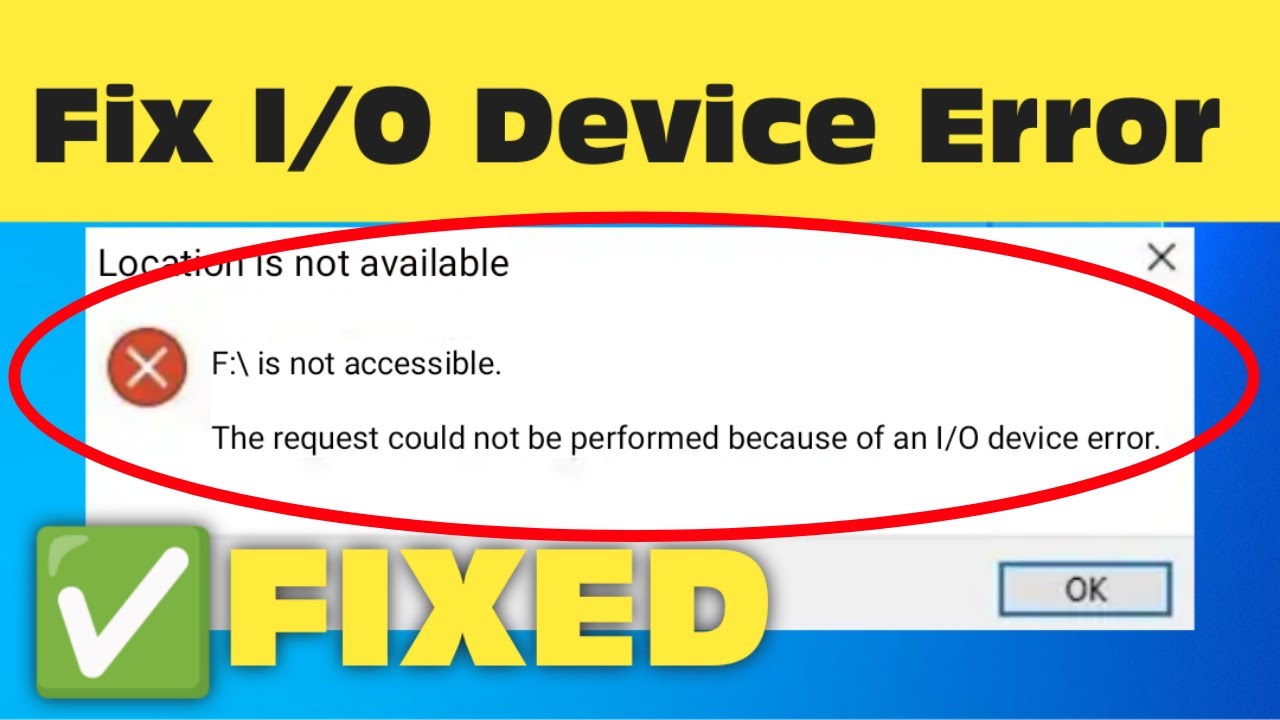
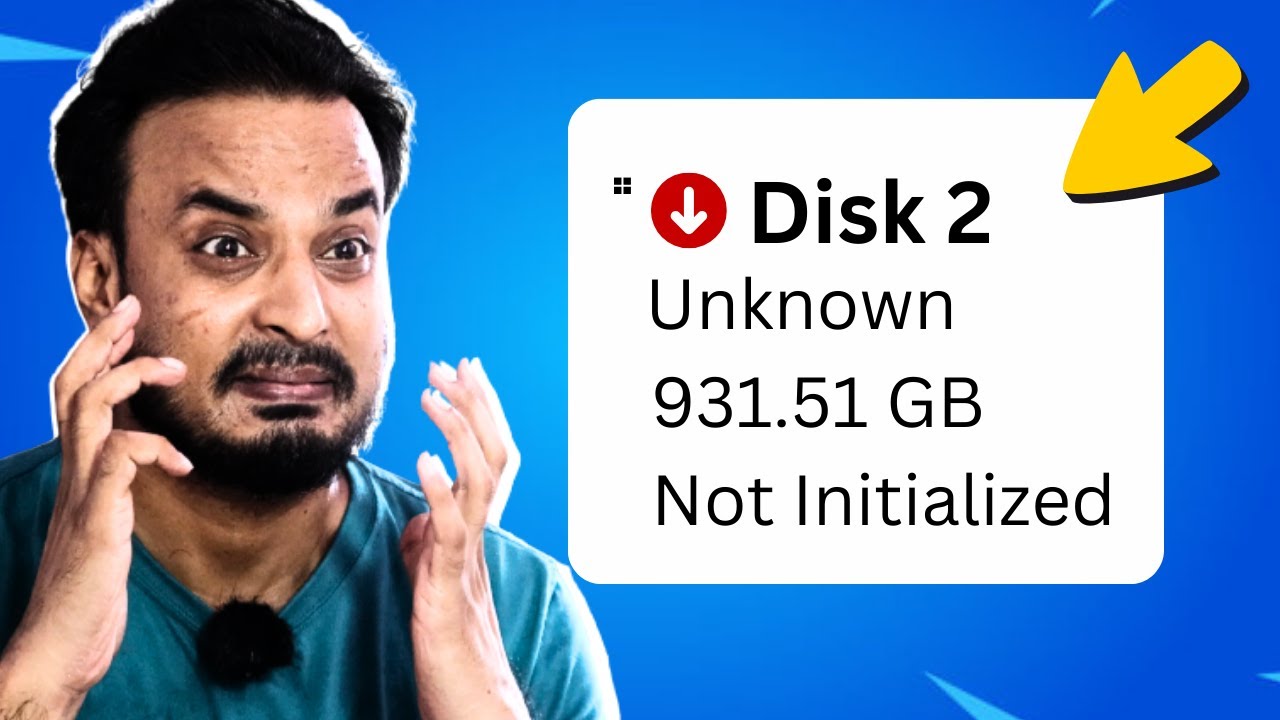
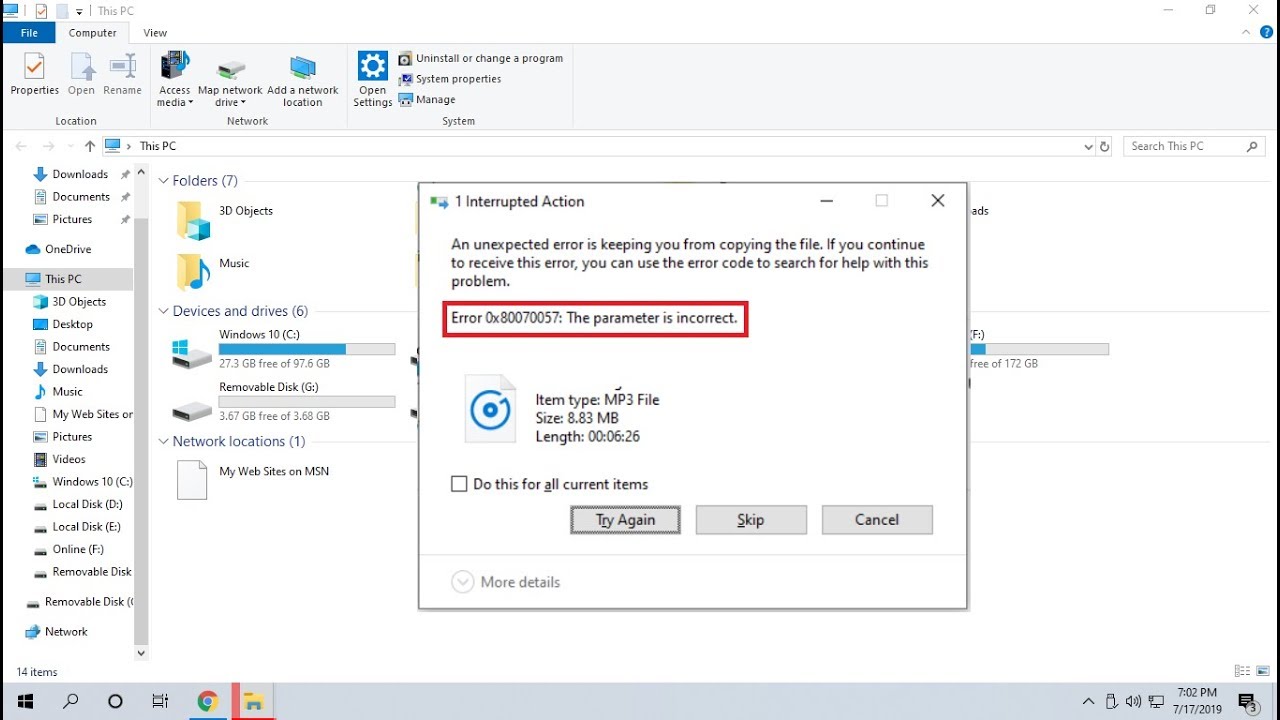
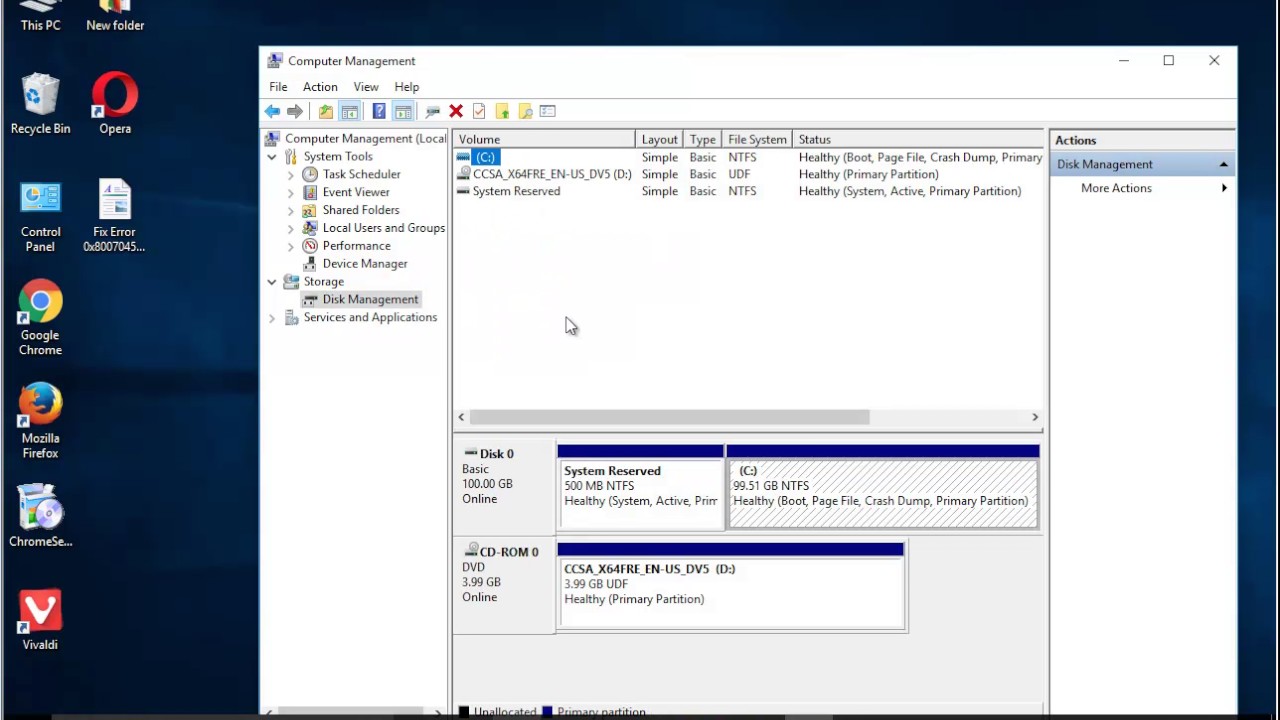
Fix Error 0x8007045D: the request could not be performed because of an I/O device error (2023 Tips)
Автор: HalfGēk
Загружено: 2017-06-05
Просмотров: 77303
Описание:
This vid helps Fix Error 0x8007045D: the request could not be performed because of an I/O device error while copying files, or creating a system image.
Error 0x8007045D is a Windows error that occurs when a program is unable to access/copy a file or device. The error message is "The request could not be performed because of an I/O device error."
There are a few possible causes of this error:
A corrupt or damaged file system.
A faulty hardware device.
A software conflict.
A driver problem.
To fix Error 0x8007045D, you can try the following solutions:
1. Run the Chkdsk command to scan and repair the file system.
2. Update your drivers.
3. Uninstall and reinstall the software that is causing the error.
4. Run the System File Checker tool to scan and repair system files.
5. Boot into Safe Mode and try to perform the operation that is causing the error.
If you have tried all of the above solutions and you are still getting Error 0x8007045D, you may need to contact Microsoft support for help.
Here are some additional tips:
Make sure that you are running the latest version of Windows.
Make sure that you have all of the latest updates installed.
Make sure that your hardware is compatible with Windows.
Make sure that you are using a good quality antivirus program.
Make sure that you are not running any unnecessary programs in the background.
If you are still getting Error 0x8007045D, you can try to create a new user account and see if you can perform the operation that is causing the error in the new account.
If you are still getting Error 0x8007045D, you may need to perform a factory reset on your computer. This will erase all of your data, so make sure that you back up your important files before you do this.
i. An I/O device (input/output device) is any hardware device that can be used to input data into or output data from a computer. Examples of I/O devices include:
Keyboards
Mice
Monitors
Printers
Scanners
Storage devices (such as hard drives and USB drives)
Network adapters
Sound cards
Graphics cards
Ports (such as USB ports and HDMI ports)
I/O devices are controlled by the operating system (OS). The OS provides a set of drivers that allow applications to communicate with I/O devices. When an application needs to read data from or write data to an I/O device, it sends a request to the OS. The OS then sends the request to the driver for the appropriate I/O device. The driver then communicates with the I/O device to read or write the data.
I/O devices are an essential part of any computer system. They allow users to interact with computers and to store and retrieve data. Without I/O devices, computers would be unable to function.
ii. Error 0x8007025D is a Windows update error that occurs when Windows is unable to download or install an update. The error message is "Windows Update encountered an unexpected error: 0x8007025D."
There are a few possible causes of this error:
A corrupt or damaged file system.
A faulty hardware device.
A software conflict.
A driver problem.
To fix Error 0x8007025D, you can try the following solutions:
1. Run the Chkdsk command to scan and repair the file system.
2. Update your drivers.
3. Uninstall and reinstall the software that is causing the error.
4. Run the System File Checker tool to scan and repair system files.
5. Boot into Safe Mode and try to perform the operation that is causing the error.
If you have tried all of the above solutions and you are still getting Error 0x8007025D, you may need to contact Microsoft support for help.
Here are some additional tips:
Make sure that you are running the latest version of Windows.
Make sure that you have all of the latest updates installed.
Make sure that your hardware is compatible with Windows.
Make sure that you are using a good quality antivirus program.
Make sure that you are not running any unnecessary programs in the background.
If you are still getting Error 0x8007025D, you can try to create a new user account and see if you can perform the operation that is causing the error in the new account.
If you are still getting Error 0x8007025D, you may need to perform a factory reset on your computer. This will erase all of your data, so make sure that you back up your important files before you do this.
I hope this helps! Let me know if you have any other questions.
Read details@ http://uninstallguides.freeforums.net... Learn more?
• Fix This disc is unreadable error when pla... Fix This disc is unreadable
• Fix error code 4001 when updating Xfinity ... Fix error code 4001
• Fix error code 0x80073715 when installing ... Fix error code 0x8007371
Повторяем попытку...
Доступные форматы для скачивания:
Скачать видео
-
Информация по загрузке:





![Диск недоступен из-за ошибки устройства ввода-вывода [Решение]](https://imager.clipsaver.ru/SNZU-SziumA/max.jpg)


![[SOLVED] How to Fix Error 0x8007045d Code Issue (100% Working)](https://imager.clipsaver.ru/74oy1ibNHFc/max.jpg)