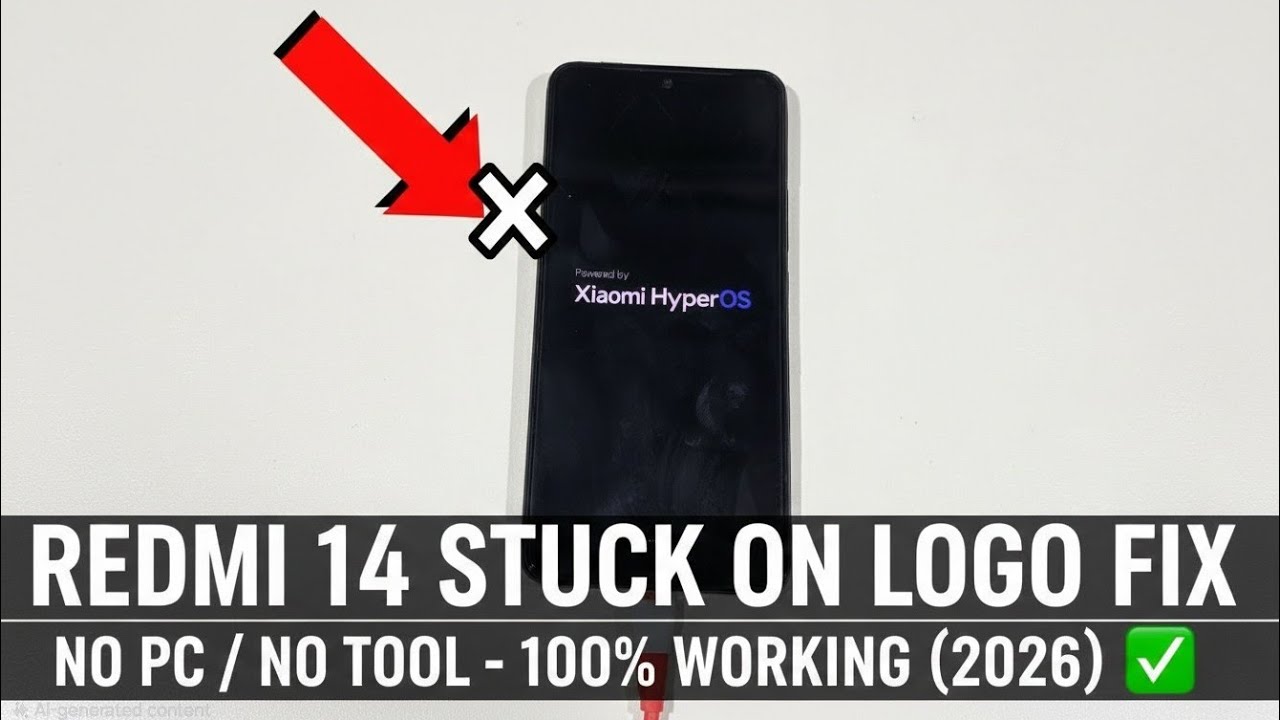
Redmi 14 Stuck on Logo Flashing Fix 2026 | No PC / No Tool 100% Working
Автор: Jame shirin tech
Загружено: 2026-01-11
Просмотров: 74
Описание:
Is your Redmi 14 or Redmi Note 14 Pro stuck on the flashing logo? In this video, I will show you how to fix the bootloop and logo hang issues without using a PC, laptop, or any paid tools. This method is updated for HyperOS / MIUI 2026 and works for the entire Redmi 14 series.
✅ What this video covers:
How to Force Restart a frozen Redmi 14.
Entering Recovery Mode without a computer.
Wiping Cache/Data to fix system errors.
Safe Mode boot to remove glitchy apps.
⚠️ Warning: If you choose the "Wipe Data" option in the video, it will erase your photos and files. Try the Force Restart first!
Steps shown in this video:
Step 1: Press and hold Power + Volume Up for 10-15 seconds.
Step 2: Once the logo appears, release Power but keep holding Volume Up.
Step 3: Use the Main Menu to "Wipe Data" if a restart doesn't work.
#Redmi14 #RedmiFix #Bootloop #StuckOnLogo #Xiaomi2026 #SmartphoneRepair #NoPC
Повторяем попытку...
Доступные форматы для скачивания:
Скачать видео
-
Информация по загрузке: