How to Create a QR Code in Canva | Easy Beginner Tutorial
Автор: Design With Og
Загружено: 2026-09-29
Просмотров: 472
Описание:
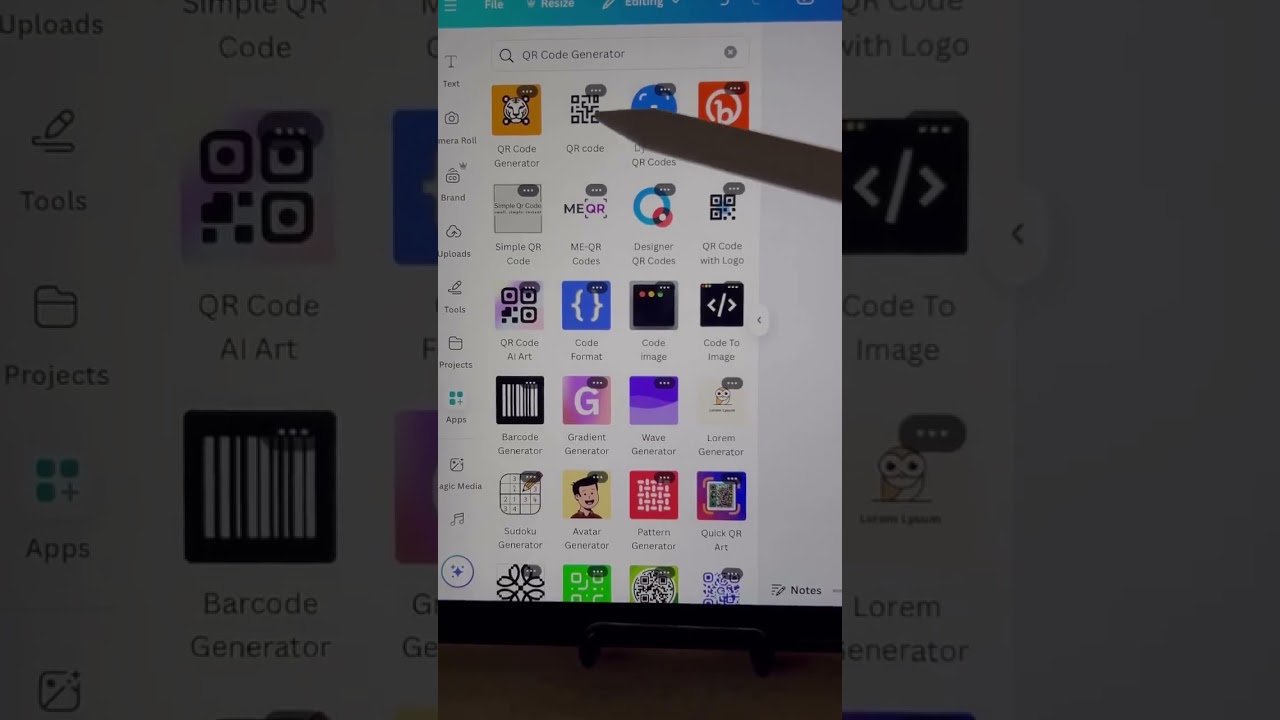
Learn how to create a QR code in Canva and add it to your design! This beginner-friendly tutorial shows you how to turn a website link into a QR code people can scan.
In this video, you’ll learn how to:
• Find the QR Code tool in Canva’s Apps section
• Paste the link you want people to visit
• Generate your QR code
• Add and position it on your design
Use this technique for flyers, business cards, invitations, presentations, and more.
Before printing or sharing your finished design, scan the QR code with your phone to check that it opens the correct link.
Want more Canva resources?
Explore our free beginner guide and Canva Crash Course: Link in description
Subscribe to Design With OG for practical Canva tutorials, template ideas, and lessons on creating digital products.
What would you add a QR code to? Tell me in the comments!
#CanvaTutorial #QRCode #CanvaTips
Повторяем попытку...
Доступные форматы для скачивания:
Скачать видео
-
Информация по загрузке: