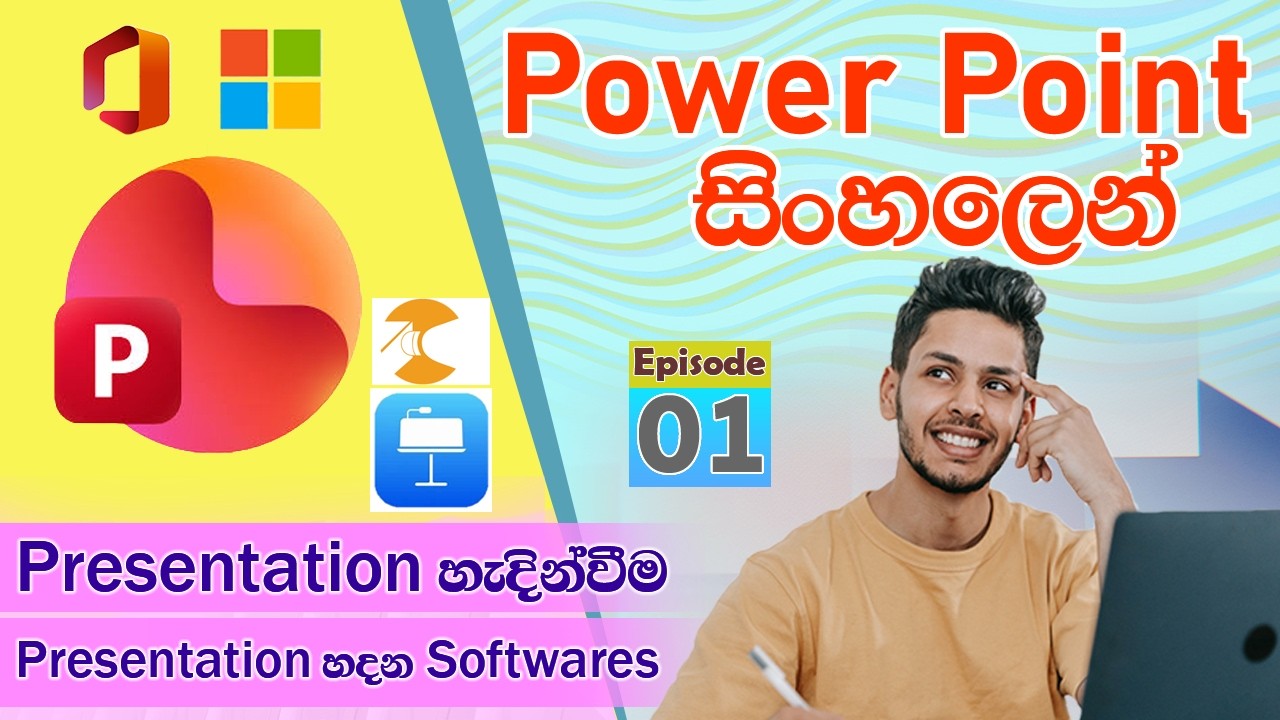
PowerPoint Interface(අතුරුමුහුණත) හඳුනාගනිමු. Background Design එකක් හදමු| Power Point සිංහලෙන් Ep 2
Автор: Suneth Mx
Загружено: 2026-02-20
Просмотров: 15
Описание:
PowerPoint ඉගෙන ගන්න කැමති ඔයාලා හැමෝම සාදරයෙන් පිළිගන්නවා!
මේ වීඩියෝ එකෙන් අපි මුල සිට සරලව PowerPoint මෘදුකාංගයේ අතුරුමුහුණත (Interface) හඳුනාගන්නා ආකාරය සහ ඔයාගේ ප්රසන්ටේෂන් එකට ලස්සන Background Design එකක් නිර්මාණය කරගන්නා ආකාරය පියවරෙන් පියවර කතා කරනවා.
මේ වීඩියෝ එකෙන් ඔයාට ඉගෙන ගන්න පුළුවන් දේවල්:
PowerPoint Interface එකේ මූලික කොටස් හඳුනාගැනීම.
Slide එකක Background එක නිවැරදිව වෙනස් කිරීම.
Custom Background Design එකක් තනිවම සාදා ගැනීම.
PowerPoint ගැන තවත් වීඩියෝ බලන්න Subscribe කරන්න අමතක කරන්න එපා! 🔔
In this video, we provide a complete step-by-step guide for beginners on how to navigate the Microsoft PowerPoint interface and how to create a custom, professional background design for your slides.
What you will learn in this video:
Introduction to the PowerPoint Interface (Ribbon, Tabs, and Panels).
How to change and customize Slide Backgrounds.
Creating your own unique Background Designs.
Essential tips for beginners to start with PowerPoint.
If you found this video helpful, please Like, Share, and Subscribe for more tutorials! 🔔
#PowerPointSinhala #MSOffice #PresentationSkills #TechSinhala #PowerPointTutorial #BackgroundDesign
Microsoft account එකක් ලේසියෙන් හදාගන්න
• Microsoft account එකක් ලේසියෙන් හදාගන්න
Power Point
• Power Point සිංහලෙන්
Subscribe to my channel.
/ @sunethmx
Повторяем попытку...

Доступные форматы для скачивания:
Скачать видео
-
Информация по загрузке: