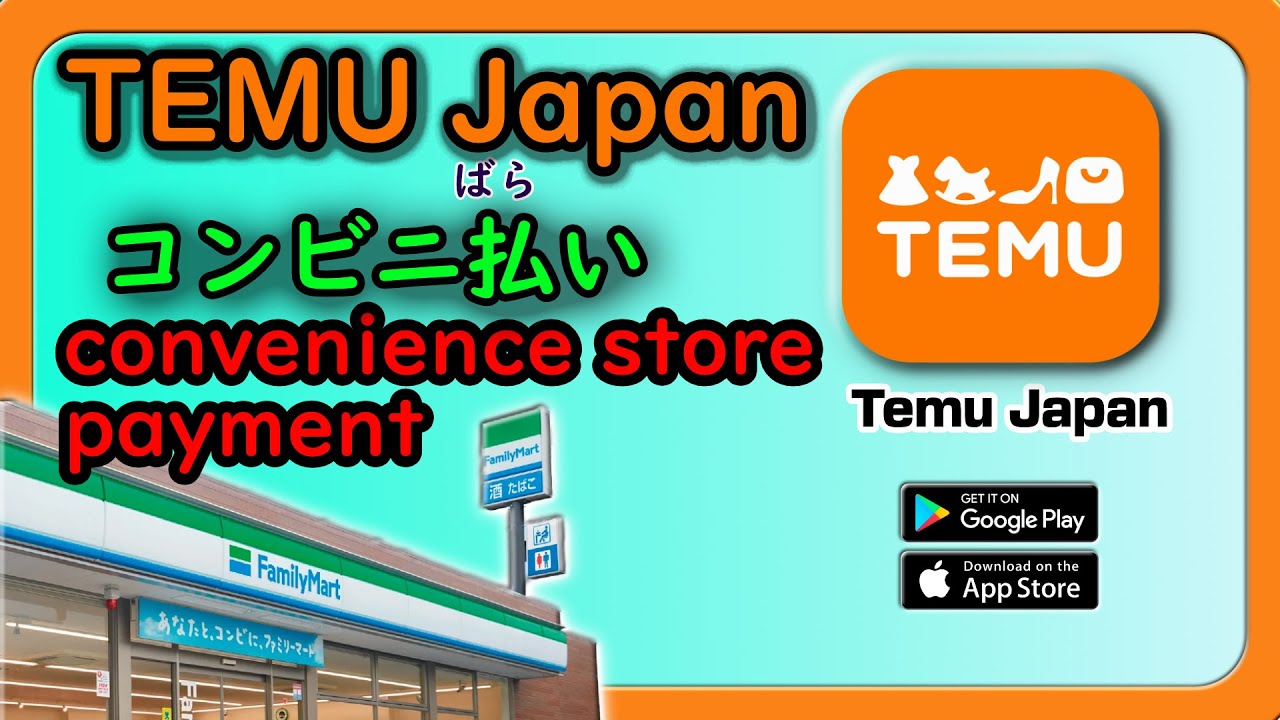
How to pay for Temu Japan orders at Family Martテムのお支払いファミリーマートで
Автор: Умный способ жить в Японии
Загружено: 2024-06-15
Просмотров: 13963
Описание:
How to Pay Temu Japan Order at FamilyMart | Step-by-Step Guide
Welcome to our channel! In this video, we will guide you through the process of paying for your Temu Japan order at FamilyMart. Follow these simple steps to complete your payment with ease. Don't forget to click the link to get a 15,000 Yen coupon bundle with free shipping on all orders!
*1. Download the App*
If you haven't downloaded the app yet, ⭐️Click the link to get 💰15,000円 coupon bundle or ⭐️ Search act506588 on the Temu App to get 💰30% off discount !!
🔗https://temu.to/m/ugkvncl7hw1👈👈
🔥 Hot deals just a click away! GET FREE GIFTS at 🔗https://temu.to/m/u2d9jtf079p👈👈
and search frp141501 in the Temu App! Experience the joy of free shipping and free returns within 90 days!✅
Video Timestamps:
0:00 - Introduction
0:04 - Download the Temu App and Get a Coupon Bundle
0:12 - Review and Confirm Your Order
0:14 - Choose the convenience store and Submit Order
0:16 - Receive a Six-Digit Payment Code
0:27 - Visit FamilyMart and Locate the PyPort
0:45 - Enter Your Phone Number
1:00 - Confirm Order Information
1:09 - Head to the Cashier with the payment slip.
1:16 - Complete Payment and Receive Receipt
Steps:
1. **Download the App**: If you haven't downloaded the Temu app yet, click the link provided to get a 15,000 Yen coupon bundle with free shipping on all orders.
2. Review and Confirm Your Order: After reviewing your order, click confirm. Choose "Convenience Store" and then click submit.
3. Receive Payment Code**: You will be given a six-digit payment code.
4. Visit Family Mart**: Go to a nearby Family Mart convenience store and locate the PyPort terminal.
5. **Enter Phone Number**: Enter your phone number at the PyPort terminal.
6. Confirm Order Information: Confirm your order information and tap agree.
7. **Get Payment Slip**: With your payment slip in hand, head to the cashier.
8. **Complete Payment**: Hand over the payment slip and the exact amount of cash for your order.
9. **Receive Receipt**: Once the payment is processed successfully, the cashier will provide you with a receipt as proof of payment. Be sure to take it with you for your records.
Thank you for watching! If you found this video helpful, please give it a thumbs up, and don't forget to subscribe to our channel for more useful guides and tips. If you have any questions, leave them in the comments below, and we'll be happy to help!
---
*Follow us on Social Media:*
https://www.smartwaytoliveinjapan.com/
https://www.facebook.com/profile.php?...
/ smartwaytoliveinjapan
#TemuJapan #FamilyMart #PaymentGuide #HowToPay #ConvenienceStore #ShoppingTips
Повторяем попытку...
Доступные форматы для скачивания:
Скачать видео
-
Информация по загрузке: