Quickly Restart Chrome Browser Without Losing Open Tabs
Автор: AAN Creation - Tech
Загружено: 2021-01-08
Просмотров: 176
Описание:
Restarting Google Chrome can help resolve various browser issues or apply updates without losing your open tabs and sessions. Chrome has a built-in feature that allows you to restart the browser quickly while preserving your current browsing session. Here’s how you can do it.
Introduction
Restarting Chrome without losing open tabs is useful for applying updates, clearing temporary glitches, or refreshing your browsing experience. The following steps will ensure that all your open tabs and windows are restored after the restart.
Steps to Quickly Restart Chrome Without Losing Open Tabs
Step 01: Open Chrome
Launch Google Chrome on your computer.
Step 02: Use the Chrome URL Command
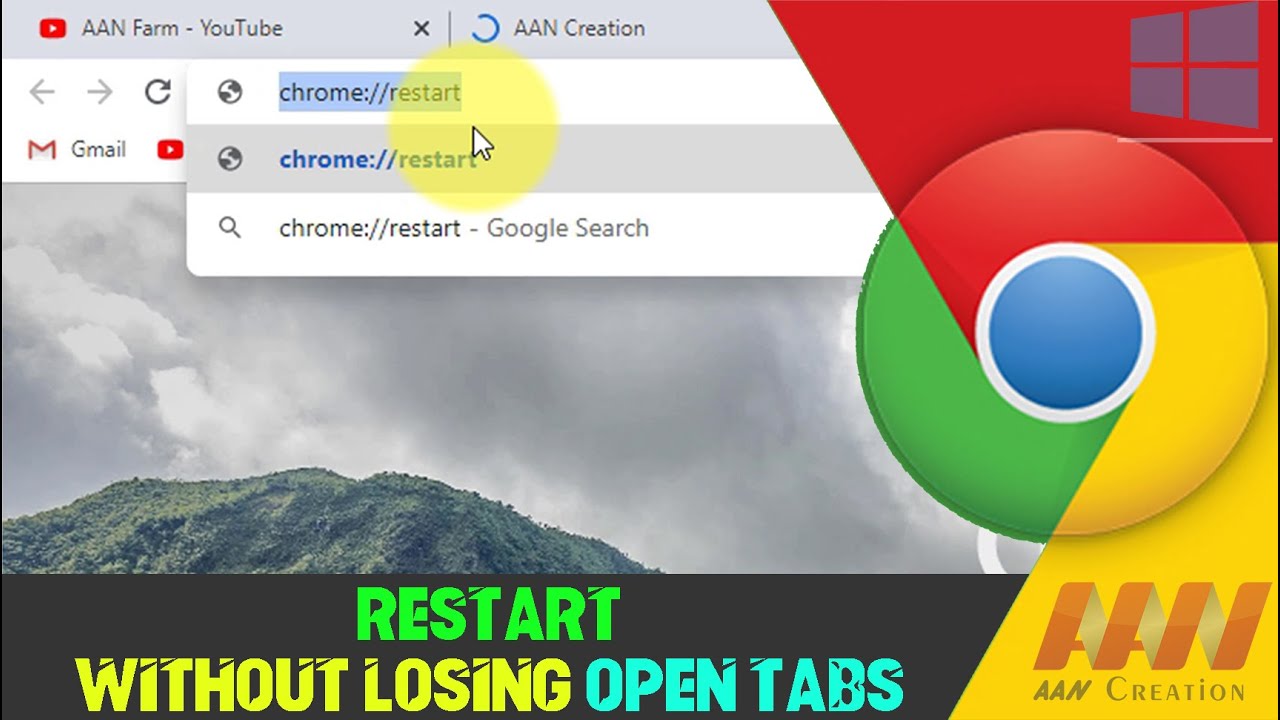
In the address bar, type the following command:
Copy code
chrome://restart
Press Enter.
Step 03: Wait for Chrome to Restart
Chrome will automatically close and reopen all your open tabs and windows. This process is typically quick, and you will be back to your browsing session as it was before the restart.
Alternative Method: Using Extensions
If you frequently need to restart Chrome and prefer a more convenient method, you can use a browser extension designed for this purpose.
Step 01: Install a Restart Extension
Open the Chrome Web Store.
Search for "Restart Browser" or "Restart Chrome" extensions.
Choose a reputable extension and click "Add to Chrome."
Step 02: Use the Extension
After installation, the extension will add an icon to your toolbar.
Click the extension icon whenever you need to restart Chrome. It will close and reopen all your tabs automatically.
Additional Tips
Saving Your Session Manually: If you prefer to save your session manually before restarting, you can bookmark all open tabs:
Right-click on any tab and select "Bookmark all tabs..."
Save the bookmarks in a new folder.
Managing Multiple Windows: If you have multiple Chrome windows open, using chrome://restart will restore all windows and tabs as they were.
Incognito Mode: Tabs opened in Incognito mode will not be restored. Make sure to note any important Incognito tabs before restarting.
Updating Chrome: Regularly update Chrome to ensure you have the latest features and security updates. Go to "Settings" ▶️ "About Chrome" to check for updates.
Conclusion
Restarting Chrome without losing your open tabs is a simple process using the chrome://restart command. This method preserves your browsing session, allowing for a seamless restart experience. For those who need to restart Chrome frequently, installing a dedicated extension can provide added convenience. By following these steps, you can ensure your tabs are preserved and continue your browsing without interruption.
Blog: http://www.aancreation.com/2024/06/qu...
********* 👤Connect with Us: *****************
AAN Website: www.aancreation.com
MAKE DONATE: https://paypal.me/aancreationD
Facebook: / aancreationfan
Twitter: / aan_creation
******** // Other Great Resources: **********
Gaming: / aangame
AAN: / @aan4933
AAN Farm: / aanoshamo
Повторяем попытку...
Доступные форматы для скачивания:
Скачать видео
-
Информация по загрузке: