How to Install and Use PolyWorks ReportLoop
Автор: 3D Scanners UK
Загружено: 2021-04-12
Просмотров: 3554
Описание:
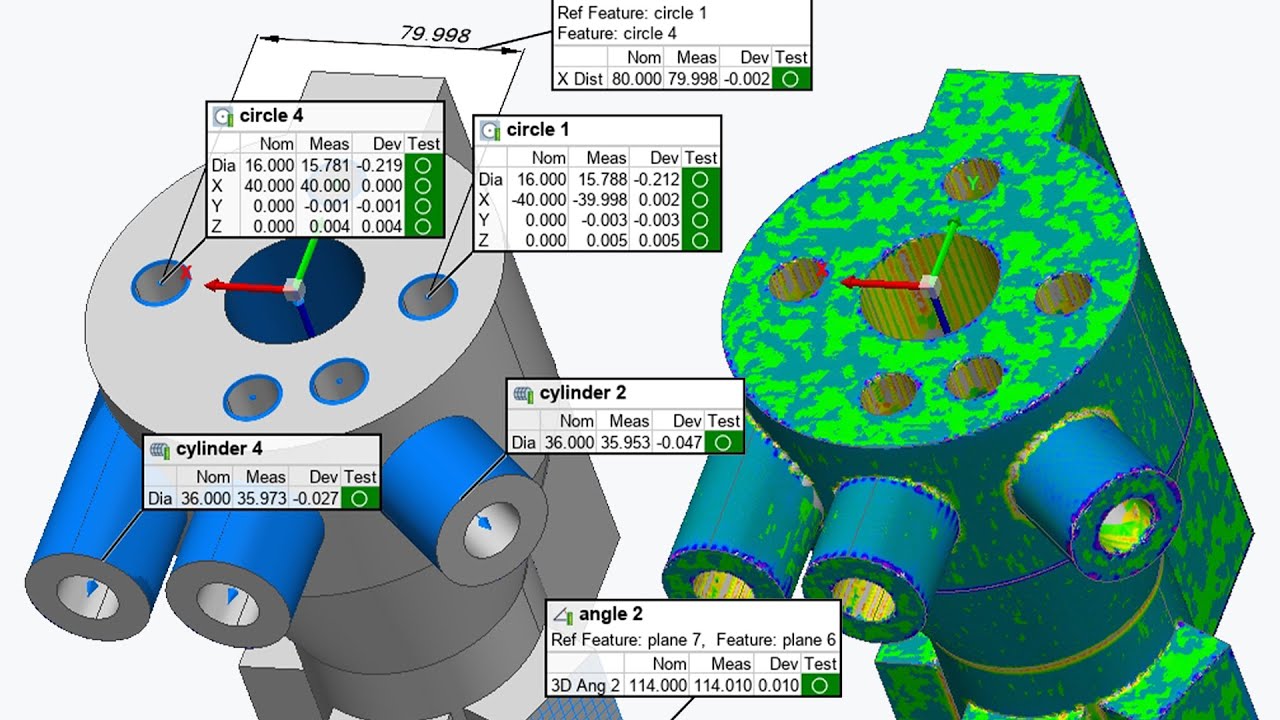
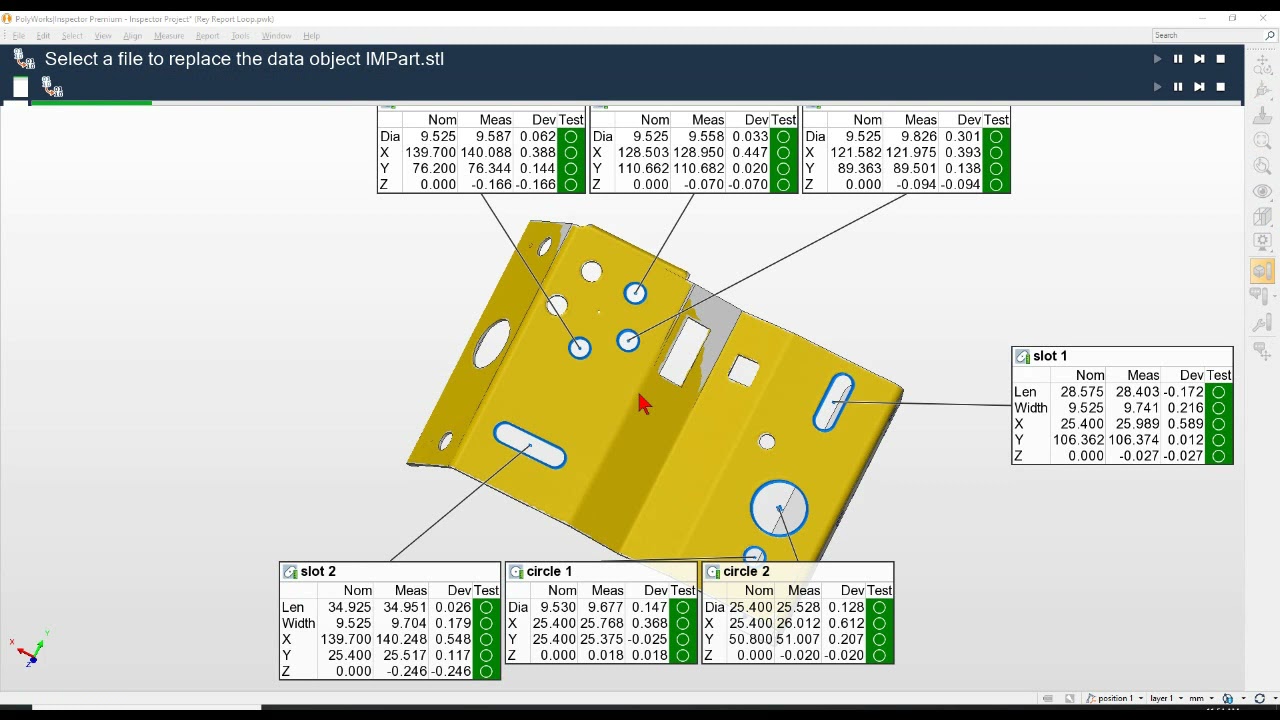
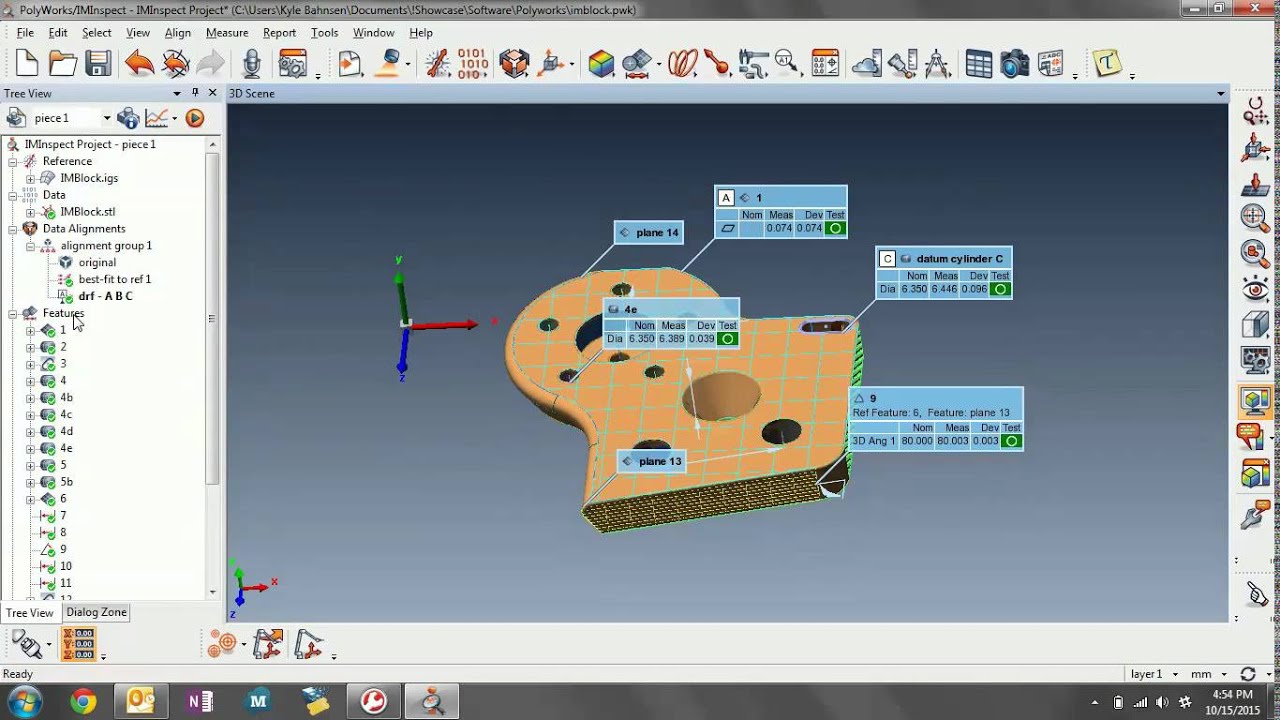
Ever wonder if there’s an easier way to input your inspection data into Excel? Well look no further. PolyWorks|Reportloop™ directly links spreadsheet cells to items in PolyWorks|Inspector™ projects.
Join our PolyWorks guru Keith, for an info-packed hour guaranteed to help you get to grips with the basics, and discover how to incorporate PolyWorks|Reportloop™ into your processes.
0:00 - 0:25 – Intro
2:06 – New website
2:38 – Contact to download
3:00 – Install ReportLoop
3:42 – Active plugin
4:52 – Report items to treeview
6:28 – Connect to PolyWorks
7:45 – Insert single piece information into Excel
16:58 - Insert multiple piece information into Excel
22:56 – Insert information into templated excel file
23:36 – Gauge R study and type 1 Gauge study templates
34:30 – Update formula in excel template
35:25 – New piece and add piece to excel
39:46 – Make changes Polyworks and auto update excel
41:23 – Conclusion
Повторяем попытку...
Доступные форматы для скачивания:
Скачать видео
-
Информация по загрузке: