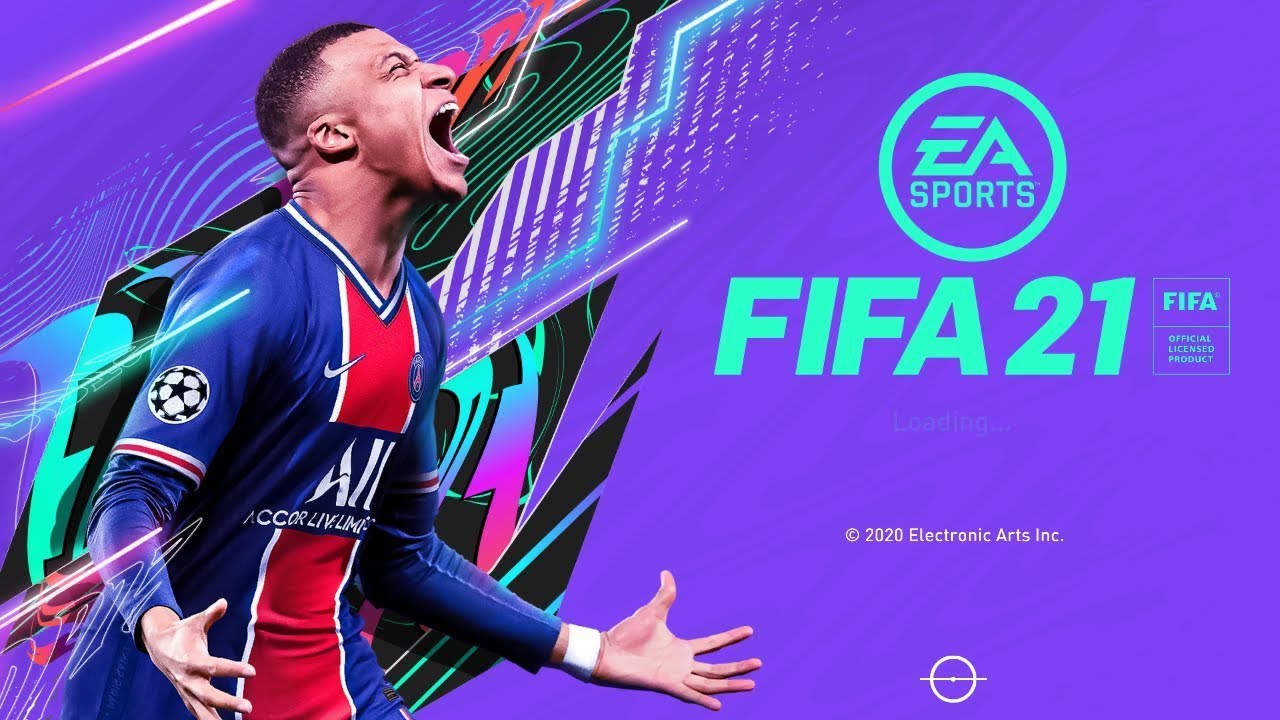
Fifa 21 Controller Settings for Cheap Gamepads With Right Analog Problem Fix
Автор: Tech and Guides
Загружено: 2017-09-12
Просмотров: 258352
Описание:
IMPORTANT: If you have any error, you should check requiments.
Requiments of X360CE:
Directx: http://www.microsoft.com/en-us/downlo...
Visual C++ Redistributable for Visual Studio 2013: http://www.microsoft.com/en-us/downlo...
Net 4.0 and 4.6 (If you have windows 7):
http://www.microsoft.com/en-us/downlo...
X360CE için yüklü olması gereken şeyler:
Directx: http://www.microsoft.com/en-us/downlo...
Visual C++ Redistributable for Visual Studio 2013: http://www.microsoft.com/en-us/downlo...
Net 4.0 and 4.6 (If you have windows 7):
http://www.microsoft.com/en-us/downlo...
Fifa 21 Controller Settings
Installition:
1. Download x360ce_x64.zip
https://github.com/x360ce/x360ce/rele...
2. Put the x360ce_x64.exe to C:\Program Files (x86)\Origin Games\FIFA 18 DEMO folder.
3. Run x360ce_x64.exe
4. Click to create button.
5. Click to cancel button.
6. Click to OK button.
7. Click to Auto button and Yes button.
8. Customize controls with your gamepad.
9. Save.
10. Rename xinput1_3.dll to xinput1_4.dll.
Fifa 21 Kol Ayarları
Kurulum:
1. X360ce_x64.zip'i indirin.
https://github.com/x360ce/x360ce/rele...
2. X360ce_x64.exe dosyasını C:\Program Files (x86)\Origin Games\FIFA 18 DEMO klasörüne atın.
3. X360ce_x64.exe dosyasını çalıştırın.
4. Create'ye tıklayın.
5. Cancel'e tıklayın.
6. Tamama tıklayın.
7. Auto butonuna tıklayıp Yes butonuna tıklayın.
8. Gamepad'ınızı istediğiniz gibi ayarlayın.
9. Save'ye tıklayın.
10. xinput1_3.dll dosyasını xinput1_4.dll olarak değiştirin.
Повторяем попытку...
Доступные форматы для скачивания:
Скачать видео
-
Информация по загрузке: