How to Make Cheap Awesome Videos
Автор: Amy Landino
Загружено: 2013-07-10
Просмотров: 64823
Описание:
Affiliate Links:
Canon Powershot ELPH 300HS: http://amzn.to/150Fhgm
Canon Powershot SX40: http://amzn.to/15blGdl
Tripod: http://amzn.to/1alvBUr
Light: http://amzn.to/1deYYE3
Bracket for light: http://amzn.to/11z5hlZ
More links on the blog: http://savvysexysocial.com/2013/07/10...
DOWNLOAD MY FREE TWITTER GUIDE:
http://savvysexysocial.com/subscribe/
(this is is also the sign up for my newsletter)
SUBSCRIBE TO THIS YOUTUBE CHANNEL:
http://dft.ba/-SSSYouTubeSubscribe
ASK ME QUESTIONS FOR A VIDEO
:
twitter : / savvysexysocial
twitter : / schmittastic
facebook : / savvysexysocial
google+ : http://bit.ly/AmyGPlus
tumblr : / schmittastic
instagram : / schmittastic
WHAT I DO:
http://VlogBoss.com
MORE VIDEO AWESOMESAUCE:
/ schmittastic
/ schmittasticjr
/ savvysexysocial
/ vlogboss
Triple S, ep. 144
//
Camera
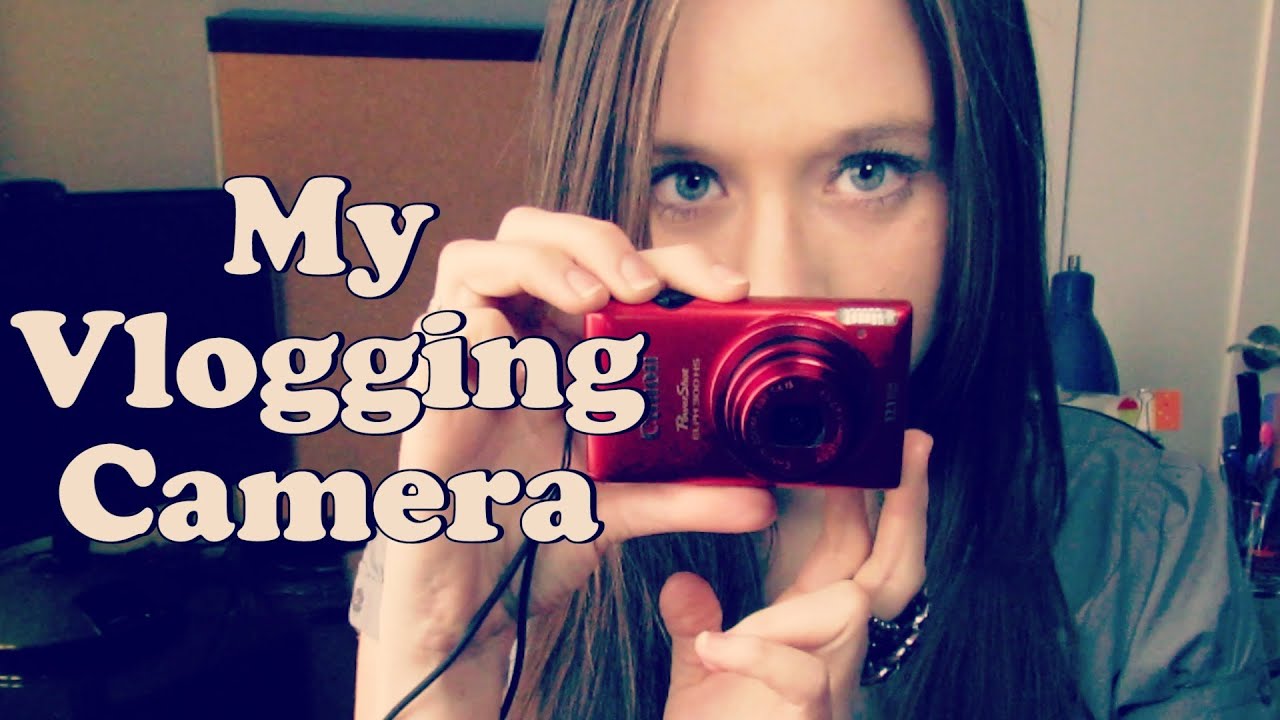
You're obviously going to need a camera. Keep in mind, most smartphone have the ability to take great video if you want to get really cheap and simple. But if you're looking for a little something more. I highly recommend the Canon Powershot line. They are point-and-shoot digital cameras that take gorgeous HD video and more than do the job for your footage.
Canon Powershot ELPH 300 HS is great for something small and transportable. This is my on-the-go option that stays in my purse so I always have a camera on me.
Canon Powershot SX40 HS is a great camera for something you might want to setup on a tripod in a studio setting and be able to see yourself with the LCD screen. The mic on this one is a lot clearer than the handheld, but both are great.
Audio
The need for an external mic is not necessary when using these cameras as long as the ambiance is accepting of built-in mics. As long as you're not in super windy or loud situations, don't worry about external audio. You just need to make sure you environment helps with the best sound quality. More on that below.
Setting
Regardless of the camera you use, you're going to need a good tripod to keep your subject as the most important thing in your video and not shakiness.
There are a ton of tripods to choose from. Just remember to get one that is tall enough (usual 72" or higher) if you're going to be standing in your videos. Here is one that is universal, tall and sturdy.
Try to pick a space that is quiet without a lot of outside noise and can be closed in. A smaller room is preferable, and one that doesn't allow for a lot of echo with empty walls and cement floors. Carpet helps A LOT.
Pick a background that is appropriate but not taking attention away from the subject. Not only does it distract your audience but it could distract your camera. And those auto-focus issues are really annoying.
Lighting
You can never go wrong with a setting that has great natural lighting. Try to pick a spot that is near a window and face it directly for even light. But don't get too close if it's so bright that you'll look like Casper the Ghost. (I still have that problem though sometimes when my blinds aren't heavy enough)
If you're like me and can't sit directly in front of the window but it comes in on the side, you can use additional led lighting to level it out.
This is the Neewer LED that I use in my office. Comes with different filters to make the color just right.
You should also check out this bracket to help you attach the light to your camera and make it easy for everything to sit on your tripod together.
Editing
There are so many options when it comes to editing. They even have editor apps for your phone because it's so simple to create videos there are well.
Beginner:
iMovie is a great application for beginners on Mac. It's extremely easy to use and upgrade your footage to something nicer to watch.
Windows always has something available to its users as well. The first program I ever used with Windows Movie Maker just because it came with my computer. And it worked great for that experience level.
YouTube also has a built in editor. Super easy and great for just uploading a bunch of clips and throwing them together into something great.
Intermediate:
If you're not quite a beginner but get cross-eyed when you look at pro-level platforms, I definitely recommend Corel Videostudio. You get more room to grow with this application as it gives you more capabilities to enhance your projects and not feel overwhelmed like you walked into mission control.
Advanced:
Mac users at the advanced level will definitely be happy with Final Cut Pro. This is a great program, but a bit pricey at $300.00.
I prefer to use Adobe Premiere Pro which works on all operating systems and can be used through a monthly fee of about $30 to the Adobe Creative Cloud. Which allows your to use their other platforms as well.
Повторяем попытку...

Доступные форматы для скачивания:
Скачать видео
-
Информация по загрузке: