Attiny85 (and Arduino) Graphics Engine Demos
Автор: Görg Pflug
Загружено: 2022-04-04
Просмотров: 28887
Описание:
Source Code of Preview 0.4:
https://github.com/GoergPflug/AttinyS...
New Features for 0.4: Support for Arduino using Wire
New Features for 0.3: Faster text rendering, Support for C++ and Arduino, single C++ demo for arduino-ide
see: • faster Text Rendering, support for arduino...
#1 Diagram
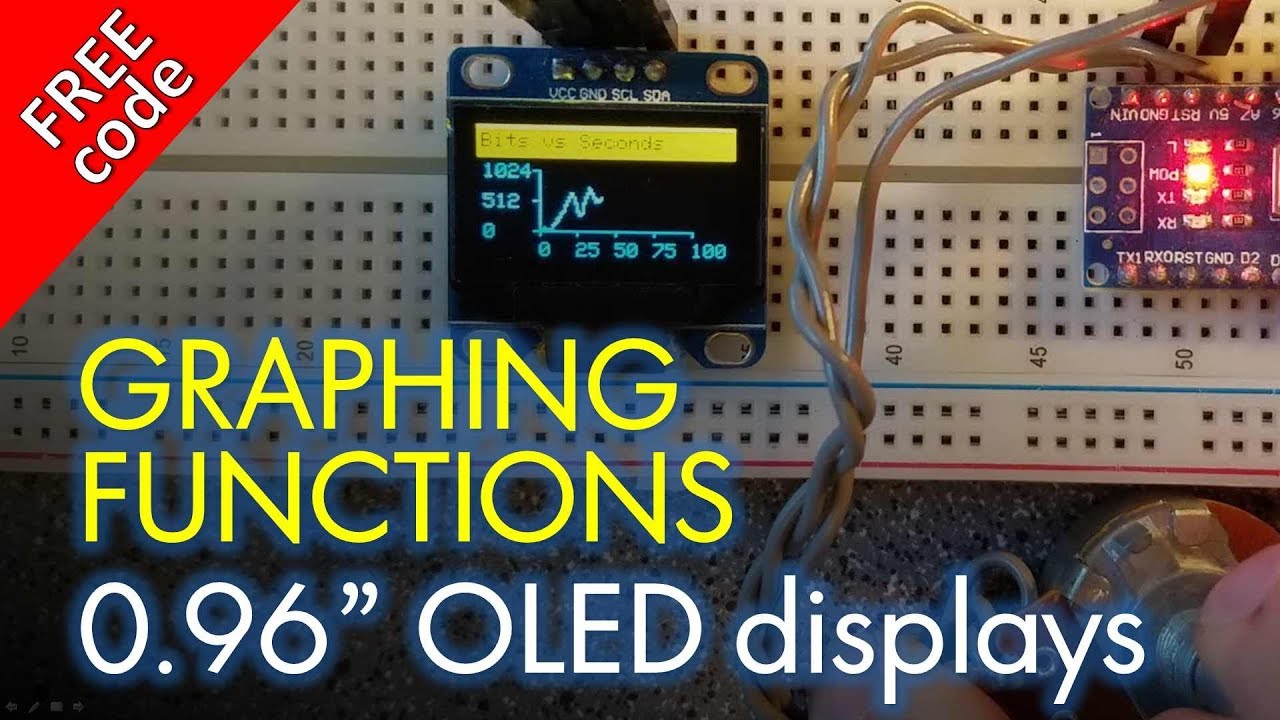
In dieser Demostration zeichnen wir 2 Ebenen eine Ebene wird berechnet, das Diagram, eine weitere Ebene wird drüber geblendet, diese Ebenen haben jeweils Helligkeitswerte von 0 bis 63 werden zusammen addiert und dann mit Fehlerstreuung auf schwarz weis konvertiert
In this demostration we draw 2 layers one layer is calculated, the diagram, another layer is blended over it, these layers each have brightness values from 0 to 63 are added together and then converted with error diffusion dithering to black and white
#2 Alien
Dieses Beispiel zeigt subtraktives Blending, und Textdarstellung, es werden 3 Ebenen gezeichnet, eine Textebene, über ihr eine berechnete ebene mit einem Grafikeffekt, und eine Bildebene, die Bildebene wird von der darunter liegenden Ebene subtrahiert.
This example shows subtractive blending, and text rendering, 3 layers are drawn, a text layer, above it a calculated layer with a graphic effect, and an image layer, the image layer is subtracted from the layer below it.
#3 Flexgrid
Im Flexgrid Beispiel werden benutzerdefinerte Fonts gezeigt, der Systemschrift werden 6 Zeichen hinzugefügt und mit ihrer Hilfe wird eine Animation auf der Konsolenebene gezeichnet, darüber liegt ein Grafiklayer
In the Flexgrid example, custom fonts are shown, 6 characters are added to the system font and with their help an animation is drawn on the console layer, on top of it there is a graphic layer
#4 Will it Bend
Das "Will it Bend" beispiel zeigt einen klassischen Grafikeffekt, ein sich verbiegender Quader wird allein über die Berechnungsebene gezeichnet.
The "Will it Bend" example shows a classic graphics effect, a bending cuboid is drawn using the calculation plane alone.
#5 Oszilloskop
Das "Oszilloskop"-Beispiel zeigt die Erstellung von Benutzeroberflächen. Ein simuliertes Oszilloskop mit einem Mauszeiger wird dargestellt. Darunter wird eine Textebene ausgegeben.
The "Oscilloscope" example shows the creation of user interfaces. A simulated oscilloscope with a mouse pointer is displayed. A text layer is output below it.
#6 Alleycat
"Alleycat" demonstriert die Nutzung von Konsolen und Animationen durch Umschalten von Layern. Es ist praktisch ein "Hello World"-Beispiel.
"Alleycat" demonstrates the use of consoles and animations by switching layers. It is a "Hello World" example.
#7 Plasmastern
"Plasmastern" zeigt Fading-Effekte und einen berechneten Plasma-Grafik-Effekt.
"Plasma star" shows fading effects and a calculated plasma graphic effect.
#8 Spaceship
"Spaceship" demonstriert additives Blending und Rauschen durch Zufallszahlen.
"Spaceship" demonstrates additive blending and noise through random numbers.
#9 Wobble
"Wobble" zeigt die Manipulation von Layern on-the-fly. Während der Dekodierung des Layers wird eine Sinuswelle über dessen y-Position gelegt.
"Wobble" shows the manipulation of layers on-the-fly. During decoding of the layer, a sine wave is superimposed over its vertical position.
#10 Origin
"Origin" ist ein klassischer Copper-Effekt. Eine Grafik wird ausgegeben und jeweils spaltenweise manipuliert. Dadurch ergibt sich eine Fullscreen Animation. Zusätzlich wird eine Textebene angezeigt.
"Origin" is a classic Copper effect. A graphic is output and manipulated column by column. This results in a fullscreen animation. In addition, a text layer is displayed.
#11 Face Value
"Face Value" zeigt einen zeilenweisen Grafikeffekt.
"Face Value" shows a line-by-line graphic effect.
#12 Boing Ball
"Boing Ball" demonstriert die Verschiebung von Layern und die Nutzung von Color-Keying.
"Boing Ball" demonstrates the shifting of layers and the use of color keying.
#13 3D Engine
Die "3D Engine" stellt einen rotierenden Würfel dar. Primär wird das Zeichnen von Linien demonstriert.
The "3D Engine" shows a rotating cube. Primarily the drawing of lines is demonstrated.
#14 Crossfade
"Crossfade" liest direkt Daten aus zwei Ebenen, um damit eine Überblendung zwischen zwei Grafiken zu realisieren.
"Crossfade" reads data directly from layers to implement a crossfade between two images.
#15 Raycaster
"Raycaster" ist der Port einer simplen Raycasting-Engine für den PC. Eine Engine dieser Art wurde auch in original "Wolfenstein 3D" genutzt.
"Raycaster" is a port of a simple raycasting engine for the PC. An engine of this type was also used in the original "Wolfenstein 3D".
Music: https://pixabay.com/music/techno-tran...
Повторяем попытку...

Доступные форматы для скачивания:
Скачать видео
-
Информация по загрузке: