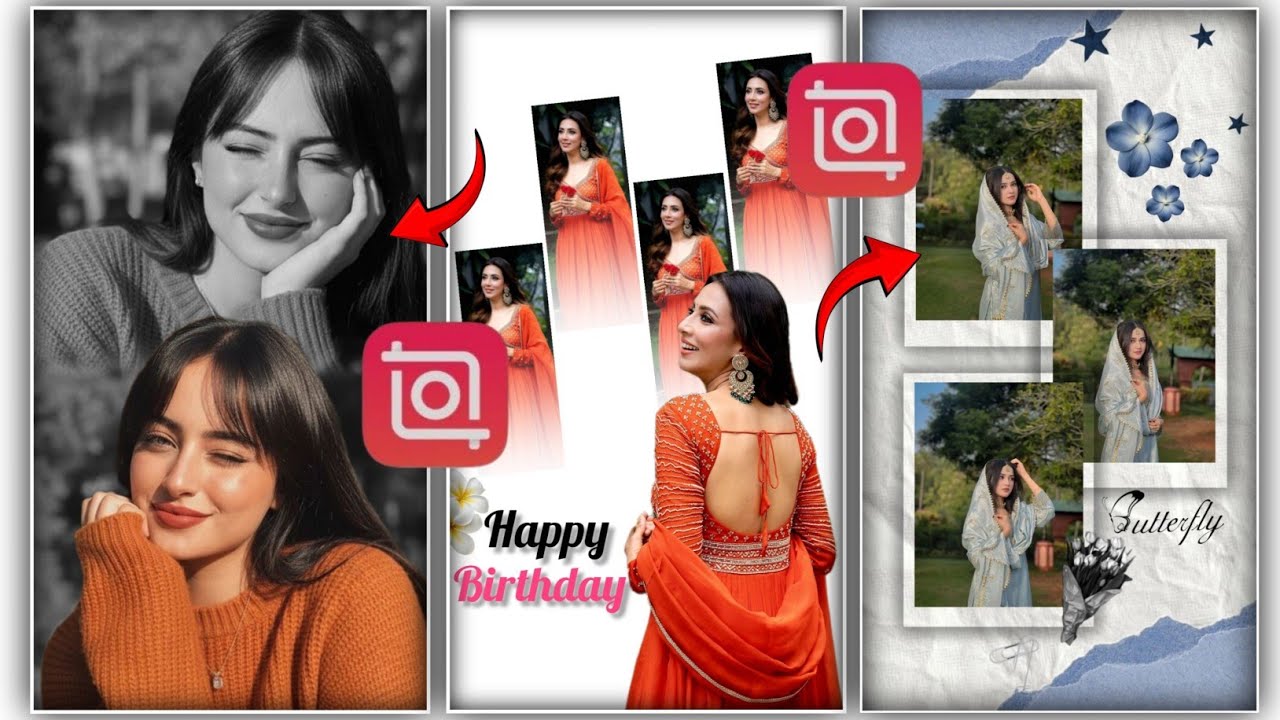
How to Edit Photo in InShot App | Step by Step Tutorial for Beginners 2026
Автор: Edited By Reet
Загружено: 2026-01-06
Просмотров: 89
Описание:
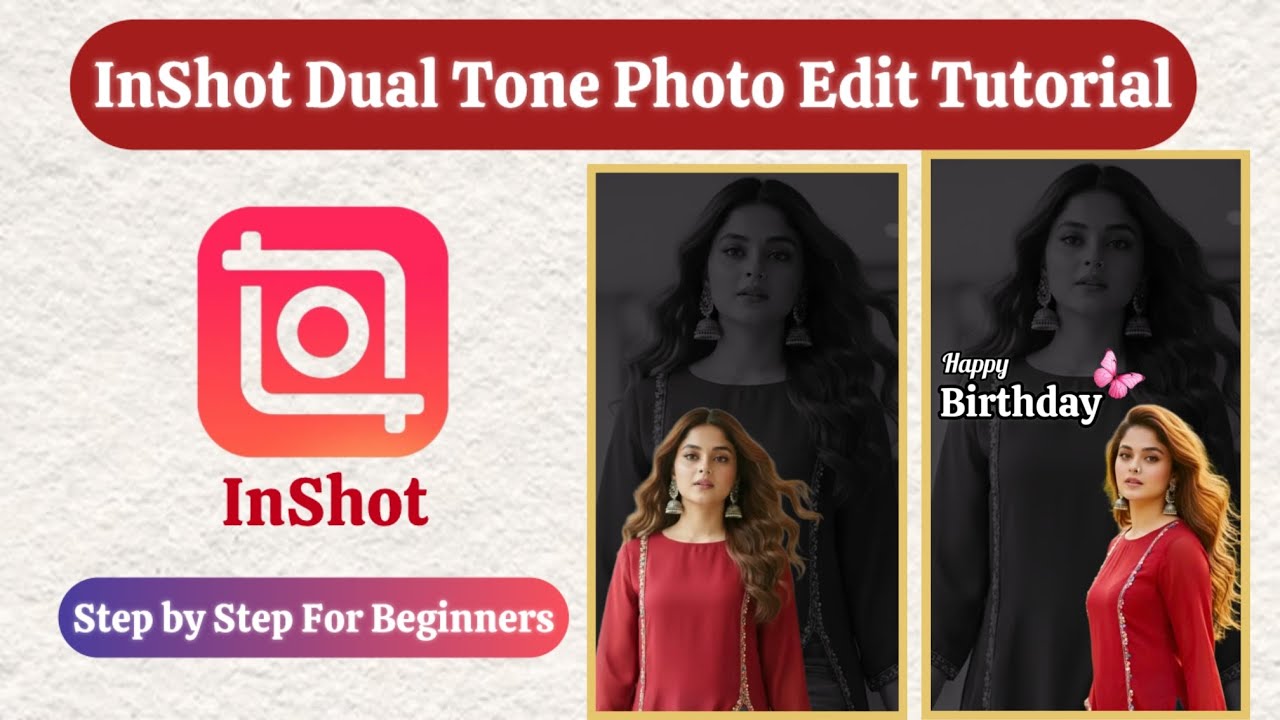
Learn how to create a professional dual-tone Instagram story using the InShot app!
In this full step-by-step tutorial, you’ll learn how to:
Make a black & white background photo
Add colored PIP overlays
Adjust opacity, blend, and position for a perfect dual-tone effect
Add text and stickers for a clean aesthetic story
This tutorial is perfect for beginners who want advanced InShot editing techniques for Instagram stories.
✅ Follow all steps carefully to make your stories look professional and aesthetic.
Don’t forget to like, comment YES if this helped, and subscribe for more InShot editing tutorials!
Search Keywords:
inshot photo edit tutorial, birthday photo editing, birthday story edit ideas, inshot photo editing step by step, inshot editing tutorial for beginners, instagram story editing in inshot, pip overlay photo editing, black and white background color photo effect, dual tone photo editing tutorial, aesthetic instagram story edit, inshot advanced editing, inshot pip effect, how to edit instagram story using inshot app, inshot photo overlay editing, beginner photo editing tutorial inshot, instagram story photo editing ideas, inshot tutorial full guide, inshot video editing tutorial, inshot birthday video editing tutorial, how to edit photo in inshot app, inshot me photo edit kaise kare, inshot video editor, how to cutout photo in inshot app, how to edit youtube shorts video in inshot app, how to edit youtube videos
#inshottutorial #inshot #inshotapp #inshotediting #pipoverlay #photoediting #aestheticstoryedit #birthdayedit #videoediting #aestheticedit #inshotforbeginners #storytips #storyideas #storyedittutorial #trendingedits #ytviralvideo #ytviral #viral
Повторяем попытку...
Доступные форматы для скачивания:
Скачать видео
-
Информация по загрузке:








![Как я делаю ДЛИННЫЕ видео в Grok за 0₽? [ГАЙД 2026]](https://imager.clipsaver.ru/JqmsTdUdfeY/max.jpg)