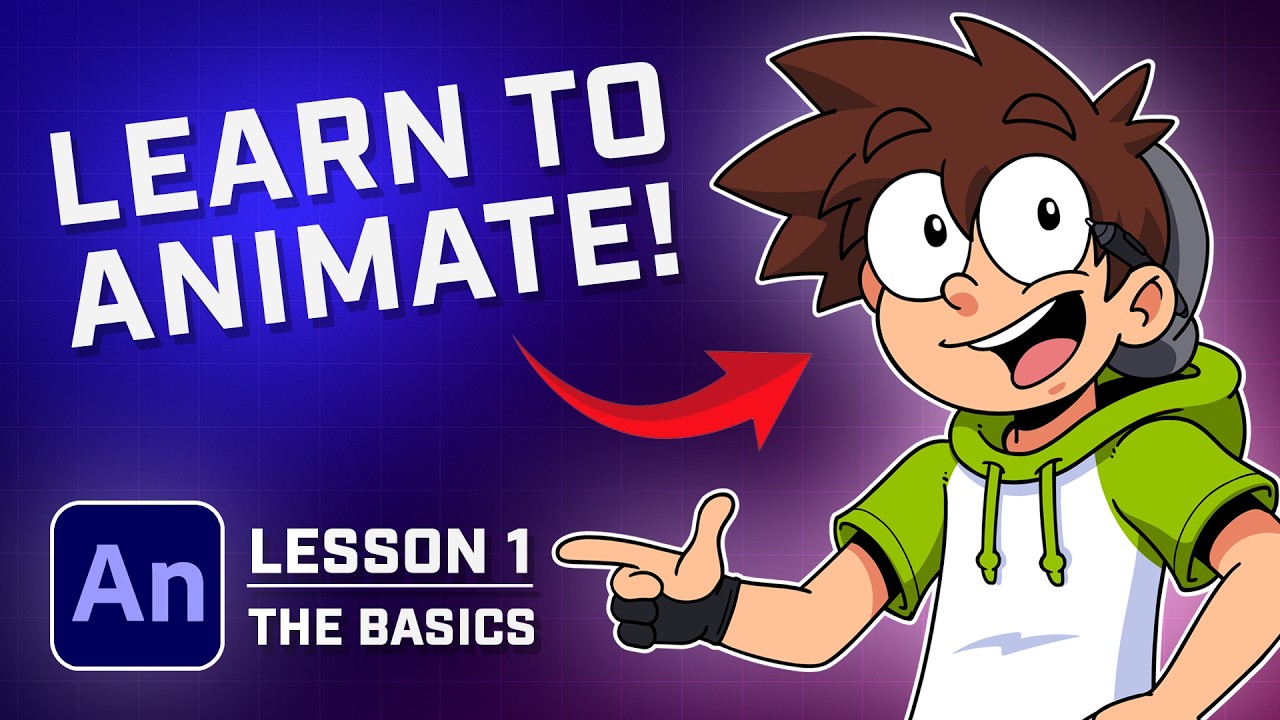
The Absolute Basics | Lesson 1 of Sam's Free Adobe Animate Course
Автор: Sam Green
Загружено: 2025-04-21
Просмотров: 18123
Описание:
🟢 Welcome to Lesson 1 of Sam’s Animation Course!
⬇️ IMPORTANT LINKS:
Join the Discord: / discord
Tweet at me: https://x.com/SamGreenMedia
Full Course Playlist: • Learn 2D Animation in Adobe Animate (Compl...
Missed Lesson 0? Watch it here → • Install Adobe Animate FREE | Lesson Zero –...
In this episode, we officially kick off your animation training in Adobe Animate.
0:00 Introduction
1:00 How do I create a new file in Adobe Animate?
1:20 What is the stage and how does the workspace work?
2:04 How do I draw my first object?
2:45 How do I save and export an image from Adobe Animate?
You’ll learn how to set up your canvas, timeline, frame rate, and workspace so you’re not lost when it’s time to actually animate.
It’s all about setting up once, and animating faster forever.
This lesson is foundational—but if you skip it, you’re basically building on sand.
🧠 In this lesson, I’ll show you:
How to create a new document in Adobe Animate
My exact canvas size + frame rate settings for 2D animation
Why your timeline setup matters (especially for tweening)
The most efficient workspace layout for beginners
Pro tips to avoid messy layers and disorganized files later
This is where it starts feeling real. This is where animating begins.
💬 Got questions? Need help?
Drop a comment or join the Discord: / discord
Tag me with your progress: https://x.com/SamGreenMedia
Subscribe so you don’t miss Lesson 2 – where we dive into drawing tools and how to actually bring your art to life.
Let’s get animating!
#AdobeAnimate #AnimationCourse #SamGreen #HowToAnimate #LessonOne #2DAnimation #FrameRateTips #CanvasSetup #LearnToAnimate
Повторяем попытку...
Доступные форматы для скачивания:
Скачать видео
-
Информация по загрузке: