How to Recover Google Authenticator key | Google Authenticator code lost | Missing
Автор: Free Tech Guide
Загружено: 2026-09-09
Просмотров: 8488
Описание:
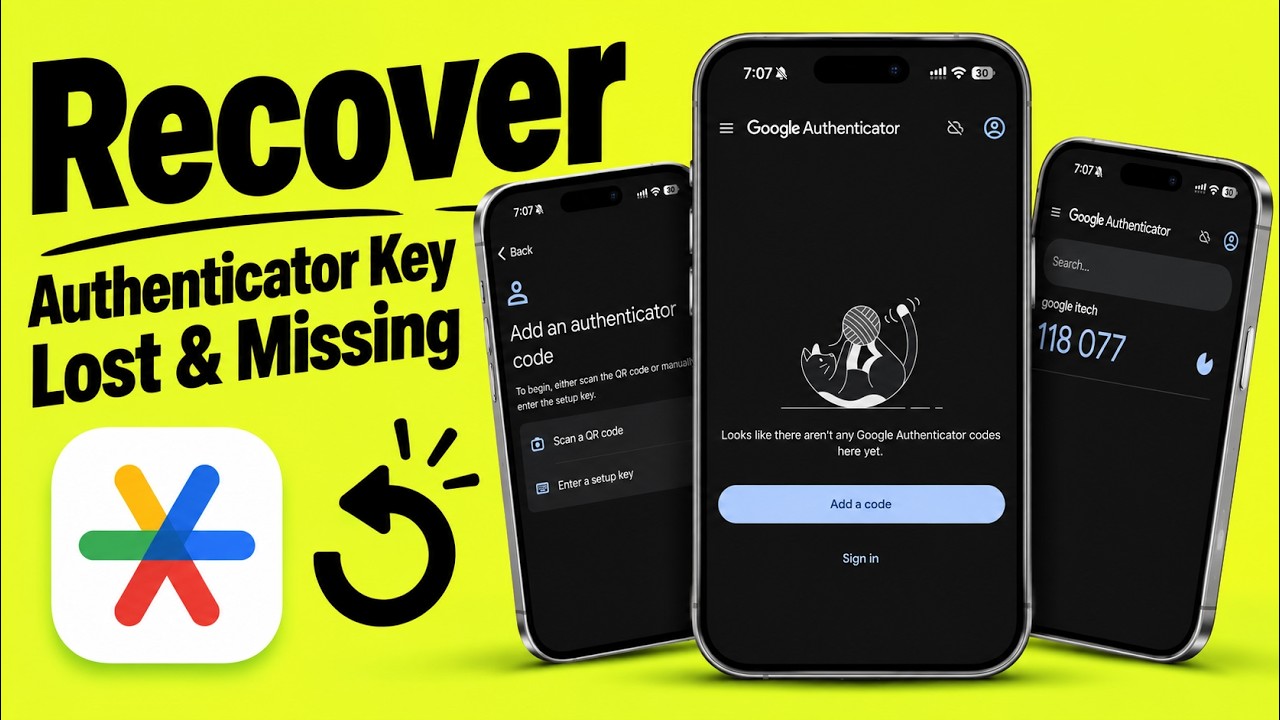
Here's how How to recover Google Authenticator key | Google Authenticator code lost | Missing on iPhone, android Google Authenticator app.
Have you deleted or lost the Google Authenticator app, or can’t you find the 2-factor authentication code in the Authenticator app on your phone or any of your other devices? Here’s how to set it up again.
First, open an app like Gmail and tap your profile picture in the top-right corner. Now, tap Manage your Google Account.
Scroll to find the Security and Sign-in option. Here, you’ll see 2-Step Verification. Tap on the option.
Now, you can see the Authenticator app that was added earlier, but you can’t access it anymore.
Delete the old setup by tapping the Delete button, and then generate a new code from here.
Tap Set Up Authenticator. Your Google Account will create a QR code. Tap the “Can’t scan it?” option to get the setup key. Copy the code, including the spaces.
Move to the Authenticator app and tap the Add a Code button if you’re adding your first code in the app, or tap the plus button to add another one.
Choose the Enter a Setup Key option, then enter an account name, like Google with your email address, so it’s easy to identify.
Paste the code you copied from your Google Account.
Then tap the Add button. You’ll see a six-digit code with the account name label in the Authenticator app. Copy the code from the Authenticator app by tapping on it.
Move back to the Google Account setup page and paste the six-digit code to verify it with your account.
That’s it. You’re done. If you have any questions, comment below, and like the video if you found it helpful.
recover Google Authenticator key,
Google Authenticator code is missing,
Six digit Google Authenticator not showing,
Unable to find Google Authenticator code,
Google Authenticator code lost,
Recover Google Authenticator code,
Setup Google Authenticator code again,
Fix Google Authenticator not showing code for Gmail,
Google account Authenticator code,
Lost Authenticator code for google account,
My Favorite Gadgets:- https://www.amazon.com/shop/howtoisolve
Subscribe on YouTube: https://www.youtube.com/freetechguide...
#iphonetips #iPhone #iOS
#stepbystep
Повторяем попытку...
Доступные форматы для скачивания:
Скачать видео
-
Информация по загрузке: