Top tips for using your Galaxy Chromebook’s pen
Автор: Samsung Business USA
Загружено: 2020-12-31
Просмотров: 14971
Описание:
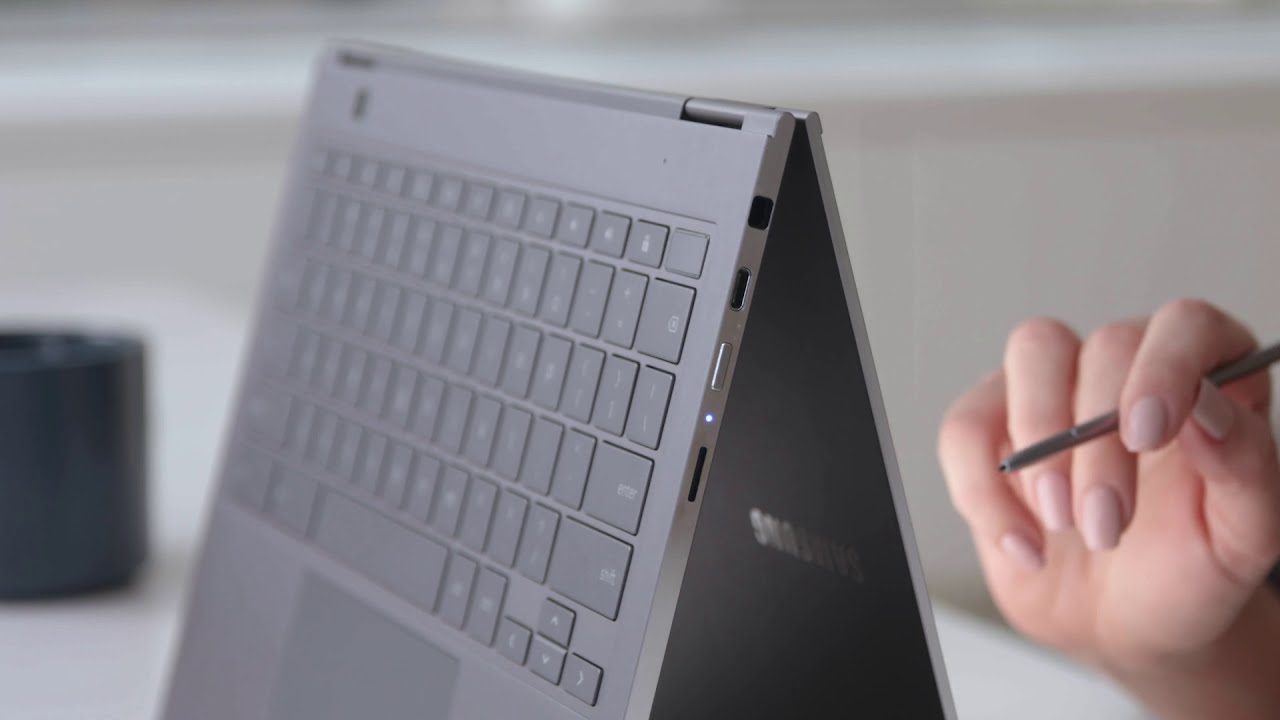
The Samsung Galaxy Chromebook comes with a built-in pen that helps you stay productive — and use your device in new and creative ways.
The pen is stored in a built-in silo on the side of the Chromebook. Just press it and the pen pops out, ready for you to use. When working in tablet mode, the pen is great for navigating within apps, or for editing and highlighting text in documents.
When you remove the built-in pen, a pop-up menu appears, allowing you to quickly select from a variety of functions. To take a screenshot, tap the screenshot button and then drag the pen to make your selection.
You can also use the pen as a digital laser pointer, and if you’re dealing with small text or images, you can use the magnifying glass in the pop-up menu to get a closer look.
You also can let your creativity run wild thanks to the pen’s 4,096 levels of pressure sensitivity and tilt recognition.
Learn more:
https://www.samsung.com/us/business/p...
Повторяем попытку...
Доступные форматы для скачивания:
Скачать видео
-
Информация по загрузке: