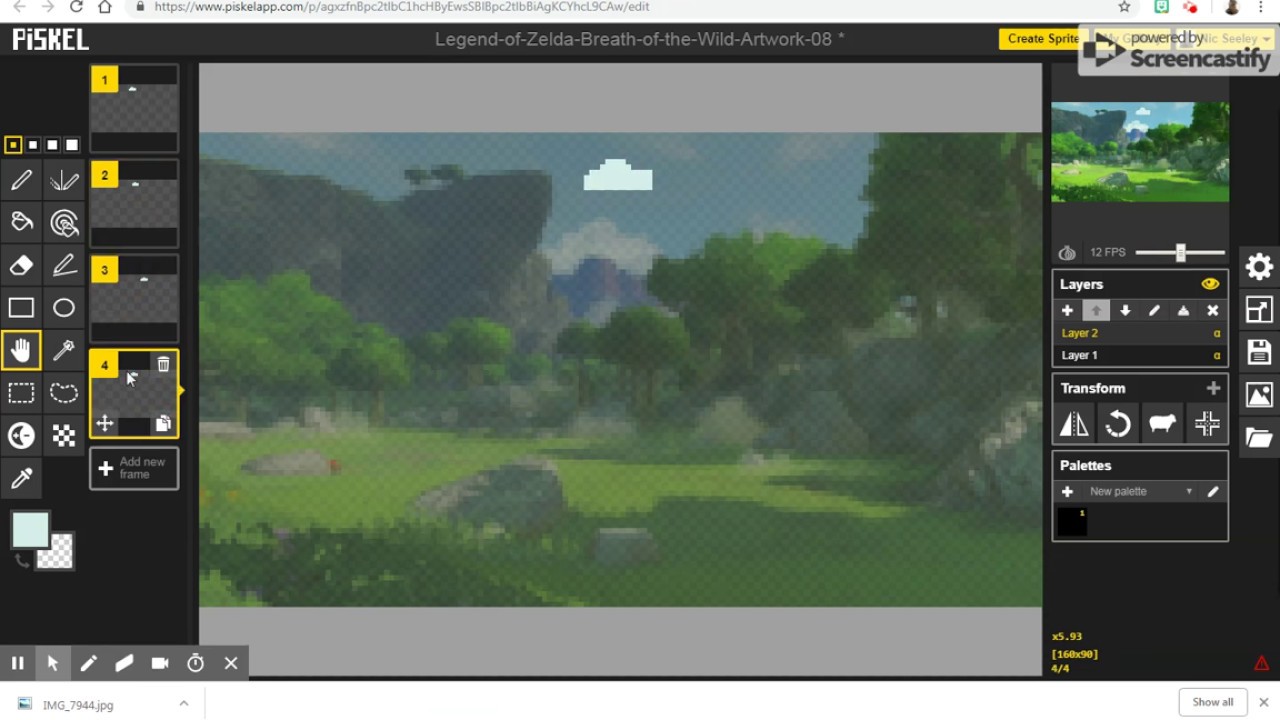
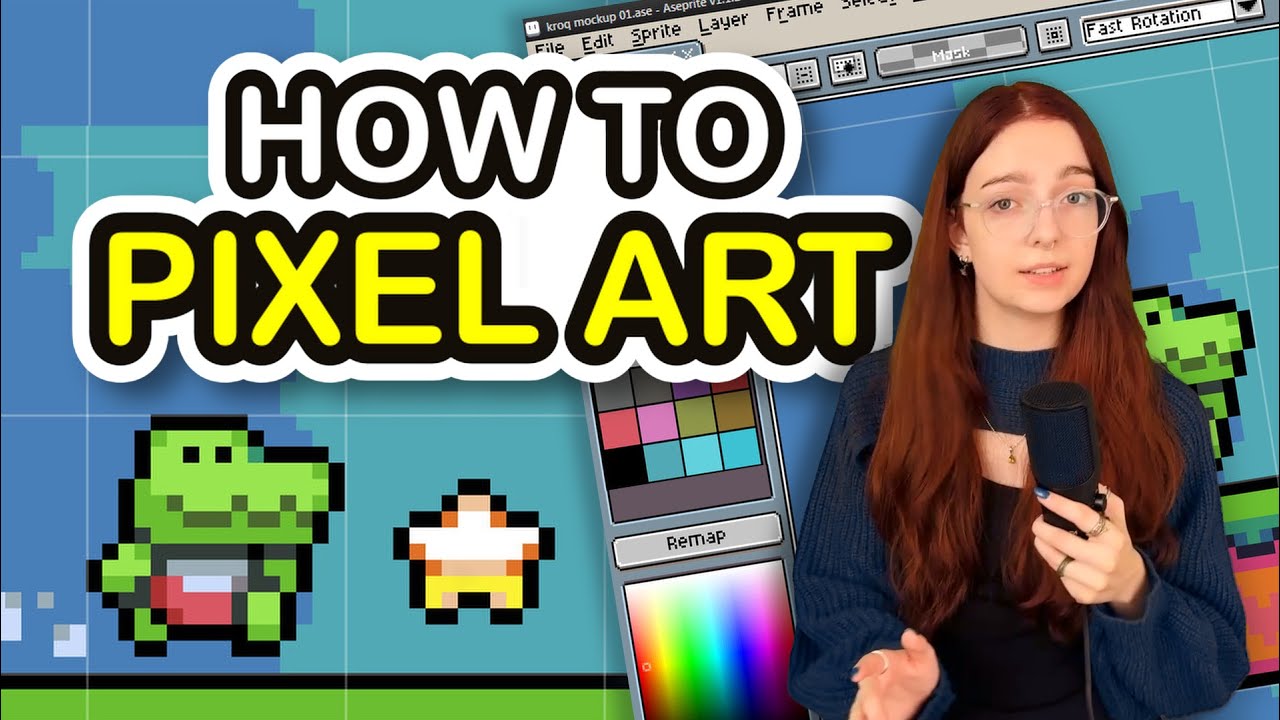
How to use PiskelApp. Tutorial (2021 DEC).
Автор: Elliot Greenwood
Загружено: 2021-12-02
Просмотров: 5888
Описание:
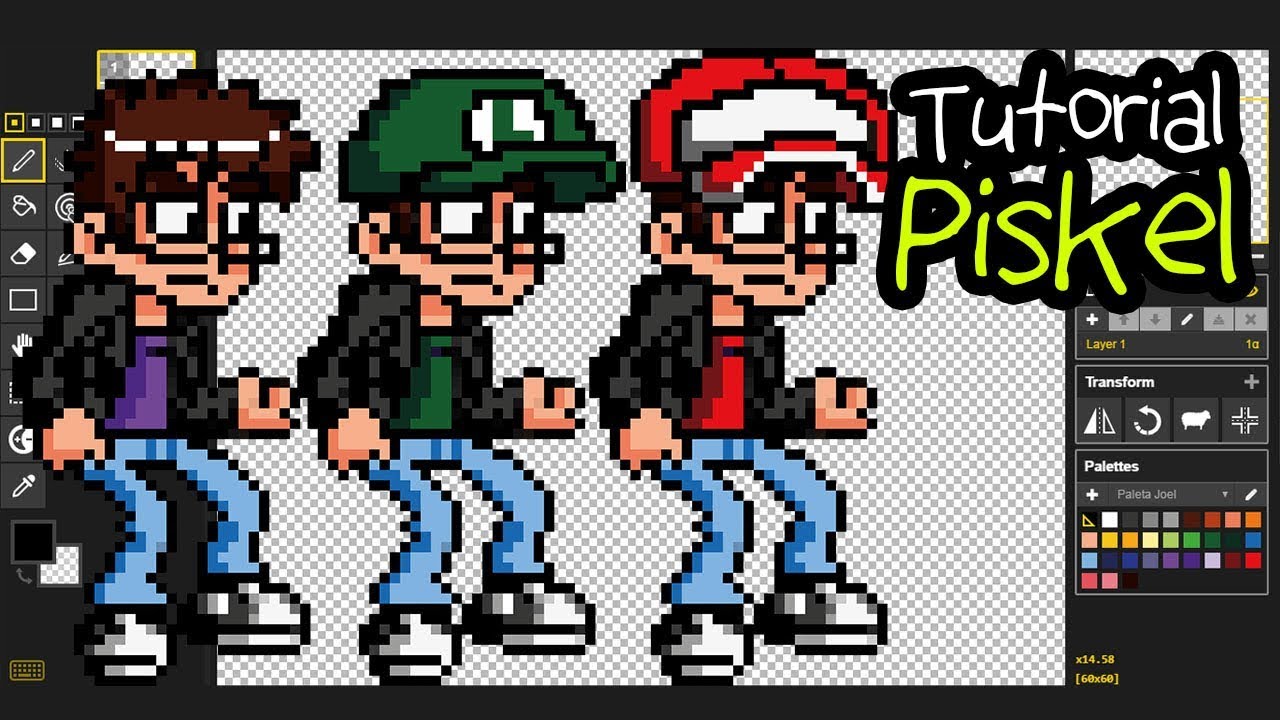
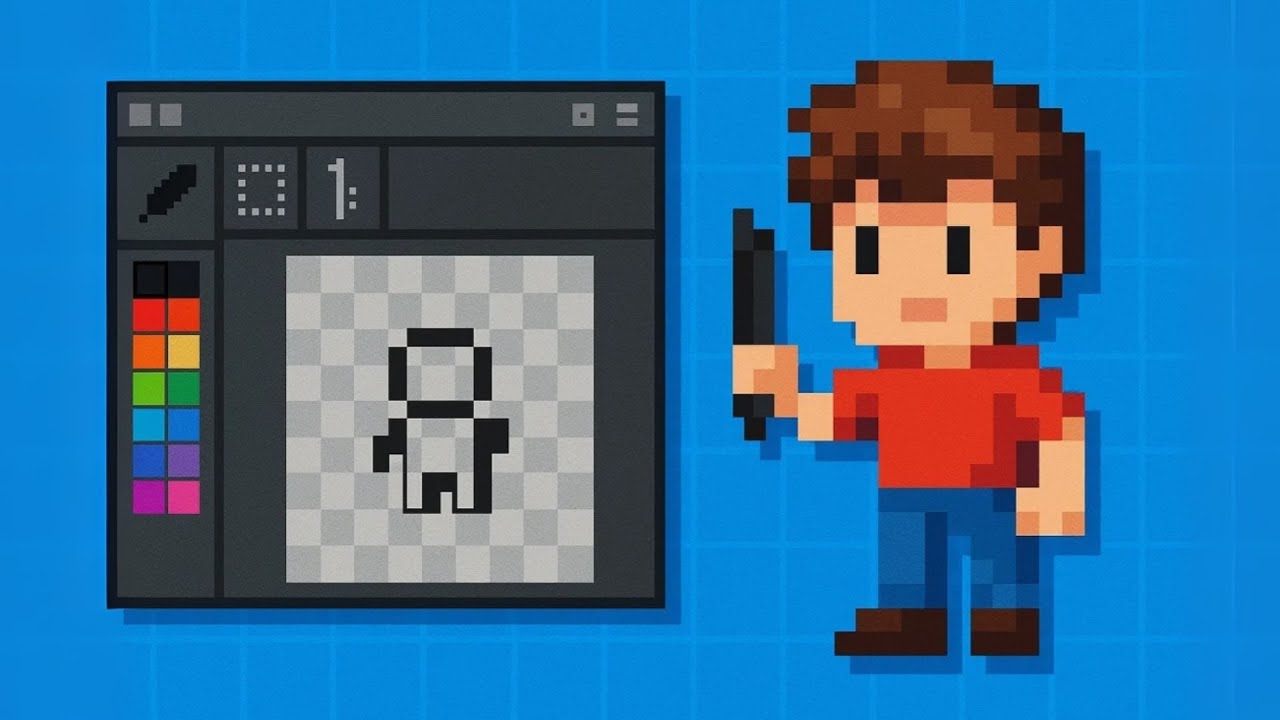
PiskelApp is a free website application where you can create pixel art for your games or for your own entertainment!
www.piskelapp.com
Twitter:
/ greenitegames
Tutorial on Saving, Exporting and Importing piskel Files:
• How To SAVE, EXPORT and IMPORT Files in Pi...
Tutorial Sections:
00:00 Introduction.
02:08 Tools:
02:15 Shortcuts Setup.
02:37 Pen Tool.
03:47 Paint Bucket Tool.
03:51 Eraser Tool.
03:57 Mirror Pen Tool.
04:40 Same Color Pixels Fill Tool.
05:37 Stroke (Lines) Tool.
05:51 Shapes Tools.
06:09 Move Tool.
06:53 Selecting Tools.
08:33 Lighten/Darken Tool.
10:45 Dithering Tool.
11:08 Color Picker Tool.
For Animations:
11:29 Preview Screen
11:44 FPS Slider/Animation.
12:50 Layers.
15:01 Transform Tools.
16:38 Color Palettes.
Canvas Settings:
17:21 Canvas Background Settings.
17:54 Grid Settings.
18:25 Tile Mode.
19:55 Canvas Resize Settings.
21:15 Saving Projects.
21:36 Exporting Artwork:
21:55 Exporting as GIF File.
22:46 Exporting as PNG File.
23:31 Importing (.piskel) Files.
#ElliotGreenwood #pixelart #art
Повторяем попытку...

Доступные форматы для скачивания:
Скачать видео
-
Информация по загрузке: