Designing A Keyboard Layout For Ergonomics - No Layer Chords & No Stretching For Keys
Автор: Ben Vallack
Загружено: 2021-03-25
Просмотров: 51402
Описание:
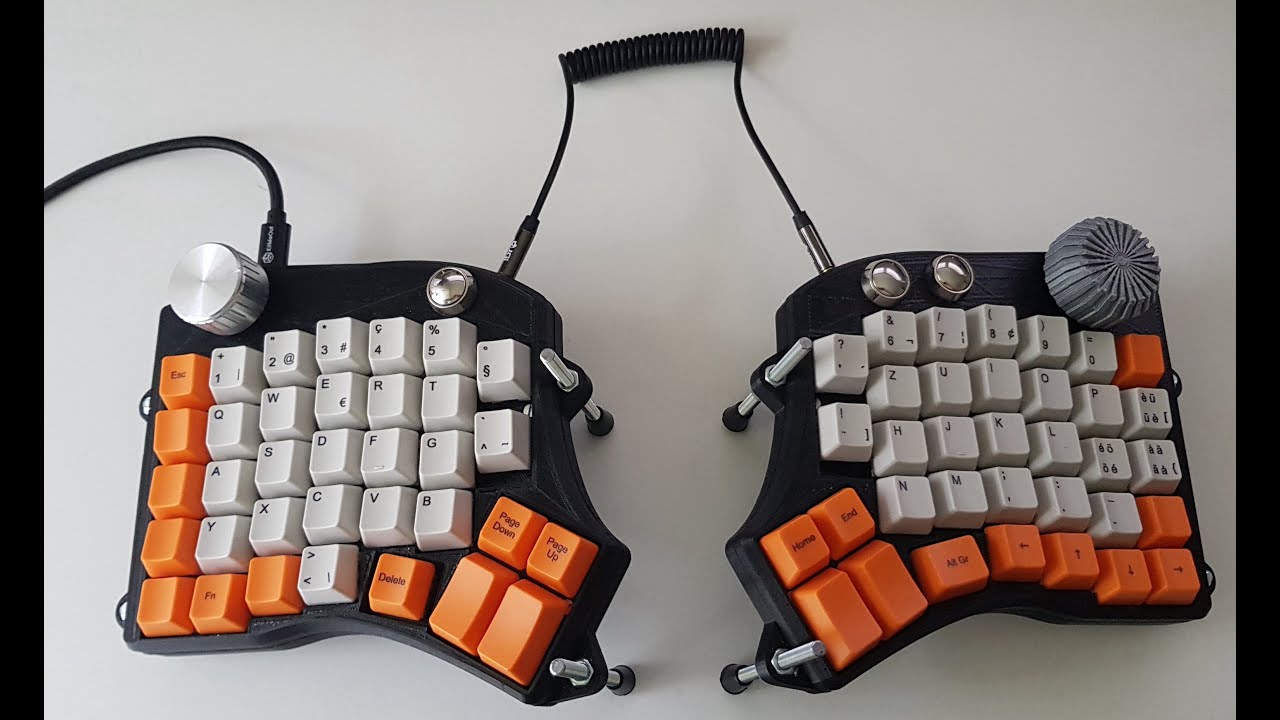
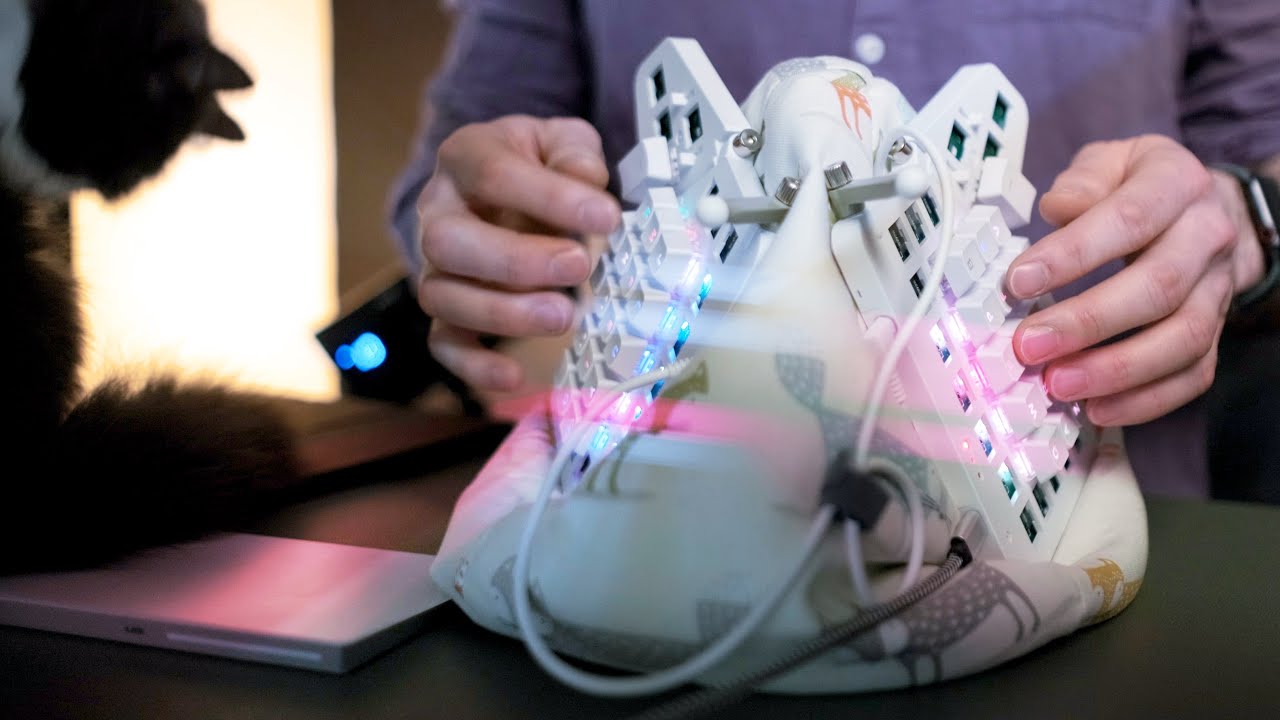
As my journey into customisable keyboards continues I have found myself trying to optimise the keyboard layout for ergonomics. The keyboards I’m using are the Planck EZ and Moonlander from ZSA.
Watch next:
I Started Wearing My Keyboard! • “I Started Wearing My Keyboard” - A Surpri...
IBeani beanbag: https://amzn.to/36N9URx
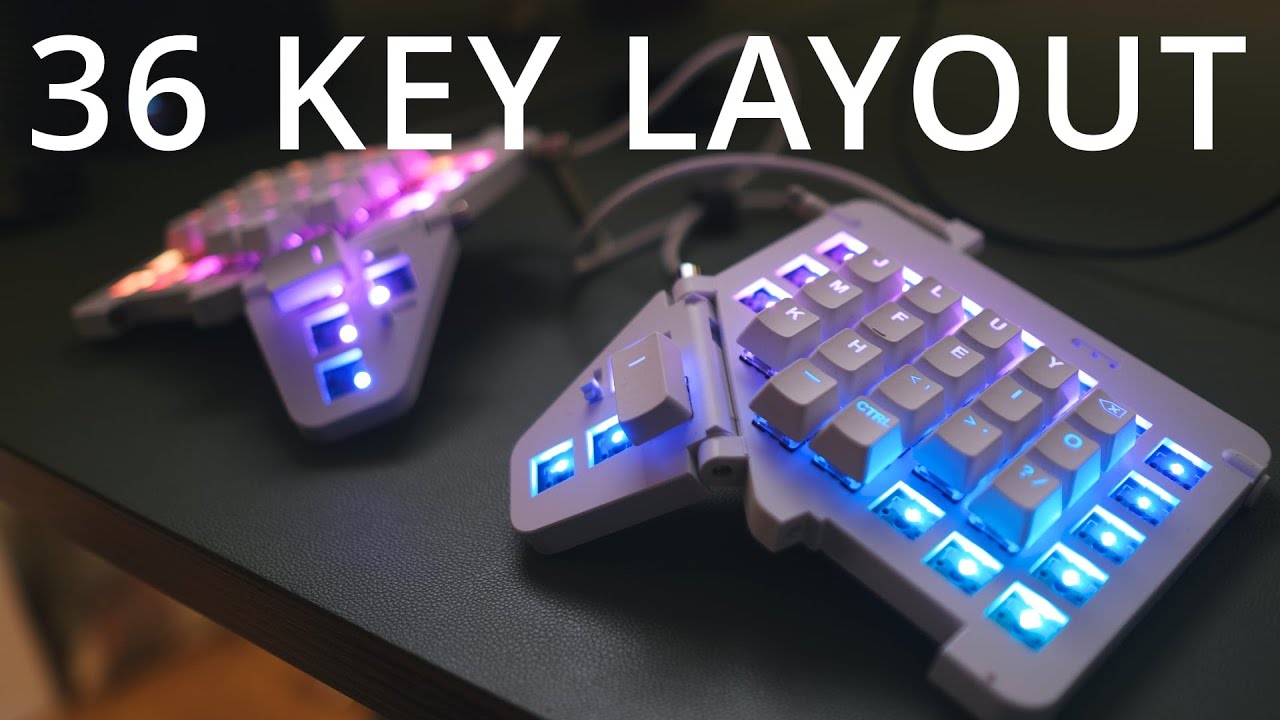
For me, this has meant setting up the keyboard to avoid stretching to reach keys more than a single key from the home keys, including for the thumbs. This avoids those awkward movements in the fingers as well as making it easier to keep home orientation. This limits us to 36 keys on the keyboard.
This of course means we have to use the layer system to access all keys needed. The problem is the default layout uses on-hold layer switch keys and constantly holding these layer keys results in quite a lot of fatigue.
Holding down two keys to obtain a key is called chording. The term is normally used when talking about keyboards like a stenotype and other ‘keyer’ devices that eliminate keys to make it super fast to type. However in this video I’m using the term to describe any key that needs a modifier key to be held as well as the key. This is widespread on normal computer keyboards with the Shift key and other modifiers, but it‘s even more of an issue on a custom keyboard layout that uses layer keys that need to be held down too.
After a lot if experimenting in Oryx (the ZSA keyboard configurator tool) I have come up with this layout. It is based around they idea of four main layers which I will explore in the video.
You can try out these layouts on your Planck EZ and Moonlander by using these links:
Moonlander: https://configure.ergodox-ez.com/moon...
Less awkward thumb position (see ChrisMeredith comments below ): https://configure.ergodox-ez.com/moon...
Planck EZ: https://configure.ergodox-ez.com/plan...
--------------------------------------------------------------------------
📺 More of my keyboard videos:
Moonlander Review: • Moonlander Split Keyboard Review, Sound Te...
Planck EZ Review: • Planck EZ Review - The Best Small Mechanic...
Staggered vs Ortholinear: • Conventional Keyboards Are STAGGERINGLY ST...
Tap Dance Walkthrough: • Awesome NEW Feature for Planck EZ and Moon...
Using Mouse Mode: • iPad Mouse Support Without a Mouse! (Using...
Moonlander Extreme Tenting: • Is This The Most Comfortable Way To Use Th...
--------------------------------------------------------------------------
Contents:
0:00 Intro
0:48 The problem with layers
2:20 What are customisable layouts anyway?
3:01 Layers without on-hold keys
4:50 The multi-talented mouse/navigation layer
6:36 Double-tap for numpad
7:29 The secret layer! (Keyboard config)
7:55 Turbo-charged main layer
10:06 Killing Shift for symbols (boosted with Tap Dance)
12:57 What’s it like to use?
Please note: any advice or information in this video is for entertainment purposes only. I am not a medical practitioner and this is not medical advice.
--------------------------------------------------------------------------
🎬 My YouTube camera gear:
--------------------------------------------------------------------------
Using these links to buy items helps support this channel at no cost to you!
📷 Camera:
Amazon UK: https://amzn.to/3fFHMQO
Amazon US: https://amzn.to/2VasWIQ
📸 Lenses:
Amazon UK: https://amzn.to/36cawNP https://amzn.to/36eVZ3W
Amazon US: https://amzn.to/3q8QY4Y
🎤 Mic:
Amazon UK: https://amzn.to/36cVgjM
Amazon US: https://amzn.to/36bAyAU
🎧 Audio interface:
Amazon UK: https://amzn.to/3mfkAeN
💡Studio light:
Amazon UK: https://amzn.to/3fO9Ql5
Amazon US: https://amzn.to/37dd7qd
🎶The music in my videos:
https://artlist.io/Ben-572654
🔋Buying a Tesla? Use this code when ordering to get 1000 free supercharger miles! http://ts.la/ben72551
Повторяем попытку...
Доступные форматы для скачивания:
Скачать видео
-
Информация по загрузке:


![How to make a SWEEP KEYBOARD [ beginner friendly! ]](https://imager.clipsaver.ru/fBPu7AyDtkM/max.jpg)