Canva Magic Layers Not Showing? Fix This
Автор: Samantha Burris
Загружено: 2026-03-11
Просмотров: 456
Описание:
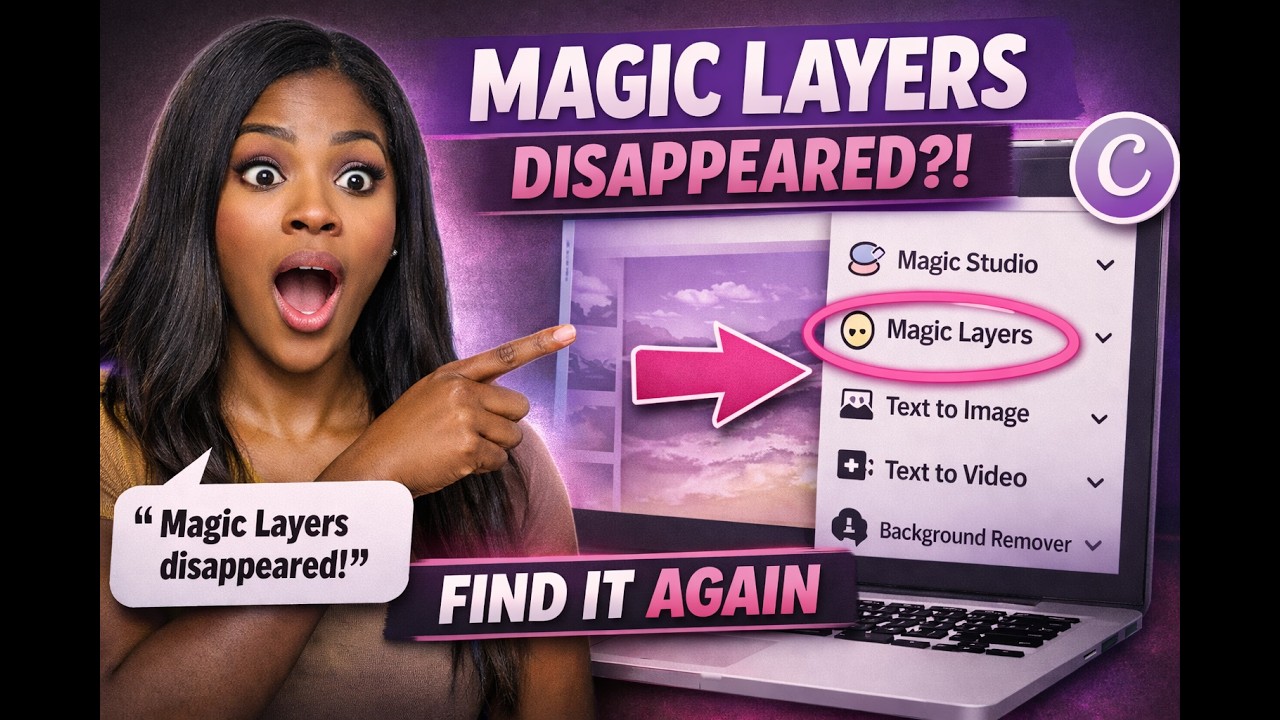
In this video, I walk you through how to find and use Canva Magic Layers, especially if the tool seems to have disappeared from your Canva homepage or editor.
Recently, a viewer mentioned that Magic Layers was no longer visible on their Canva home screen, and many people have experienced the same confusion. If you’ve been searching for the Magic Layers tool and can’t seem to locate it, this tutorial will show you exactly where it is and how to access it.
First, I demonstrate how Magic Layers works from Canva’s homepage, including how to upload an image and let Canva automatically process the layers so you can move, edit, or remove individual elements.
Next, I show how to use Magic Layers directly inside the Canva editor. This is where many people get stuck. If your image is set as the background, the Magic Layers option may not appear. I explain why that happens and how simply detaching the background can make the tool visible again.
By the end of this video, you’ll understand:
• How to access Magic Layers from the Canva homepage
• How to use Magic Layers inside the editor
• Why the feature sometimes disappears
• The simple fix that makes the tool show up again
If you’ve been wondering “Where did Canva Magic Layers go?”, this walkthrough should solve the problem.
If you’d like to see more tutorials on Canva tools, creative workflows, and ways to use features like Magic Layers in your projects, feel free to let me know in the comments.
Thanks for watching!
Повторяем попытку...
Доступные форматы для скачивания:
Скачать видео
-
Информация по загрузке:













![5 Free Canva Apps You NEED to Know About in 2025 [Canva Tutorial]](https://imager.clipsaver.ru/_52jWb-9ib0/max.jpg)