How to Edit Text in Image or Screenshot Without Changing Font | Free Image Text Editor and Local
Автор: TextToPDF NET
Загружено: 2026-09-25
Просмотров: 1153
Описание:
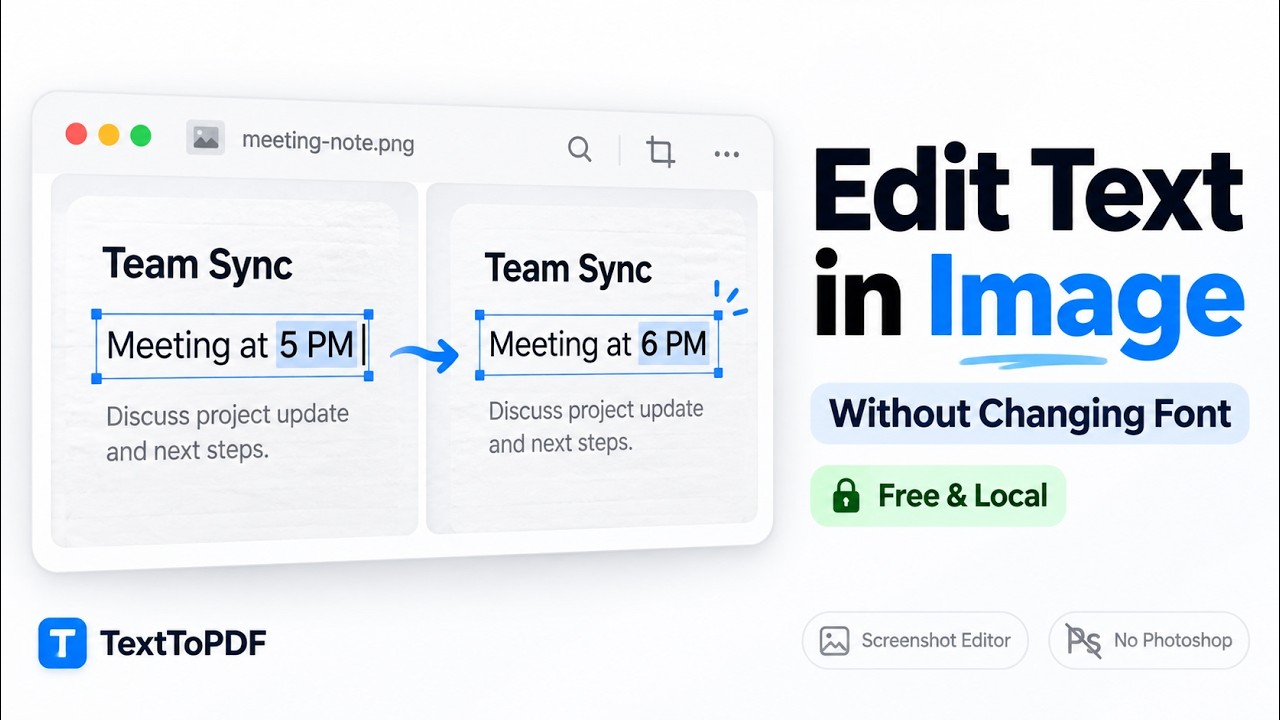
Want to edit text inside an image or screenshot without changing the original font?
In this tutorial, you will learn how to edit text in an image for free using the TextToPDF Image Text Editor. You can detect existing text, change words or sentences, adjust the font, size, colour, spacing and position, and make the new text match the original image.
The tool works directly in your browser and is useful when you want to fix text in screenshots, images, graphics or other existing pictures without rebuilding the entire design.
You can use it to:
✓ Edit text in an image
✓ Edit text in a screenshot
✓ Replace existing text
✓ Keep the same or similar font
✓ Change text without Photoshop
✓ Fix spelling mistakes in screenshots
✓ Edit individual words or full paragraphs
✓ Adjust font size, colour and spacing
✓ Edit images locally in your browser
✓ Export your edited image for free
Try the tool:
https://texttopdf.net/edit-text-in-image
If you have ever searched for how to edit text in a screenshot without changing the font or how to replace text in an image while keeping the original style, this tutorial shows the complete process step by step.
#EditTextInImage #EditScreenshot #ImageTextEditor #EditText #ScreenshotEditor #TextToPDF #NoPhotoshop #FreeImageEditor
Повторяем попытку...
Доступные форматы для скачивания:
Скачать видео
-
Информация по загрузке: