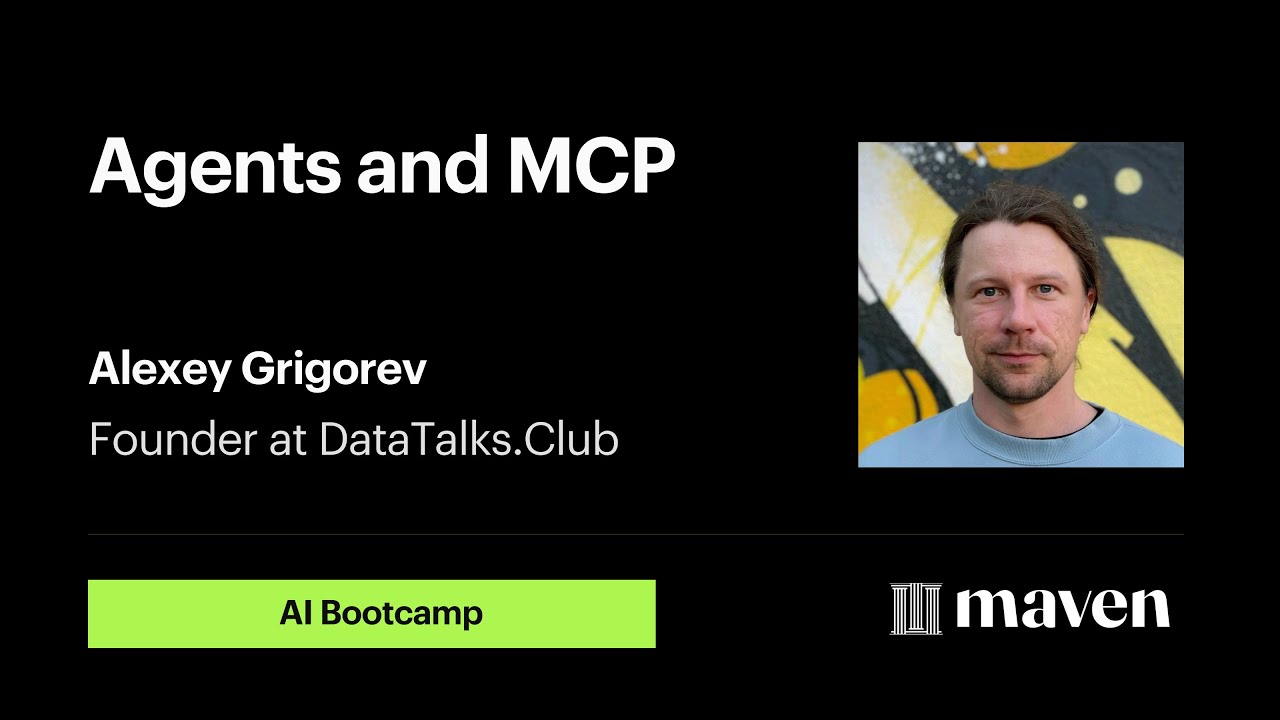
Building AI Agents with MCP, PydanticAI & OpenAI | Full Workshop
Автор: Alexey Grigorev
Загружено: 2025-09-01
Просмотров: 502
Описание:
AI Bootcamp is my live, hands-on course that focuses on building production-ready AI agents step by step. We focus on building AI systems that are measurable, testable, and observable. Join the next iteration here: https://maven.com/alexey-grigorev/fro...
In this hands-on workshop, I’ll show you how to build a conversational agent from scratch, wire it up to function calling, and expose its tools using the Model Context Protocol (MCP) so that compatible clients (like the Cursor IDE) can use them directly.
We move from the basics of the OpenAI Responses API all the way to advanced frameworks like PydanticAI and FastMCP.
Links:
Workshop Code: https://github.com/alexeygrigorev/wor...
Course: https://maven.com/alexey-grigorev/fro...
ToyAIKit: https://github.com/alexeygrigorev/toy...
What I build:
A course FAQ assistant that searches a JSON-parsed FAQ with MinSearch
Tool-calling with the OpenAI Responses API (function calling)
A simple agent loop (until no further tool calls)
The same agent reimplemented with OpenAI Agents SDK and PydanticAI
Swapping LLM providers (OpenAI ⇄ Anthropic) with one line
An MCP server (FastMCP) that exposes `search` and `add_entry` so other agents/IDEs can use my tools
Using the MCP server from PydanticAI and inside Cursor
Who this is for:
Developers who want a practical, end-to-end path from “LLM chat” to “real agent with tools,” plus a clean way to share tools across agents via MCP.
Prerequisites
Python installed
An OpenAI API key (and optionally an Anthropic key)
Basic familiarity with virtual environments (I use uv)
Tools & Libraries I use
OpenAI Responses API (function calling), Agents SDK
PydanticAI (model-agnostic agents)
MinSearch (lightweight in-memory search)
FastMCP (to build the MCP server)
uv (dependency management)
Cursor IDE (MCP client)
Chapters
0:00 Welcome, agenda, and goals
2:14 Setup and prerequisites (Python, API keys, uv)
5:54 Agents 101 and tool demo; plan for the FAQ assistant
7:50 Parse Google Doc to JSON and index with MinSearch
14:30 Function calling with OpenAI Responses API and the agent loop
22:00 System/developer prompts and multi-search reasoning
37:00 Testing workflow with a simple runner and chat UI
53:00 Autogenerating tool schemas; adding `add_entry` to write back
58:00 Refactor tools into a class; cleaner design
1:02:00 OpenAI Agents SDK and PydanticAI; swap to Anthropic
1:17:22 MCP intro and building an MCP server for `search`/`add_entry`
1:28:32 MCP handshake, listing tools, and calling tools
1:36:35 Using MCP tools from the agent; HTTP transport option
1:41:54 Connecting MCP in Cursor and coding with live FAQ context
1:50:30 Course overview and wrap-up
Key takeaways
I show the minimal loop that powers most agents: send → see tool call(s) → run tool(s) → append results → resend, until only a final message remains.
I cleanly separate tool logic (search, write) from the agent runner.
With MCP, I expose those same tools once and reuse them across agents and IDEs.
Resources mentioned (search by name)
MinSearch
OpenAI Agents SDK
PydanticAI
FastMCP
Cursor (MCP clients and registry)
uv (Python package manager)
#AIEngineering #MCP #PydanticAI #OpenAI #CursorIDE #Python #LLM #AgenticWorkflow
Повторяем попытку...
Доступные форматы для скачивания:
Скачать видео
-
Информация по загрузке:


![Почему работает теория шести рукопожатий? [Veritasium]](https://image.4k-video.ru/id-video/ggI1xKzoANs)


![ПОЛНЫЙ ГАЙД на n8n. ИИ агенты и автоматизации (5+ часовой курс) [Без кода]](https://image.4k-video.ru/id-video/tUufFo-JTZQ)