ART Voice Channel - Voiceover Setup Guide
Автор: askdrtk
Загружено: 2023-01-10
Просмотров: 16055
Описание:
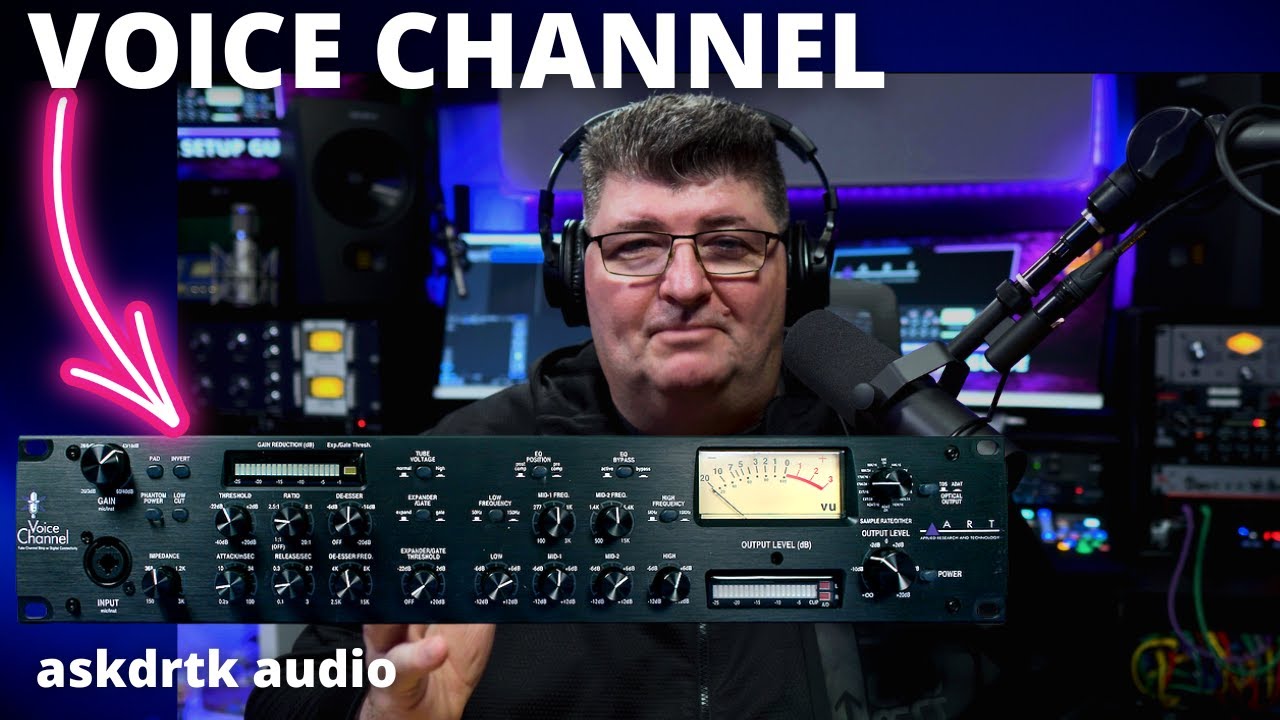
Learn step-by-step how to setup the EQ, compressor, de-esser, and expander/gate for voiceover and vocals on the @ART_ProAudio Voice Channel.
This setup guide includes hardware connections, DAW setup, and a complete walk through of how to setup typical voiceover effects for recording, live streaming, and broadcast.
For more information and pricing on the ART Voice Channel:
Amazon: https://amzn.to/3k4pj6K
@ART_ProAudio Website: https://artproaudio.com/product/voice...
❤️Support Reviews and Tutorials Like This When You Purchase Gear:
👉Thomann: https://thmn.to/thocf/5rocszsn4f
👉Amazon: https://amzn.to/4k1nzV6
❤️Using the above affiliate links and making a purchase may provide a small commission to my channel which helps make reviews and tutorials possible. Thank for clicking!
Learn how to configure outboard gear as inserts in Studio One: • Studio One Pipeline XT - Step-by-Step Setu...
Other videos you may find interesting:
@ART_ProAudio Voice Channel vs DBX 286s: • ART Voice Channel vs DBX 286s - Head-to-He...
@ART_ProAudio Tube MP/C Preamp and Compressor: • ART Tube MP/C - Preamp & Compressor - 202...
Focusrite Control Effect Loop - Record and Stream with a Compressor: • Focusrite Control - Track with Real-time E...
============================================================
Do This First:
To get the most out of your recording or streaming space, I recommend sound treatment including acoustic absorption panels. This is the single biggest way to improve your audio before investing in other gear. You can make your own, or I highly recommend GIK Acoustics as they manufacture some of the best quality panels available at an excellent value.
Check out GIK Acoustics here: https://www.gikacoustics.com/ref/131/
===========================================================
Need help setting up your studio for content creation, music, voiceover, or podcasts?
Book a One-on-One Zoom Appointment with me for assistance, recommendations, with the option to have me create a custom voiceover processing preset for your voice. I help musicians, producers, and content creators! Visit my website for more information: https://askdrtk.com/coaching/
======================================================================
Timestamps:
00:00 Introduction
00:40 Connecting to a Microphone and Audio Interface
01:28 Creating a Sample Recording with the Preamp only
03:07 Connecting the Voice Channel to an Audio Interface and DAW as a Hardware Insert
04:55 Effect Setup Order and Controls
06:10 Setting the EQ
09:00 Setting the Compressor
10:37 Setting the De-esser
12:45 Setting the Expander / Gate
15:19 Balancing Input and Output Levels - A/B Comparison
#voiceover #audiogear #homestudio
(Some links are affiliate links that may provide a small commission to askdrtk without cost to you or influence of my content or opinions. Thanks for clicking! askdrtk is a member of amazon associates and other affiliate programs.) Disclaimer: https://askdrtk.com/disclaimer/
Повторяем попытку...
Доступные форматы для скачивания:
Скачать видео
-
Информация по загрузке: