Unlock IMEI Status Blacklisted without Software
Автор: Jake Delanois
Загружено: 2025-08-06
Просмотров: 5307
Описание:
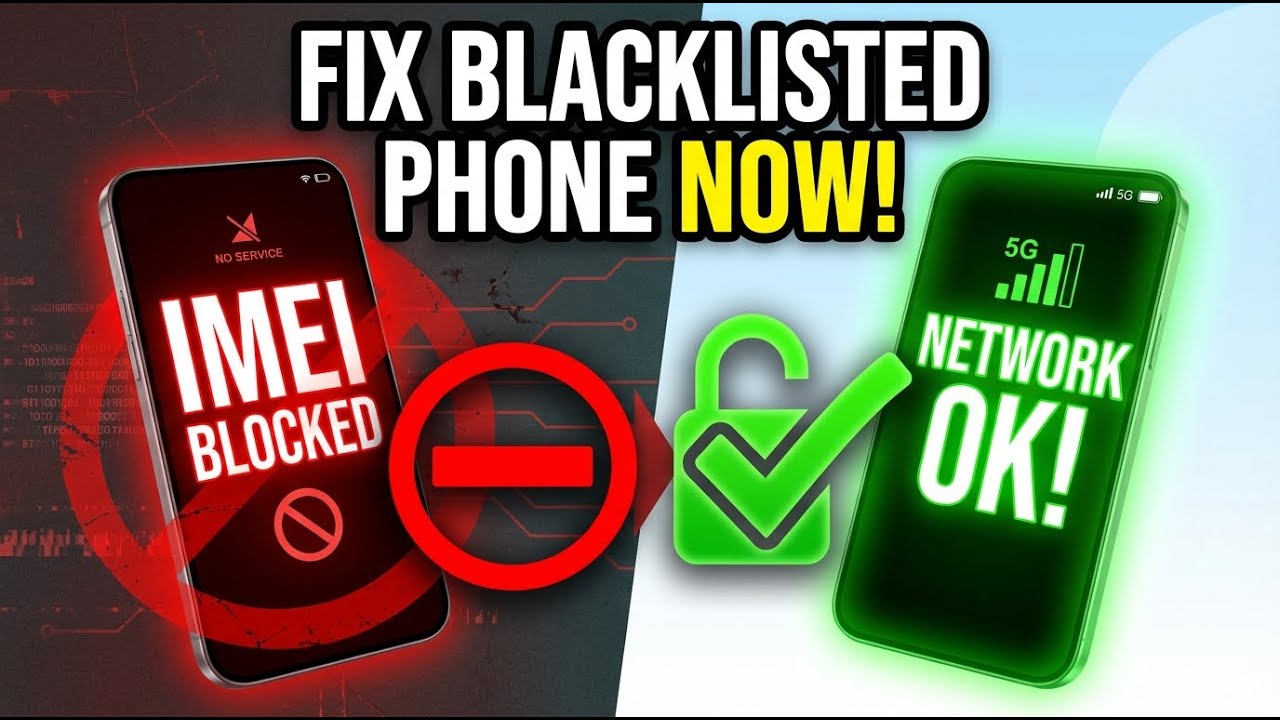
Is your phone showing an IMEI status blacklisted? This is one of the most frustrating situations a mobile user can face. Whether you bought a second-hand device, switched carriers, or simply lost track of payment issues, a blacklisted IMEI means your phone is blocked from accessing mobile networks — no calls, no texts, no data.
But don’t worry, in this video, we’re going to explain what IMEI blacklisting is, why it happens, and most importantly, how you can fix it and remove your phone from the blacklist.
An IMEI blacklist is a global database used by carriers and regulatory agencies to block stolen, lost, or unpaid phones from connecting to mobile networks. Every phone has a unique IMEI number, and when it’s blacklisted, it gets flagged across carrier systems worldwide. This prevents the phone from being used with any SIM card, even if you try to switch carriers or travel abroad.
There are several reasons why your phone’s IMEI status could be blacklisted:
The device was reported as lost or stolen.
The original owner stopped paying installments.
The phone is part of insurance fraud.
Sometimes, it can even be due to a mistake by the carrier.
If you recently purchased a used phone and discovered it’s blacklisted, it doesn’t necessarily mean you’re stuck with a useless device. There are solutions to remove your phone from the blacklist, and in this video, we’ll cover each method in detail.
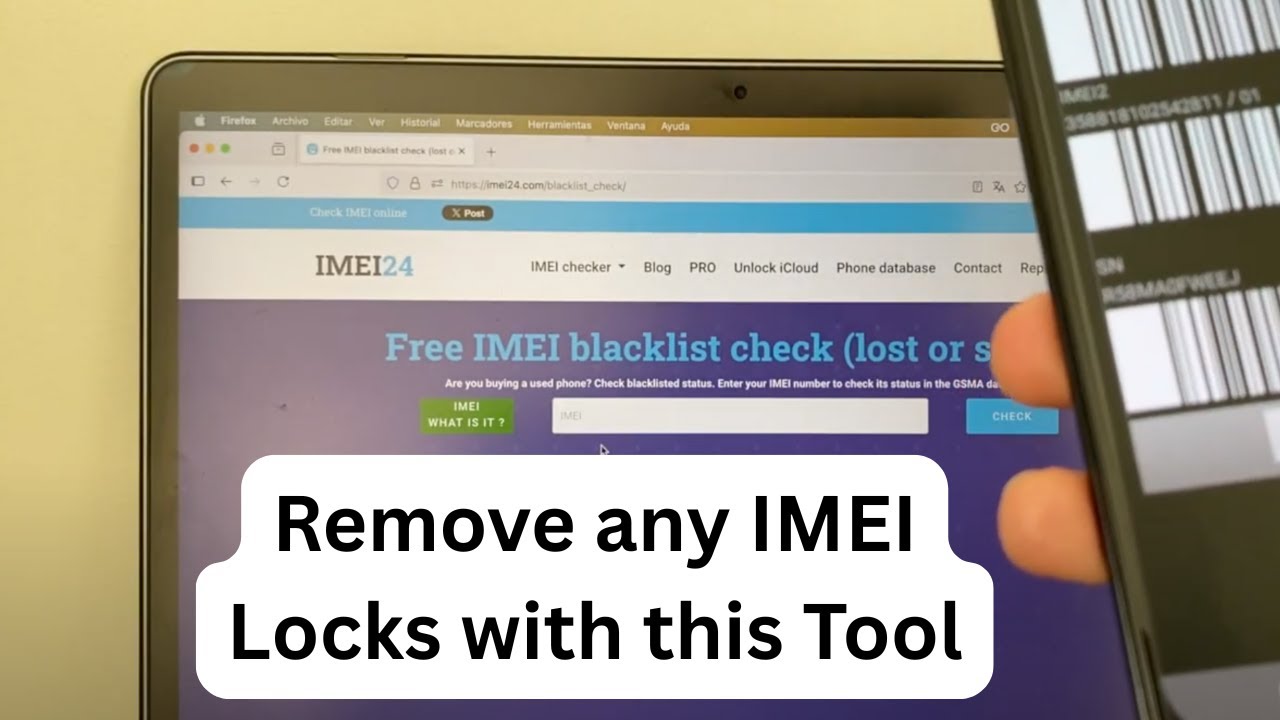
The first step is to check your IMEI status using an online IMEI checker. This will confirm if your device is indeed blacklisted and provide information about the reason. Once confirmed, the next steps depend on the situation:
If you’re the original owner and the blacklist was due to non-payment or a mistake, you can contact your carrier to settle the issue and request IMEI removal.
If you bought the phone from a third party, you can try contacting the seller to resolve it. However, in many cases, the seller is unresponsive, and you’re left looking for alternative solutions.
Third-party IMEI blacklist removal services specialize in cleaning IMEI numbers from carrier databases. These services work by communicating directly with the carrier’s systems to request the IMEI be removed from the blacklist, even if you’re not the original owner.
It’s important to use trusted services with a solid reputation to avoid scams. In this video, we’ll recommend reliable platforms that offer IMEI blacklist removal for various carriers, including AT&T, T-Mobile, Verizon, and international networks.
Once the IMEI status is cleared from the blacklist, your phone will regain full functionality. You’ll be able to make calls, send texts, and use mobile data without restrictions. Plus, a clean IMEI restores the resale value of your phone, allowing you to sell or trade it in the future.
We’ll also explain the difference between blacklisted IMEI and carrier lock — two concepts that are often confused. A carrier lock restricts the phone to a specific network, while a blacklist blocks the device entirely from accessing any network.
In addition, we’ll answer common questions such as:
Is IMEI blacklist removal legal?
How long does the process take?
Can a blacklisted phone be used with Wi-Fi only?
Will changing the IMEI number solve the issue? (Spoiler: It’s illegal in most countries.)
By the end of this video, you’ll understand exactly how IMEI blacklisting works and the legitimate ways to fix it. Don’t let a blacklisted status turn your phone into a paperweight. Follow our guide and learn how to bring your device back to life.
Watch the full tutorial now and find out how to clear your IMEI status from the blacklist safely and effectively.
Повторяем попытку...
Доступные форматы для скачивания:
Скачать видео
-
Информация по загрузке:


![How To Unlock ANY Phone | Use it With Any Carrier [Android / iPhone / Samsung / LG / Motorola, etc]](https://imager.clipsaver.ru/W_Vz9aIoDIY/max.jpg)