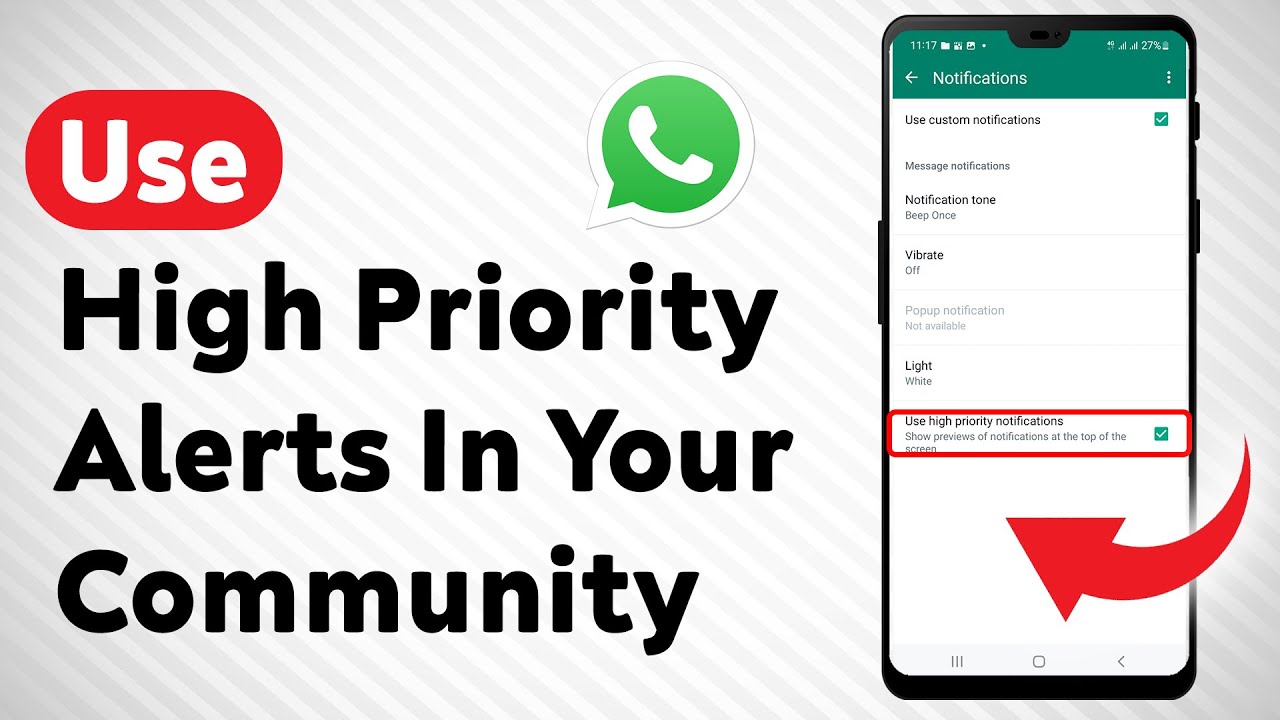
How To Use High Priority Notifications In Your WhatsApp Community
Автор: Smart Fixer
Загружено: 2024-01-12
Просмотров: 387
Описание:
Learn how to use high priority notifications in your WhatsApp community with this full guide. Stay updated with important announcements without being overwhelmed by constant notifications. Follow these steps:
1. Open WhatsApp on your Android device.
2. Click on your community.
3. Click on the three dots at the top right of the page.
4. Tap Community info.
5. Tap Announcements.
6. Tap Custom notifications.
7. Tap Use High Priority Notifications.
Don't miss out on important updates! Watch the video now and learn how to manage notifications effectively in your WhatsApp community.
For advertiser contact us via email : [email protected]
Повторяем попытку...
Доступные форматы для скачивания:
Скачать видео
-
Информация по загрузке: