Mirocam Capsule Endoscopy System setup from Synmed
Автор: SynMed UK
Загружено: 2021-03-30
Просмотров: 5512
Описание:
Setting up the Mirocam Capsule Endoscopy System.
First check the recorder is fully Charged. If the light is yellow, the receiver needs to be pushed down to seat it correctly. The green light means the recorder is charging and the blue light means the receiver is fully charged and ready for use. On the desktop open the MiroCam operator software, enter your password and click login. When the software opens it will show the list view. In the top left corner you will see 2 icons, the icon on the left is list view and the icon on the right is Receiver view, click on this to setup the receiver. Turn on the receiver by pressing the P W R button on the side, the receiver will take several seconds to boot up. Once the the receiver is ready, it will be displayed in the top left hand box on the screen. In the top right of the screen there are 3 icons, the icon icon on the right is the initialisation button, click this to prepare the receiver ready for the patient. Click yes when asked “do you want to initialise”. Once initialisation is complete, click yes to input the patient info. When the case information window appears, enter the information as required, all fields marked with a star are required. The capsule serial number is found on the capsule packet and must be entered fully. For Doctor in charge, click on “check Doctor” and choose from the list. Once all fields are completed, click save and the information is transferred to the receiver and is now ready to use.
Patient preparation.
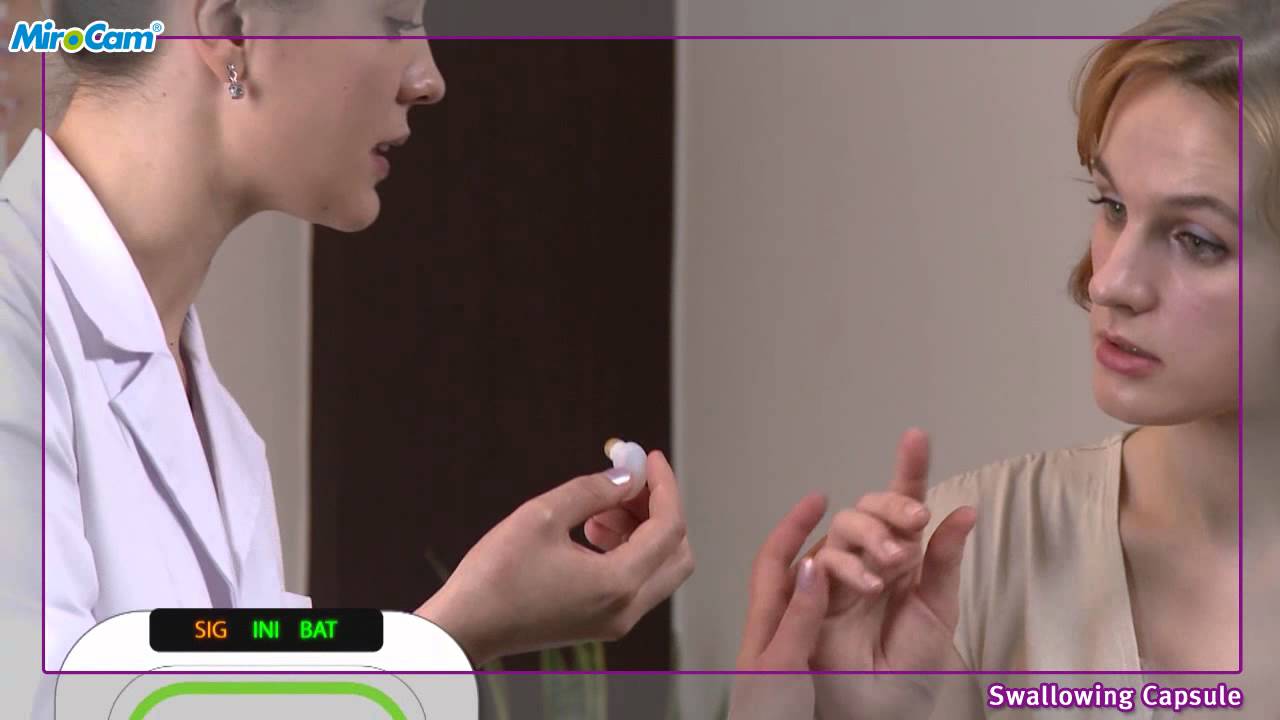
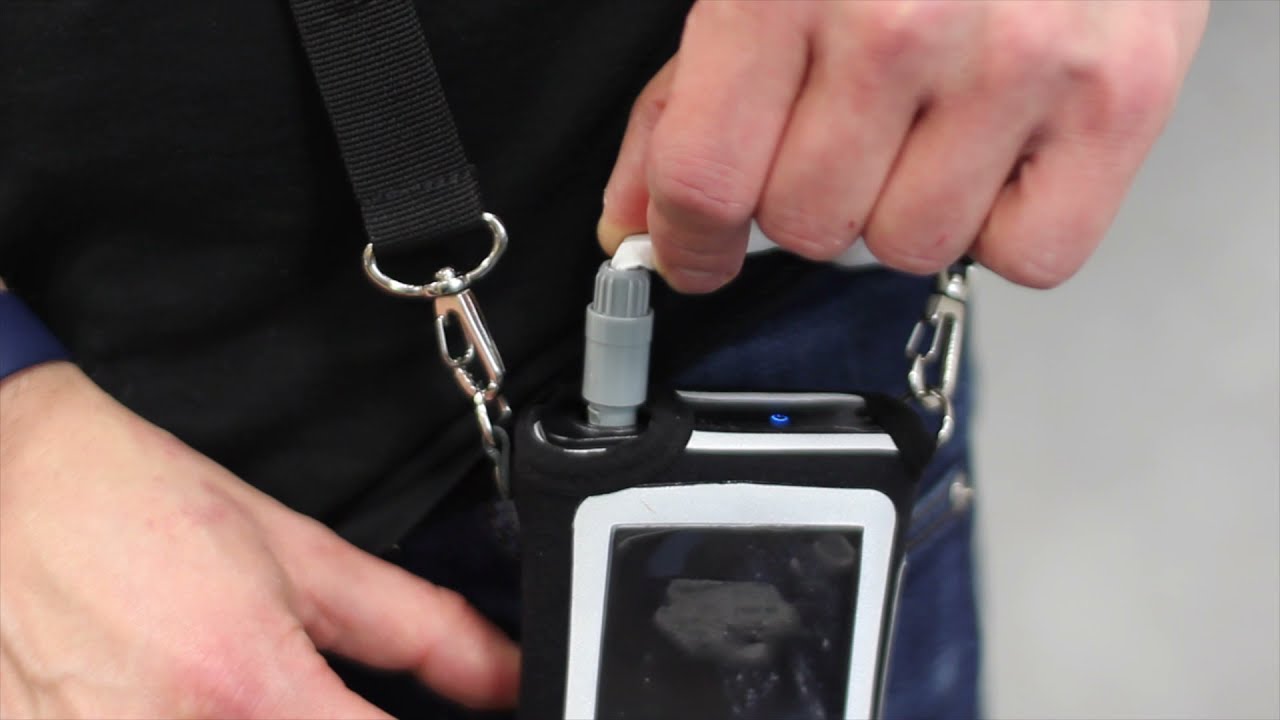
Put the belt round the patients waist under the clothes, it is fastened with velcro and must be tight but not uncomfortable. Connect the belt to the receiver by inserting the connector in the top side of the receiver making sure the grooves line up and a click is heard insuring it is connected securely. Before the patient can swallow the capsule, a signal test must be performed. Open up the capsule container and remove the capsule using the rubber holder, the capsule will start flashing. Ask the patient to take the capsule holding the gold tip and with their other hand, hold the gold band on the opposite end. The signal light will be flashing, once the capsule has connected to the recorder, the signal light will turn a solid blue and the receiver will make a sound confirming connection to the capsule. The capsule can now be swallowed, and the patient is ready to leave.
Study download
Once the receiver has been returned, remove the belt by pulling on the connector, do not pull on he cable. Insert recorder back into the dock and switch on. Open the miroview operator software, and go to receiver view. The receiver will now show as “recorded” and must be uploaded. The icon on the left in the top right of the software is the upload button, click on this and leave the recorder to upload. Once complete, the receiver will show as “uploaded”
Повторяем попытку...

Доступные форматы для скачивания:
Скачать видео
-
Информация по загрузке: