How to Enter Service Mode on Canon IR ADVANCE DX C265 | Easy Error Reset & Maintenance Guide
Автор: Universal-Help
Загружено: 2025-10-27
Просмотров: 5267
Описание:
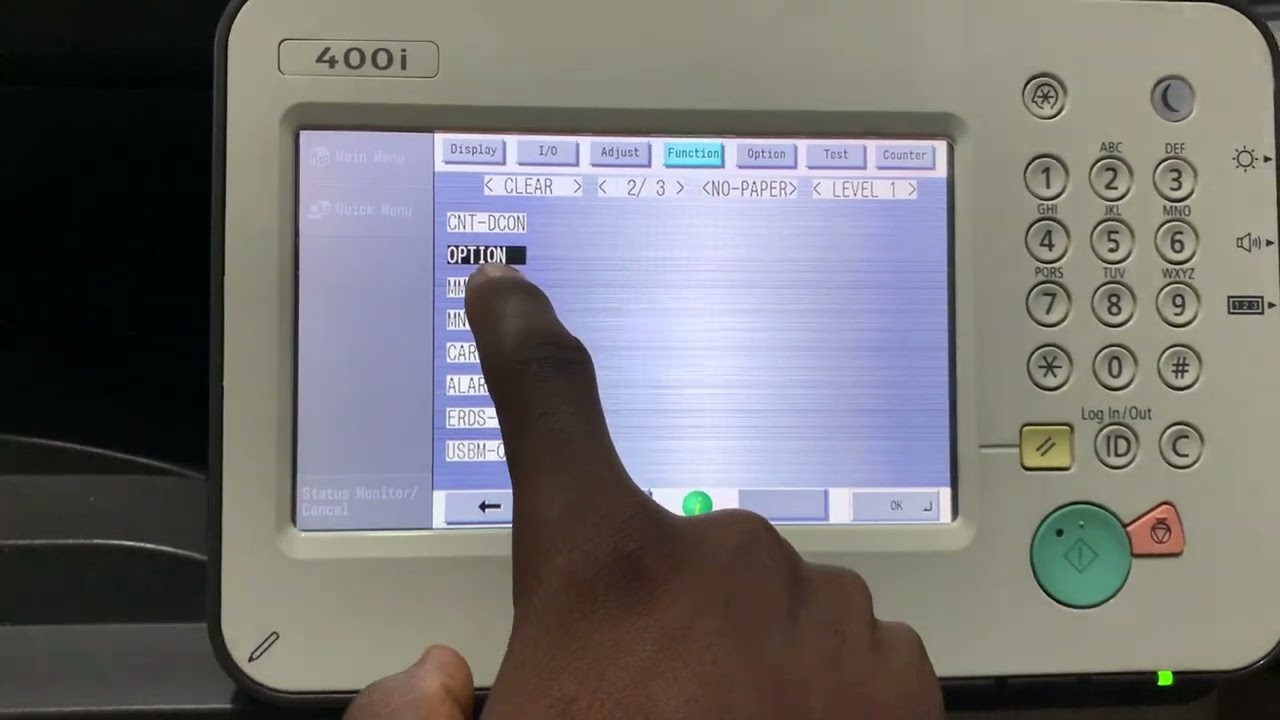
Entering Service Mode on Canon imageRUNNER ADVANCE DX C265 Series:
To access Service Mode on the Canon imagePRESS/imageRUNNER ADVANCE DX C265, follow these steps:
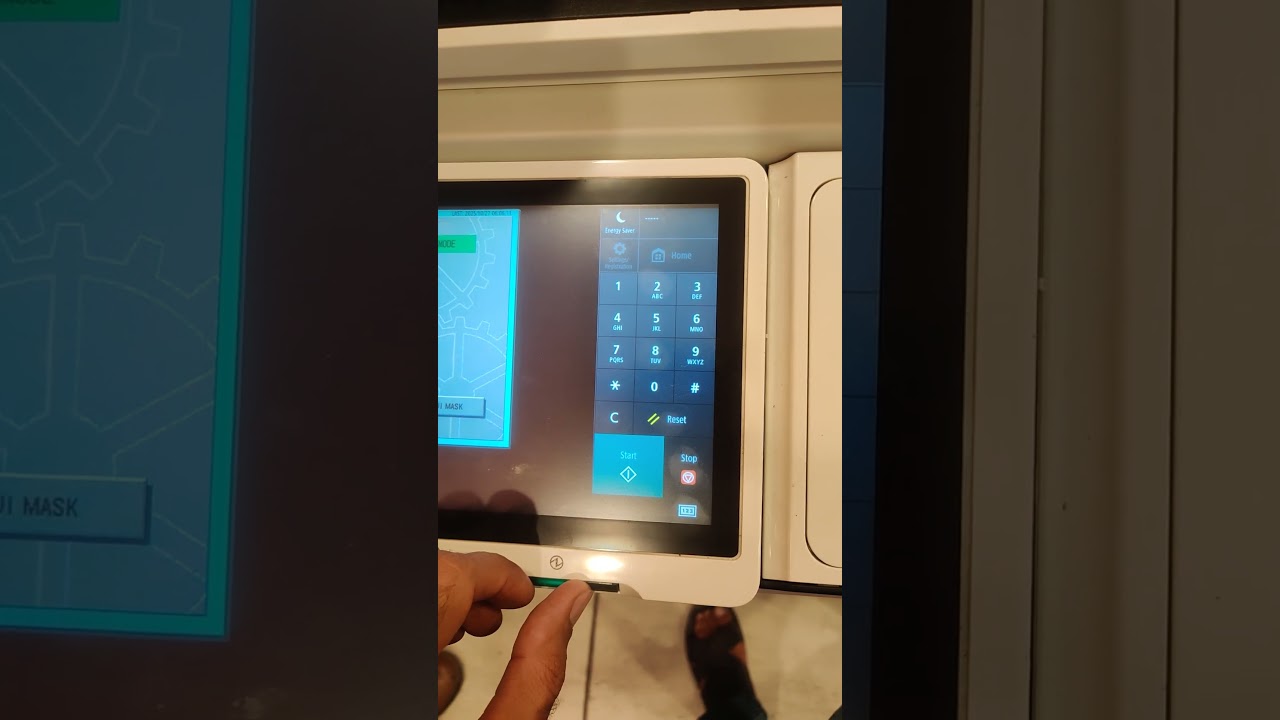
1. Press and hold the Stop (Reset) button.
2. While holding it, press 2 and 8 simultaneously.
3. Then, press the Stop (Reset) button again.
This key sequence opens the Service Mode menu, where technicians can perform maintenance, clear errors, adjust settings, or run diagnostic tests.
⚠️ Caution: Service Mode is intended for trained technicians — changing settings incorrectly may affect machine performance or cause new errors.
Повторяем попытку...
Доступные форматы для скачивания:
Скачать видео
-
Информация по загрузке: